Gaming PCs generate serious heat, and your SSD is quietly suffering in silence. While most gamers obsess over GPU and CPU temperatures, storage drives can throttle performance and tank frame rates when they overheat – often without any warning signs.
Modern NVMe SSDs can reach temperatures exceeding 80°C during intense gaming sessions, triggering thermal throttling that creates stuttering, frame drops, and longer loading times. The impact becomes especially pronounced in DirectStorage-enabled games and titles with frequent asset streaming from storage.
The Hidden Performance Killer
SSDs throttle performance to protect themselves from heat damage, typically starting around 70-75°C depending on the model. When thermal limits kick in, read and write speeds can drop by 50% or more, creating a cascading effect on gaming performance.
Games rely heavily on storage for streaming textures, loading new areas, and managing virtual memory. When your SSD slows down, the GPU waits for data, creating frame rate dips and stuttering that many players incorrectly attribute to graphics settings being too high.
The problem intensifies with modern gaming demands. Titles like Cyberpunk 2077, Call of Duty, and Forza Horizon 5 constantly stream gigabytes of assets from storage. DirectStorage 2.0 technology promises to eliminate loading screens but places even greater thermal stress on SSDs by maintaining sustained high-speed data transfers.
Measuring the Real Impact
Testing reveals dramatic performance differences between cool and hot SSDs. A Samsung 980 Pro running at 45°C delivers consistent 6,800 MB/s sequential reads, but the same drive at 85°C drops to 3,200 MB/s – a 53% performance loss.
Frame rate impacts vary by game type. Open-world titles suffer most, with temperature-induced SSD throttling causing 15-25% frame rate drops during area transitions and texture streaming. Competitive multiplayer games see less dramatic but still noticeable stuttering when loading new map sections or player models.
Storage temperature also affects system responsiveness beyond gaming. Background Windows updates, antivirus scans, and game client updates compound the thermal load, creating performance issues that persist even after launching games.
Cooling Solutions That Actually Work
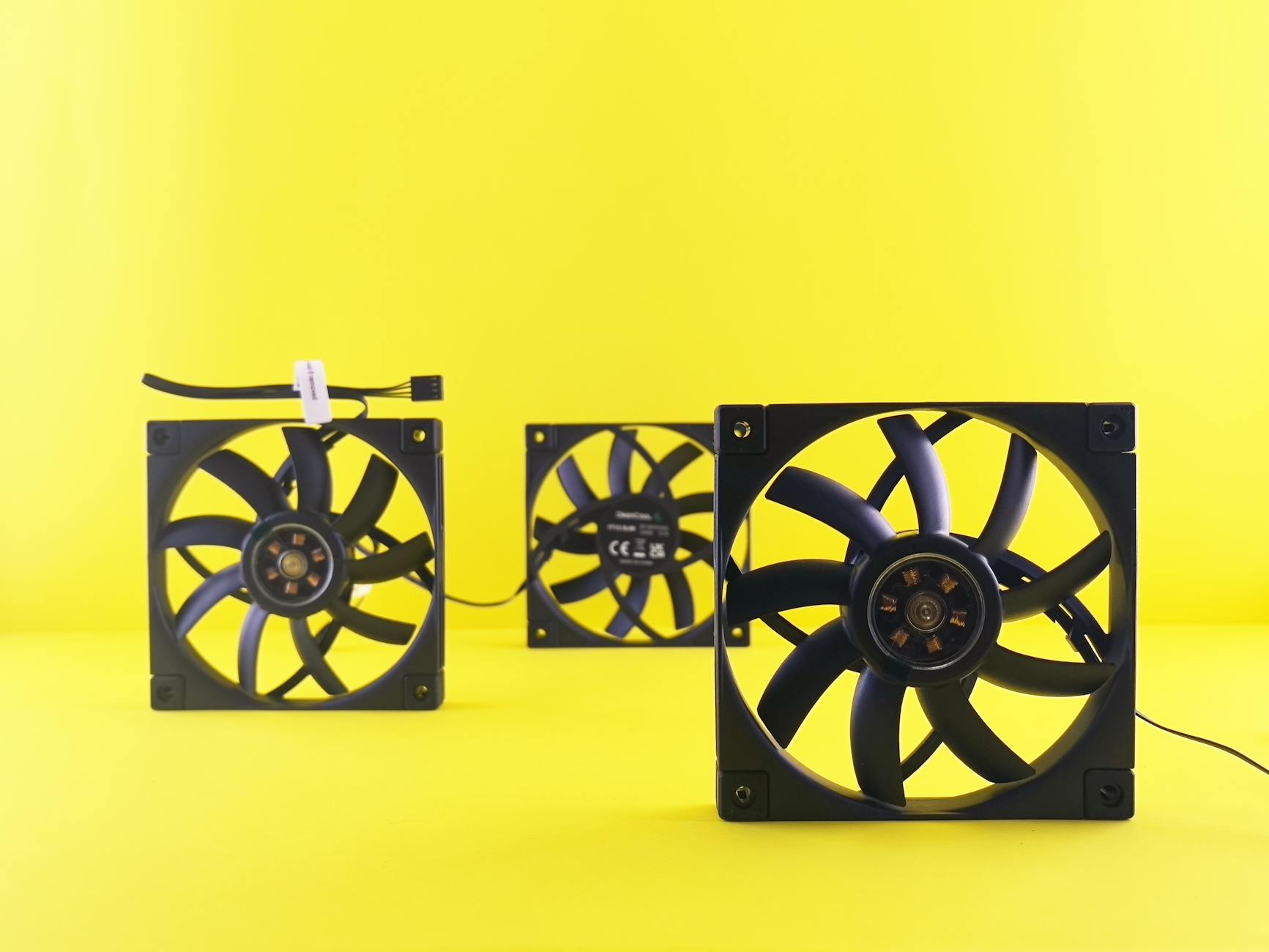
Most gaming motherboards include basic SSD heatsinks, but these passive coolers often prove inadequate under sustained loads. Aftermarket solutions range from simple aluminum heatsinks to active cooling systems with dedicated fans.
High-end motherboards like ASUS ROG and MSI Gaming series feature robust M.2 cooling with heat pipes and larger surface areas. These designs maintain SSD temperatures 15-20°C lower than basic heatsinks during extended gaming sessions.
Case airflow plays a crucial role. SSDs mounted near graphics cards suffer from radiant heat, while slots positioned in direct airflow paths stay significantly cooler. Some builders relocate M.2 drives to rear-mounted slots or add dedicated case fans targeting storage areas.
Thermal pads and thermal paste applications can improve heat transfer from SSD controllers to heatsinks. Premium thermal compounds reduce temperatures by 5-8°C compared to basic thermal pads, though installation requires careful attention to avoid damaging sensitive components.
Optimizing for Peak Performance
Monitoring software helps identify thermal issues before they impact gaming. Tools like HWMonitor, Crystal Disk Info, and manufacturer utilities track SSD temperatures in real-time, allowing gamers to spot problems early.
Strategic game installation reduces thermal stress. Installing frequently-played competitive titles on cooler secondary drives while keeping large single-player games on primary high-performance SSDs balances thermal load and maintains peak performance where it matters most.
Some gaming laptops implement intelligent thermal management, automatically shifting workloads between multiple SSDs based on temperature readings. Desktop systems can achieve similar benefits through manual drive management and storage tiering strategies.
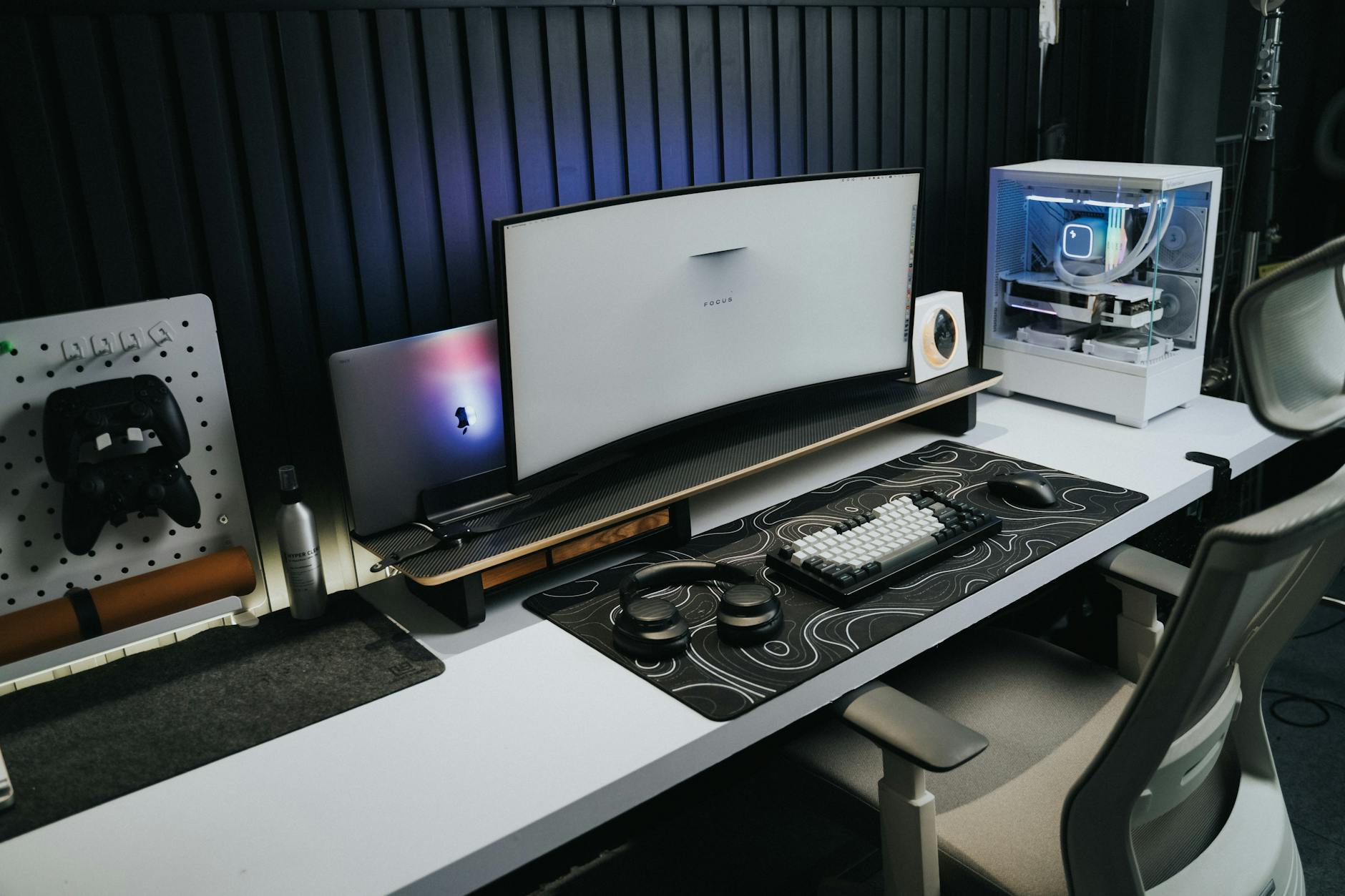
The evolution toward PCIe 5.0 SSDs promises even higher performance but also greater heat generation. Next-generation drives will require more sophisticated cooling solutions, making thermal management an increasingly critical aspect of gaming PC builds.
Smart builders are already planning for this thermal future, incorporating robust cooling infrastructure that can handle tomorrow’s storage demands while maximizing today’s gaming performance. The investment in proper SSD cooling pays immediate dividends in smoother gameplay and longer hardware lifespan.
Frequently Asked Questions
At what temperature do SSDs start throttling performance?
Most SSDs begin thermal throttling around 70-75°C, with significant performance drops occurring above 80°C.
How much can SSD overheating affect frame rates?
Overheated SSDs can cause 15-25% frame rate drops in open-world games and noticeable stuttering during asset streaming.