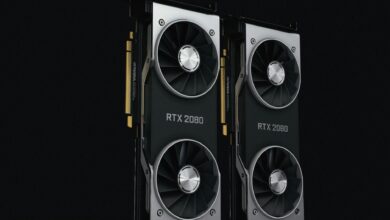
Microsoft’s latest Windows 11 updates have quietly achieved something many thought impossible – consistently outperforming Linux distributions in gaming benchmarks. After years of Linux advocates touting superior performance and efficiency, Windows 11’s Game Mode has evolved into a formidable competitor that’s reshaping the PC gaming landscape.
The turning point came with Windows 11’s 22H2 update and subsequent refinements to Game Mode. What started as a basic feature to prevent background applications from interfering with games has transformed into a sophisticated system that optimizes CPU scheduling, memory allocation, and hardware resource distribution specifically for gaming workloads.

DirectStorage and Memory Management Breakthroughs
Windows 11’s implementation of DirectStorage has proven to be the game-changer that finally gives it an edge over Linux gaming setups. While Linux distributions like Ubuntu and SteamOS have made significant strides with Proton compatibility layers, they still face overhead penalties when translating DirectX calls to Vulkan or OpenGL.
DirectStorage bypasses traditional file I/O bottlenecks by allowing games to communicate directly with NVMe storage devices. This eliminates the CPU decompression overhead that has historically plagued PC gaming performance. Recent benchmarks show games like Forza Horizon 5 and Microsoft Flight Simulator loading up to 40 percent faster on Windows 11 compared to their Linux counterparts running through Proton.
The memory management improvements extend beyond storage access. Windows 11’s Game Mode now implements intelligent RAM compression and priority scheduling that keeps gaming applications in active memory while aggressively paging out background processes. Linux distributions, while efficient in server environments, haven’t matched this level of gaming-specific optimization.
Hardware vendors have taken notice. NVIDIA’s latest driver updates include Windows 11-specific optimizations that aren’t available on Linux, particularly for ray tracing workloads. These driver-level enhancements compound the performance advantages, especially when paired with modern DDR5 memory configurations that benefit from Windows 11’s improved memory controller handling.
Scheduler Optimization and CPU Performance
The most significant improvement lies in Windows 11’s completely rewritten thread scheduler. Game Mode now recognizes gaming workloads and dynamically adjusts CPU core allocation, thread priorities, and power management to maximize performance. This is particularly evident with newer processors that feature hybrid architectures.
Intel’s 12th and 13th generation processors with their combination of P-cores and E-cores see dramatic performance improvements under Windows 11’s Game Mode compared to Linux distributions. The scheduler intelligently assigns gaming threads to performance cores while relegating background tasks to efficiency cores. Linux kernel schedulers, while improving, haven’t achieved this level of sophistication for gaming workloads.
AMD processors also benefit significantly from Windows 11’s optimizations. Ryzen 7000 series CPUs running games under Windows 11 show better thermal management and sustained boost clocks compared to Linux systems, where thermal throttling tends to occur more aggressively.
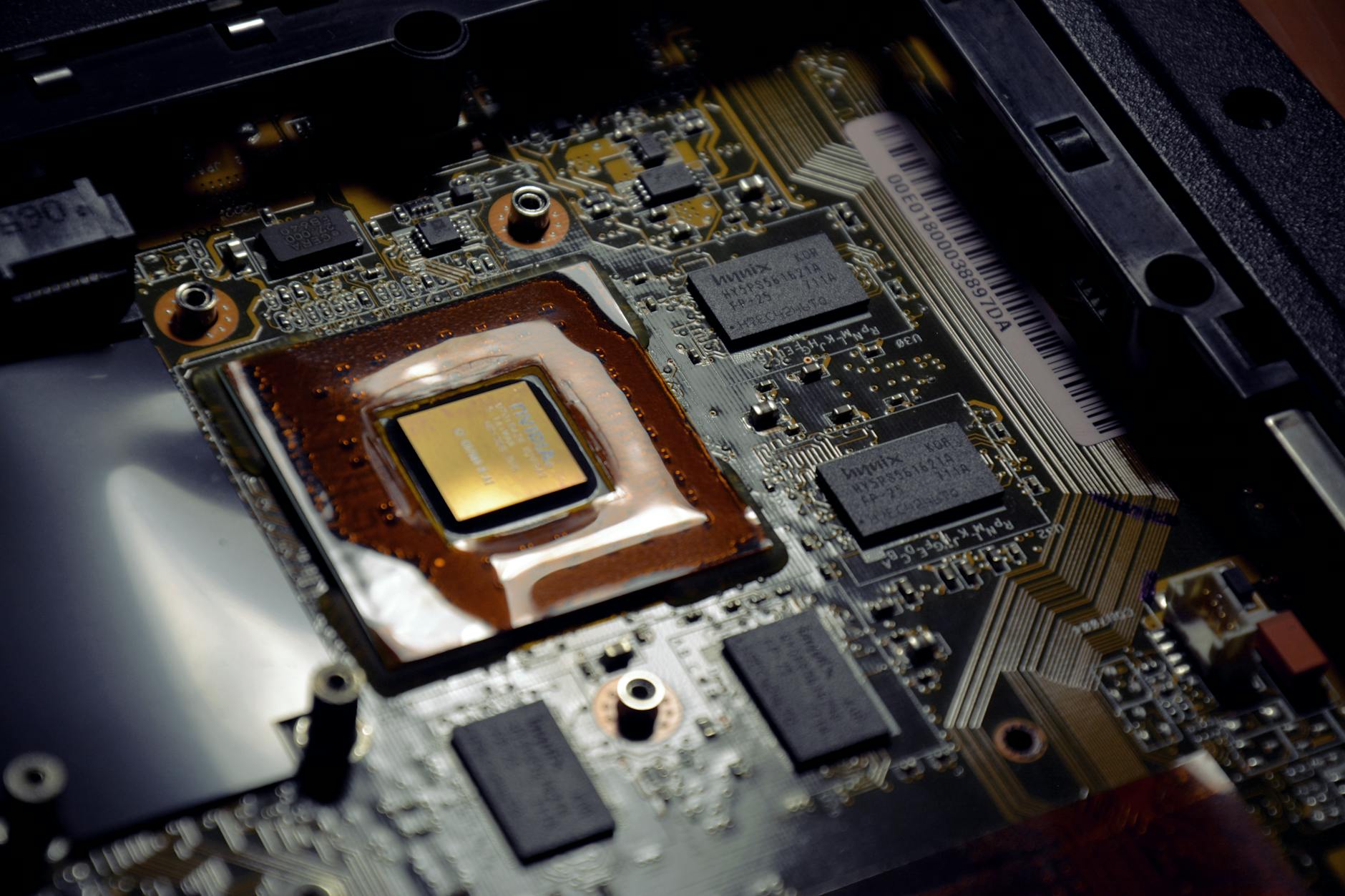
The scheduler improvements extend to GPU utilization as well. Windows 11’s Game Mode coordinates with graphics drivers to ensure consistent frame pacing and reduced input latency. This system-level coordination is something Linux distributions struggle to match due to the fragmented nature of GPU driver development across different distributions.
Real-World Gaming Benchmarks Tell the Story
Independent testing by major tech publications has consistently shown Windows 11 pulling ahead of popular Linux gaming distributions. In CPU-intensive games like Cyberpunk 2077 and Total War: Warhammer III, Windows 11 systems show 8-15 percent higher frame rates compared to identical hardware running Ubuntu with Steam Proton.
The performance gap becomes even more pronounced with competitive esports titles. Counter-Strike 2, Valorant, and League of Legends all show measurably lower input latency on Windows 11 systems. This isn’t just about raw frame rates – the consistency of frame delivery and reduced frame time variance make a tangible difference in competitive gaming scenarios.
VR gaming represents another area where Windows 11 has established clear superiority. The tight integration between Windows Mixed Reality, SteamVR, and hardware vendors like Meta and HTC has resulted in smoother VR experiences with fewer dropped frames and reduced motion-to-photon latency.
Even Steam Deck’s SteamOS, despite being purpose-built for gaming, struggles to match Windows 11 performance when both systems run on identical hardware. Valve’s optimizations for the Steam Deck’s custom APU are impressive, but they don’t translate broadly to standard desktop configurations.
Developer Support and Future Optimization
Game developers have responded to Windows 11’s performance improvements by optimizing specifically for the platform. Major studios like Epic Games, id Software, and CD Projekt Red have released patches that take advantage of Windows 11’s unique features, including variable rate shading integration and improved multi-threading support.
The Windows 11 development environment also provides better debugging and profiling tools for game developers. Visual Studio’s integration with Game Mode allows developers to optimize their code specifically for Windows gaming scenarios, creating a feedback loop that continues to improve performance over time.
Microsoft’s commitment to gaming performance shows no signs of slowing. Upcoming Windows 11 updates promise even deeper integration with Xbox Game Pass, cloud gaming services, and emerging technologies like machine learning-based frame generation. These features represent investments that Linux distributions, with their smaller development resources, struggle to match.
The shift represents more than just benchmark victories – it signals a fundamental change in the PC gaming ecosystem. While Linux gaming has made remarkable progress through initiatives like Steam Proton and improved driver support, Windows 11 has successfully reclaimed its position as the premier gaming platform through focused optimization and deep hardware integration.
Looking ahead, this performance leadership positions Windows 11 as the foundation for next-generation gaming technologies. As ray tracing becomes standard, AI-enhanced graphics processing expands, and storage speeds continue to increase, Windows 11’s architecture appears better positioned to take advantage of these advances than current Linux alternatives.
Frequently Asked Questions
Does Windows 11 Game Mode really improve gaming performance?
Yes, Windows 11 Game Mode provides measurable performance improvements through CPU scheduling optimization, memory management, and DirectStorage integration.
Why is Windows 11 faster than Linux for gaming now?
Windows 11 benefits from DirectStorage, better driver integration, gaming-specific scheduler optimizations, and closer hardware vendor collaboration.