The VRAM Question Nobody Wants to Answer Directly
Nvidia launched the RTX 5060 Ti in two configurations: 8GB and 16GB, both built on the Blackwell architecture with the same GB206 die, the same CUDA core count, and the same memory bandwidth. The only meaningful hardware difference is how much VRAM each card carries. That single distinction has turned into one of the more contentious buying decisions in the midrange PC gaming space, particularly for players who play primarily at 1080p and want to know if spending extra for double the memory actually changes anything in practice.
The short answer is: sometimes yes, sometimes no, and the pattern of when it matters is not as predictable as Nvidia’s product segmentation implies. At 1080p, most games run comfortably within 8GB of VRAM at high settings, but a growing number of titles – especially those with aggressive texture streaming, ray tracing options, or poor VRAM management – can push past that ceiling even at a resolution where GPU compute demands are relatively modest. The question is whether those edge cases are frequent enough to justify the price difference at purchase.
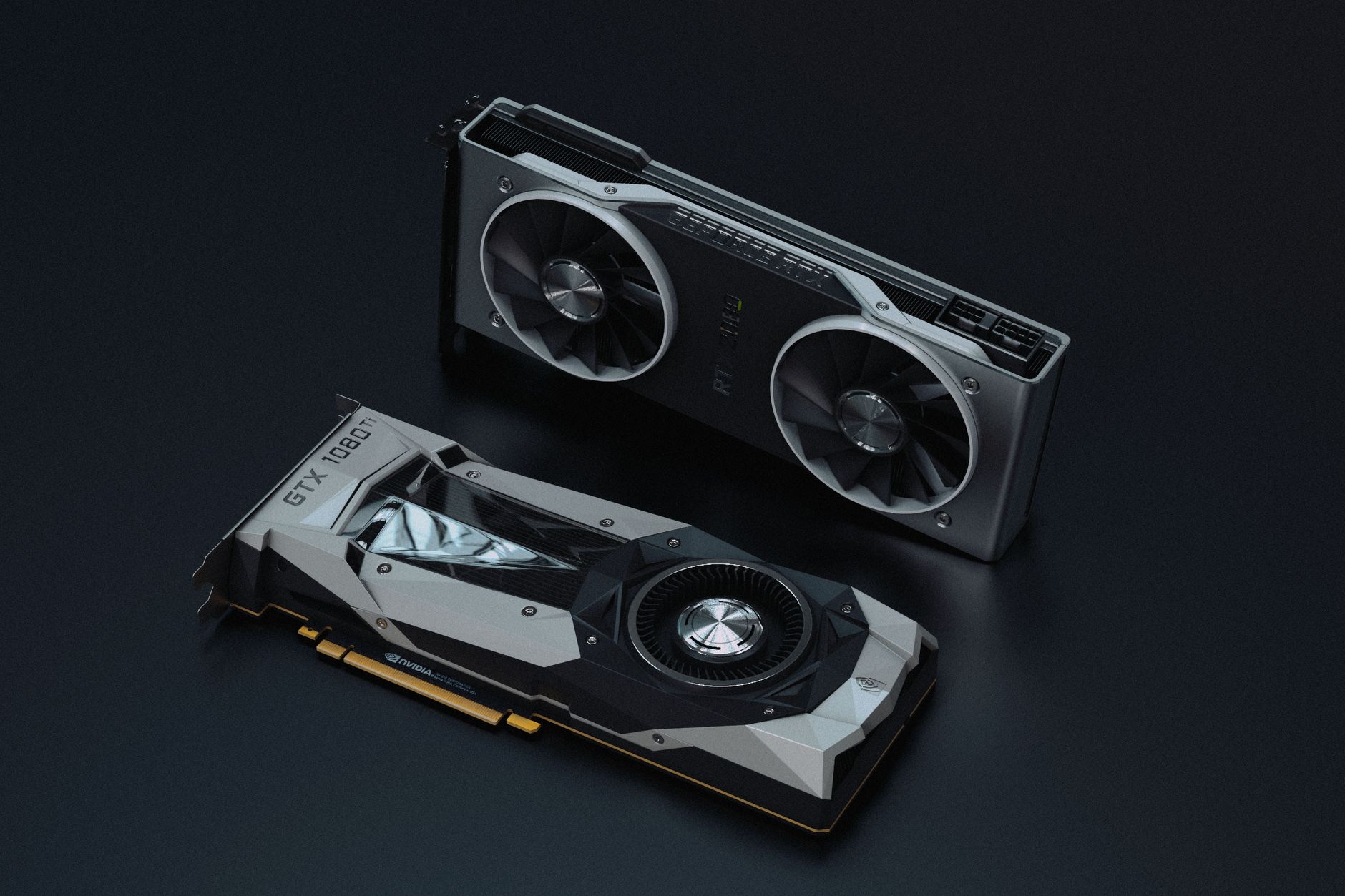
What the 8GB Version Actually Handles at 1080p
For the majority of competitive and mainstream titles at 1080p, the 8GB RTX 5060 Ti performs without issue. Games like Fortnite, Apex Legends, Counter-Strike 2, Valorant, and most sports titles don’t come close to saturating 8GB at 1080p even at maximum settings. These titles were built to run on a wide hardware range, and their VRAM footprints reflect that. For players whose libraries lean heavily toward competitive shooters or live-service games, the 8GB card is a capable pick that won’t bottleneck during normal sessions.
Open-world and single-player AAA titles are where the 8GB ceiling starts to show friction. Games like Cyberpunk 2077, Alan Wake 2, The Last of Us Part I on PC, and Avatar: Frontiers of Pandora routinely consume 8GB or more at high-to-ultra preset settings even at 1080p. Enabling path tracing or full ray tracing in Cyberpunk 2077 pushes VRAM demand well past 8GB regardless of resolution. When a card runs out of VRAM, the game doesn’t crash cleanly – it starts pulling textures from system RAM via the PCIe bus, which is dramatically slower and produces visible stuttering that no frame rate number captures adequately.
Nvidia’s DLSS 4 with Multi Frame Generation helps mask raw performance shortfalls, but it does not reduce VRAM consumption. The AI-generated frames still require the card to maintain scene data in memory, so DLSS doesn’t solve a VRAM overflow problem – it only improves performance headroom before you hit it.
Where the 16GB Version Pulls Ahead
The 16GB RTX 5060 Ti has a clear advantage in texture-heavy workflows and in games that actively use more VRAM when it’s available. Several modern titles allocate additional texture detail when they detect extra VRAM headroom, meaning the 16GB card can genuinely deliver a higher-quality visual experience in titles like Hogwarts Legacy, Star Wars Jedi: Survivor, and Resident Evil 4 Remake at their highest texture presets. That’s not hypothetical – those games include VRAM usage indicators in their settings menus, and the 16GB card can max them out where the 8GB card cannot without risking stutter.
Future-proofing is a real but overused argument in GPU buying discussions. What’s concrete is that texture budgets in games have grown year over year, and 8GB was already considered tight for midrange cards during the RTX 3000 generation. By 2026 and 2027, a larger portion of the gaming library will routinely exceed 8GB at 1080p with high settings. The 16GB card doesn’t solve every future problem, but it delays the point at which VRAM becomes the active bottleneck by a meaningful margin.
Real-World Performance Gaps and When They Show Up
In benchmarks where VRAM stays under 8GB, the two cards perform identically. There is no clock speed difference, no memory bandwidth difference, and no shader advantage on either side – the hardware is the same. Any performance gap you see in those conditions is noise. The 8GB and 16GB RTX 5060 Ti are functionally the same GPU until one of them runs out of memory.
When VRAM overflow happens on the 8GB card, the performance drop is not gradual. Frame times spike sharply, stuttering becomes noticeable in motion, and 1% low frame rates can fall well below acceptable thresholds even while average frame rates look fine on paper. This is the specific failure mode that makes the 8GB vs 16GB debate harder than a simple frame rate chart suggests. A card that averages 90fps but stutters to 30fps every few seconds during texture streaming is a worse experience than one that averages 75fps smoothly.
Testing across a wide range of 1080p titles shows the 8GB card struggling specifically in three conditions: games with ultra texture presets that explicitly require more than 8GB, scenes with heavy ray tracing enabled, and heavily modded games where texture replacement packs push VRAM demand far beyond vanilla settings. For vanilla gameplay at high (not ultra) presets with ray tracing disabled, the 8GB card handles 1080p without issue across most of the current library.
The price gap between the two configurations is worth examining against those conditions. If your library is mostly competitive titles, live-service games, and older releases, the 8GB card is the more rational purchase at 1080p. If you regularly play the kind of AAA single-player releases that ship with aggressive texture options and ray tracing presets – or you use mods heavily – the 16GB version protects you from a specific and frustrating failure mode that no driver update will fix. For anyone considering pairing the 5060 Ti with a midrange CPU, the Intel Arc B770 vs RTX 5060 Ti comparison is worth reading alongside this, since CPU bottlenecks at 1080p can shift how visible the VRAM difference actually is in practice.
What makes the 8GB vs 16GB decision genuinely uncomfortable is that Nvidia priced the gap to feel small enough to dismiss, which pushes buyers toward the 16GB version on principle rather than on demonstrated need. At 1080p in 2025, the 8GB card is not broken – but it is already at the edge of what some of the most demanding current titles will comfortably allow, and there is no upgrade path short of replacing the card entirely.