
Two Mid-Range Heavyweights, One Workload That Separates Them
The Ryzen 5 9600X and the Core Ultra 5 245K sit in the same price bracket, target the same buyer, and yet handle content creation workloads in meaningfully different ways. If you edit video, render 3D scenes, or export audio projects regularly, the choice between these two processors is not as obvious as the spec sheets suggest.

Architecture and What It Means for Creative Work
AMD’s Ryzen 5 9600X is a 6-core, 12-thread processor built on the Zen 5 architecture, running at a 5.4GHz boost clock. Intel’s Core Ultra 5 245K runs a hybrid layout with 6 Performance cores and 8 Efficient cores, totaling 14 cores and 20 threads. On paper, Intel’s core count advantage looks decisive. In practice, the workload determines which architecture actually benefits from that extra thread count.
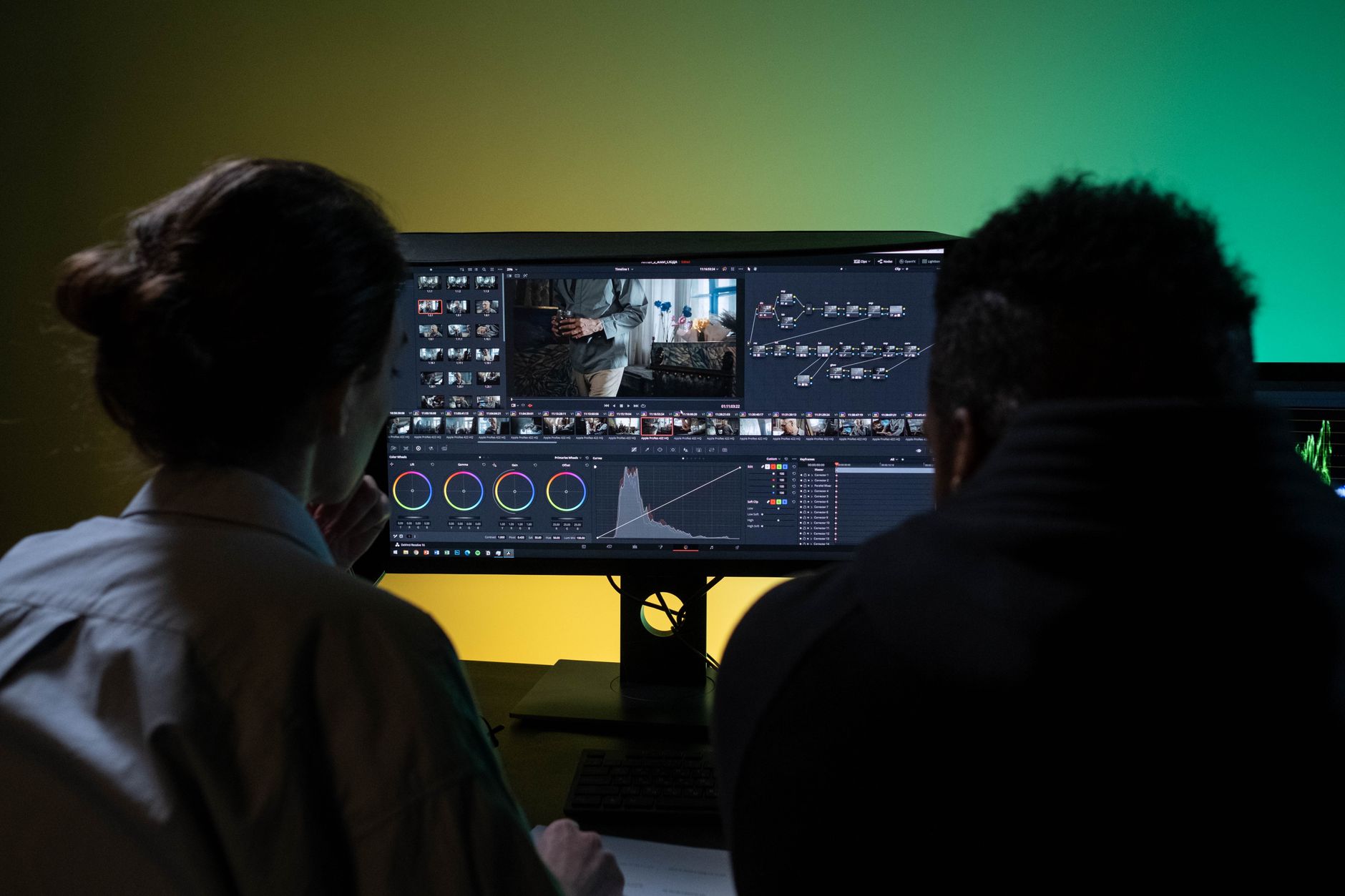
Content creation is not a monolithic category. Exporting a 4K timeline in DaVinci Resolve leans on both CPU and GPU, but the CPU’s role is mostly in decoding, color pipeline calculations, and managing the render queue. Blender CPU rendering, by contrast, saturates every thread available. These two tasks tell very different stories about the 9600X and the 245K, and understanding that split is what makes this comparison worth running at all.
The 9600X benefits from Zen 5’s improved IPC, which AMD rates roughly 16 percent higher than Zen 4 in integer workloads. That means each of its 6 cores does more work per clock cycle than a previous-generation Ryzen processor. The 245K’s P-cores use Intel’s Lion Cove architecture, which also brought meaningful IPC improvements over Raptor Lake. Neither chip is coasting on frequency alone, and both represent genuine architectural progress for their respective families.
Platform costs matter here too. The 9600X runs on AM5 motherboards, with DDR5 memory support and a path to future AMD processors on the same socket. The 245K requires an LGA1851 board, which currently skews slightly more expensive at the mid-range tier. If you are building fresh and content creation is your primary use case, the total system cost – not just the CPU price – should factor into your decision.
Benchmark Results Across Core Creative Applications
In Cinebench R23, the Core Ultra 5 245K pulls ahead in multi-threaded scores by a margin that reflects its extra cores. The 245K’s E-cores contribute meaningfully to sustained threaded workloads, pushing its multi-core result noticeably above what the 9600X can produce with six cores. Single-threaded performance, however, is where the 9600X fights back. Zen 5’s IPC advantage closes the gap significantly in single-core Cinebench runs, and in some configurations the 9600X edges ahead depending on memory tuning and cooling.
Blender’s Classroom and Monster benchmarks tell a similar story to Cinebench multi-thread. The 245K renders faster when the scene is complex and the thread pool fills up. The 9600X is not embarrassingly slow – a 6-core Zen 5 chip still renders respectable times – but anyone doing regular CPU-based rendering who wants to minimize wait time will find the 245K’s extra cores genuinely useful. GPU rendering in Blender via CUDA or HIP changes the calculus entirely, since the CPU’s role shrinks to scheduling and memory management.
Video encoding is one area where the gap between these chips narrows considerably. In Handbrake x264 and x265 encodes, the 245K leads, but the margin is smaller than the core count difference would imply. The 9600X’s strong IPC means each of its cores encodes efficiently, and for users who encode occasionally rather than as a constant pipeline task, the real-world time difference is measured in seconds to low minutes rather than dramatic percentages. Adobe Premiere Pro export times using software rendering follow a similar pattern – the 245K is faster, but not by the kind of margin that forces a platform decision on its own.
Where the 9600X genuinely impresses is in lightly threaded creative tools: audio production in DAWs like FL Studio or Ableton Live, real-time audio plugin stacks, and single-instance Photoshop operations. These applications do not saturate the 245K’s E-cores in any meaningful way, so the 9600X’s IPC advantage turns into a practical performance win. For musicians and audio engineers who spend more time with plugin chains than with 3D renders, the 9600X’s efficiency and lower platform cost make a real argument.
Thermal behavior is also worth factoring in. The 9600X has a 65W TDP and runs cool under most air coolers without significant throttling. The 245K’s 125W TDP, and its tendency to draw considerably more power under all-core load when running without power limits, means the 245K benefits from a 240mm AIO at minimum and ideally a 360mm solution. For a dedicated workstation where the machine runs renders overnight, the 9600X’s lower heat output and power draw translate directly into electricity costs and noise levels over months of use.
Which Workload Decides the Winner
The answer depends entirely on whether your content creation workflow is multi-threaded by nature. If you run Blender CPU renders, encode video constantly, or use DaVinci Resolve’s CPU-heavy noise reduction and color science tools without a strong GPU to offload them, the Core Ultra 5 245K’s 14-core layout earns its price. Those E-cores are not idle during sustained workloads – they contribute real throughput that a 6-core chip cannot replicate regardless of IPC gains. For a closer look at how Intel and AMD stack up across their flagship tiers, the Ryzen 9 9950X3D vs Core Ultra 9 285K comparison shows how that architectural divide plays out at the top of both lineups.
If your workflow leans toward audio production, photography editing, motion graphics in single-instance applications, or any creative work that rarely pushes past 8 threads, the 9600X’s Zen 5 IPC advantage makes it the more efficient buy. It costs less, runs cooler, demands a cheaper cooling solution, and performs at or near the 245K’s level in the workloads that matter most to that type of creator.

The uncomfortable truth is that neither chip is wrong for content creation – they are wrong for specific versions of it. A creator who renders 3D animations for clients and edits 4K footage in the same day should take the 245K. A musician producing tracks in Ableton with a heavy plugin load who occasionally exports a YouTube video has little reason to pay more for cores that will sit idle most of the time. The 9600X’s 65W ceiling and its single-threaded punch make it a genuinely competitive chip in 2024, which was not guaranteed when AMD first announced a 6-core Zen 5 SKU at this price point.
Frequently Asked Questions
Is the Ryzen 5 9600X good for video editing?
Yes, for most video editing workflows the 9600X performs well, though the Core Ultra 5 245K edges ahead in sustained multi-threaded exports due to its higher core count.
Does the Core Ultra 5 245K run hot for content creation workloads?
The 245K has a 125W TDP and can draw significantly more power under all-core load, so a quality 240mm AIO cooler or better is recommended for heavy rendering tasks.