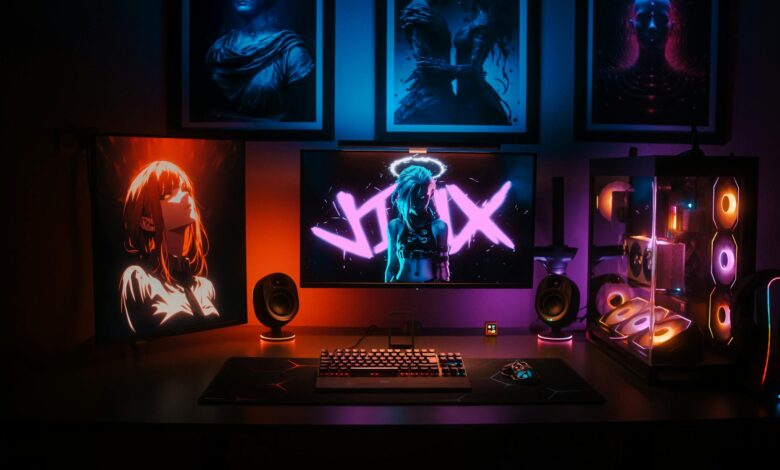
Steam’s couch gaming experience just got a massive upgrade. Valve has rolled out the most significant interface overhaul to Big Picture Mode in years, transforming how players navigate their libraries from the comfort of their living rooms.
The redesign addresses years of user complaints about clunky navigation and outdated visual design. Big Picture Mode, originally launched in 2012 to bring Steam to TV screens, has remained largely unchanged while the rest of Steam evolved. This update finally brings the living room experience in line with Steam’s modern desktop interface.

Streamlined Navigation Takes Center Stage
The most noticeable change comes in navigation flow. Gone are the tile-heavy interfaces that required multiple button presses to access basic functions. The new design adopts a cleaner, more intuitive layout that prioritizes game discovery and quick access to your library.
The home screen now features a dynamic carousel showcasing recently played games, new releases, and personalized recommendations. Controller navigation feels significantly more responsive, with reduced input lag that plagued the previous version. Players can now jump between sections with fluid animations that don’t interrupt the browsing experience.
Steam’s new approach borrows heavily from modern console interfaces, particularly in how it handles game details and store pages. Information density has been optimized for TV viewing distances, with larger fonts and better contrast ratios. The redesign also introduces quick actions that let players launch games, access community features, or jump to the store without diving through multiple menu layers.
Enhanced Library Management and Discovery
Library organization gets a significant boost with improved filtering and sorting options. Players can now create custom collections directly within Big Picture Mode, something that previously required switching to desktop mode. The search functionality has been completely rebuilt, offering real-time suggestions and category-based filtering.
The new interface integrates Steam’s discovery algorithm more effectively. Instead of generic recommendations, the system now considers playtime patterns, wishlist items, and friend activity to surface relevant content. This makes browsing for new games feel less overwhelming, especially for players with massive libraries.
Game details pages received particular attention in this update. Screenshots and videos now display in higher resolution with improved loading times. User reviews are presented in a more digestible format, and the integration with Steam Community features feels more natural. Players can access guides, discussions, and workshop content without the jarring transitions that characterized the old system.
Performance Improvements and Controller Support
Behind the visual changes lie significant performance optimizations. Valve reports up to 40% faster loading times for library browsing and store pages. This improvement is particularly noticeable on older hardware and budget gaming PCs that struggled with the previous version’s resource requirements.
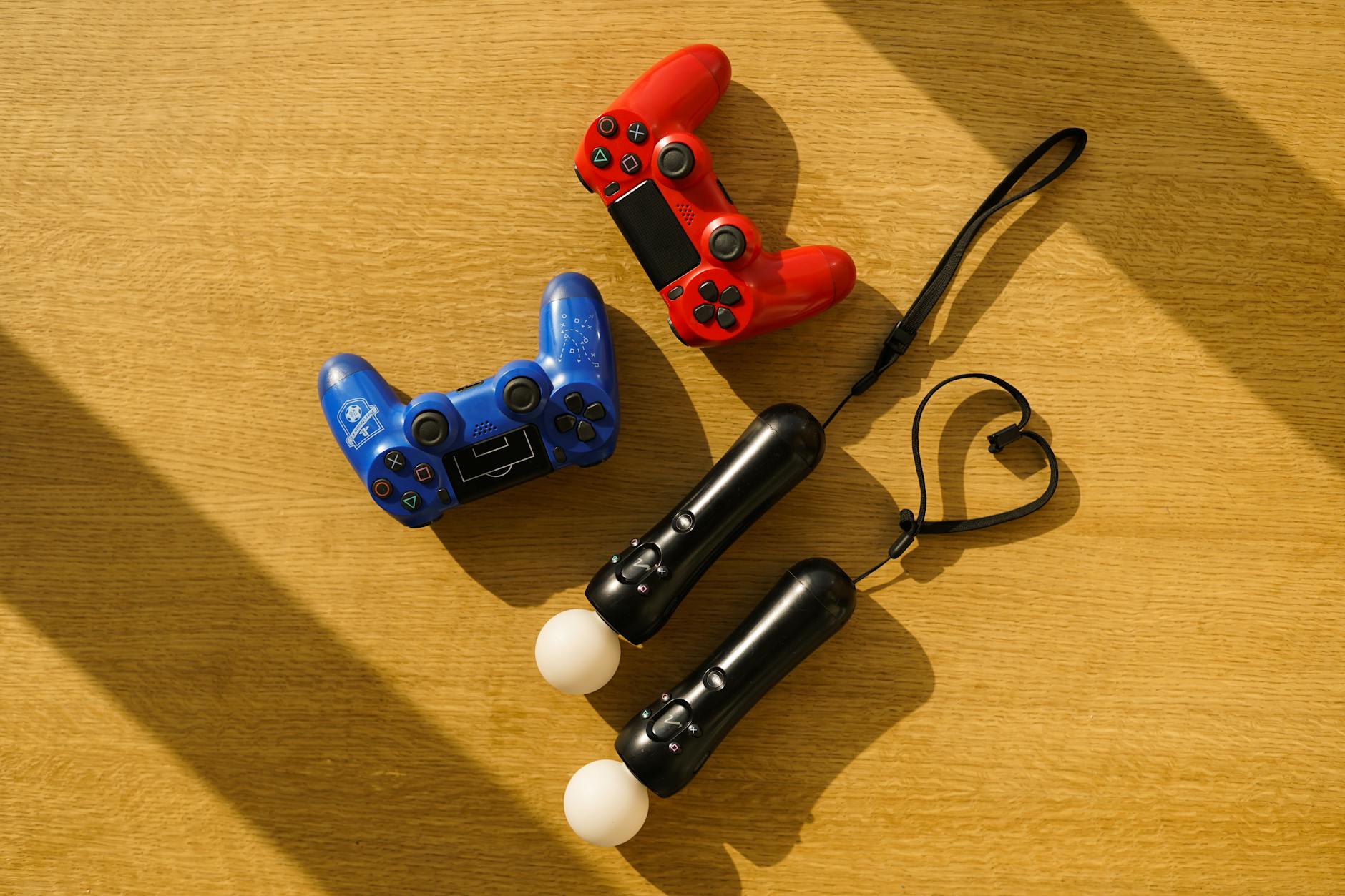
Controller compatibility has expanded beyond Steam Controllers and traditional gamepads. The update includes native support for newer controllers, including the PlayStation 5 DualSense and Xbox Series X controllers. Haptic feedback integration works across supported titles, adding tactile responses to menu navigation and game interactions.
The streaming capabilities also received attention. Steam Link functionality is now built more deeply into the interface, making it easier to stream games to other devices around the home. Quality settings are more accessible, and the system better adapts to network conditions without requiring manual tweaking.
Custom control configurations, a longtime Steam strength, are now easier to access and modify within Big Picture Mode. Players can browse community configurations, create their own setups, and switch between profiles without exiting games. This addresses one of the biggest pain points for users who game across multiple genres with different control requirements.
Integration with Steam Deck and Future Outlook
The timing of this update isn’t coincidental. Many of the interface improvements clearly draw from Valve’s work on Steam Deck’s gaming mode. The company has essentially brought the handheld’s refined interface to big screen gaming, creating consistency across Valve’s gaming ecosystem.
This convergence benefits both platforms. Steam Deck users familiar with the interface can seamlessly transition to couch gaming, while Big Picture Mode users get access to refinements developed for portable gaming. The shared interface foundation also means updates and improvements will benefit both experiences simultaneously.

The update represents more than visual polish. It signals Valve’s renewed commitment to living room gaming at a time when console competitors are pushing harder into PC gaming territory. With services like Xbox Game Pass expanding to PC and PlayStation exploring similar strategies, Steam’s couch gaming experience needed to evolve or risk becoming irrelevant.
Early user response has been largely positive, with players praising the improved responsiveness and cleaner design. Some longtime users report a learning curve as muscle memory adapts to new navigation patterns, but most agree the changes represent clear improvements over the previous system.
Looking ahead, Valve has indicated this represents the foundation for future Big Picture Mode development rather than a one-time overhaul. The modular design approach suggests more frequent updates and feature additions are planned, potentially bringing features like enhanced social integration and improved VR game support to living room gaming.
The Big Picture Mode overhaul positions Steam to compete more effectively in the living room gaming space while strengthening the ecosystem that supports both traditional PC gaming and emerging platforms like Steam Deck. For users who’ve been waiting years for meaningful improvements to their couch gaming experience, this update delivers on long-standing promises with room to grow.
Frequently Asked Questions
What are the main changes in Steam’s Big Picture Mode update?
The update includes streamlined navigation, improved library management, faster performance, and enhanced controller support with a cleaner, more intuitive interface design.
Does the new Big Picture Mode work with all controllers?
Yes, the update expands controller compatibility including native support for PlayStation 5 DualSense and Xbox Series X controllers alongside traditional gamepads.