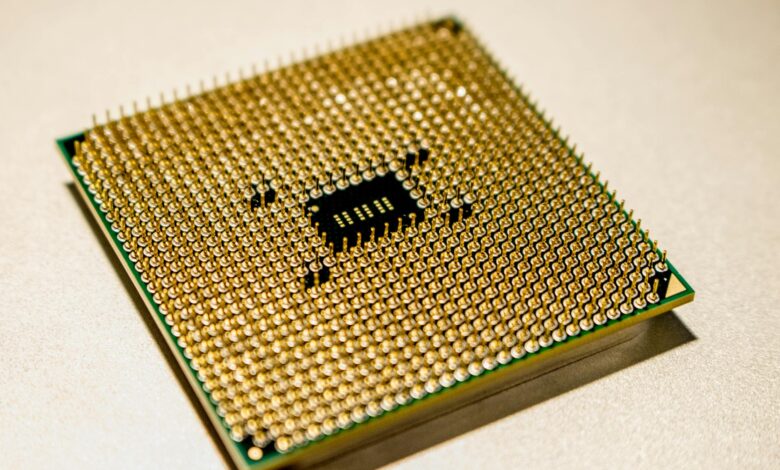
AMD’s flagship Ryzen 7000 series processors are hitting thermal walls during extended summer gaming marathons, with temperatures climbing above safe operating thresholds despite adequate cooling solutions. Reports from gaming communities worldwide indicate that these Zen 4 chips struggle more than expected when ambient temperatures rise, creating performance bottlenecks just when gamers need maximum power.
The phenomenon isn’t limited to budget cooling setups. Even systems equipped with high-end AIO liquid coolers and premium air towers are experiencing thermal throttling during intensive gaming sessions. Summer heat compounds the issue, turning what should be peak gaming season into a frustrating battle against physics.
The Root of the Thermal Problem
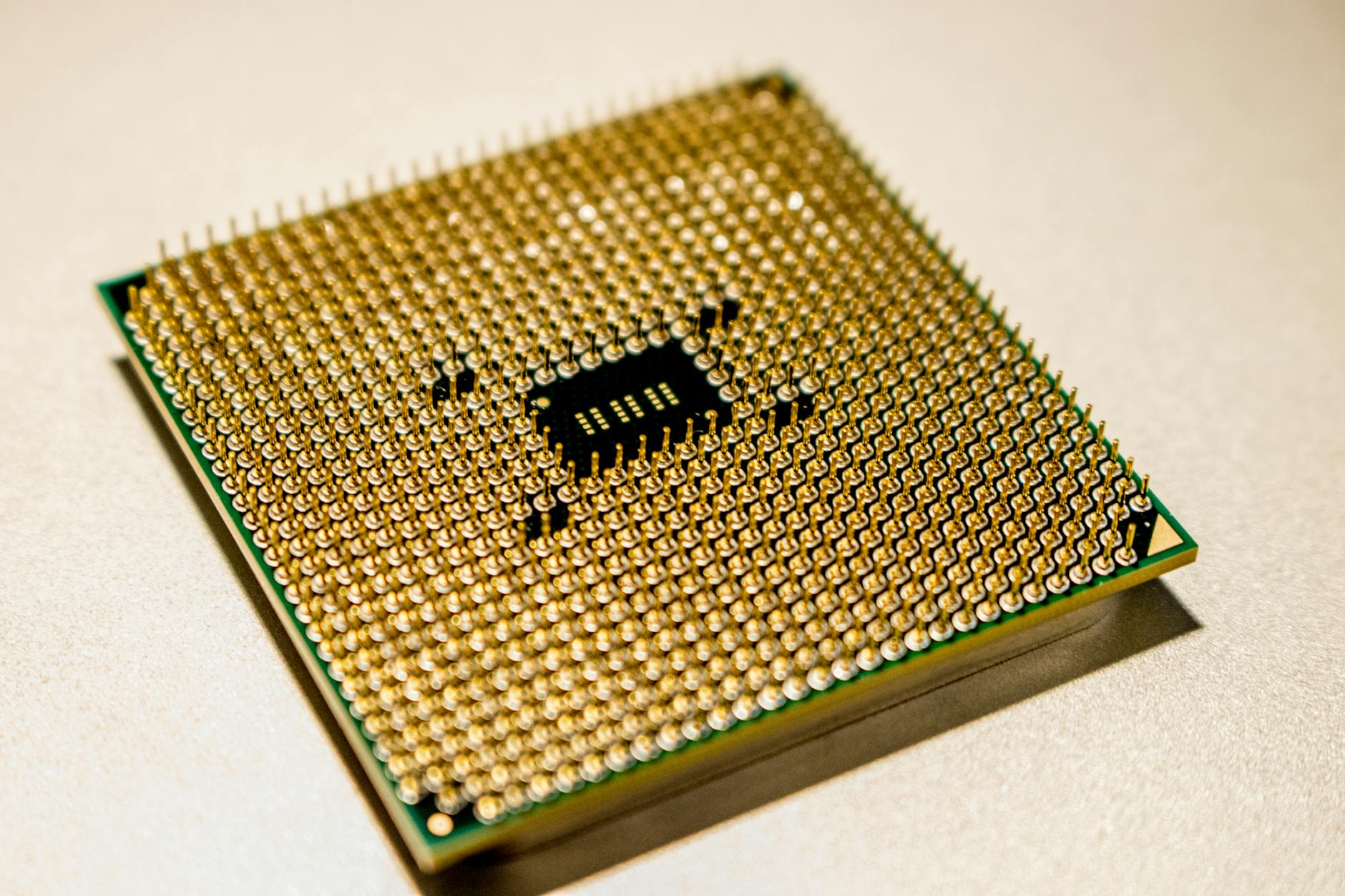
AMD’s Ryzen 7000 series processors utilize the advanced 5nm manufacturing process, packing more transistors into smaller spaces than ever before. This density creates significant heat generation in concentrated areas, particularly around the CPU cores during gaming workloads. Unlike previous Ryzen generations built on larger process nodes, these chips produce intense heat spikes that challenge traditional cooling approaches.
The integrated heat spreader design on Ryzen 7000 CPUs also contributes to thermal issues. AMD changed the IHS thickness and material composition compared to Ryzen 5000 series, affecting heat transfer efficiency to coolers. This design choice, while improving certain aspects of performance, creates hotspots that become problematic during sustained gaming loads.
Summer ambient temperatures exacerbate these inherent thermal characteristics. When room temperatures climb above 25°C, the temperature delta between CPU and ambient air decreases, reducing cooling efficiency across all cooler types. Gaming workloads that maintained acceptable temperatures in cooler months suddenly trigger thermal protection mechanisms.
Clock boost behavior on Ryzen 7000 processors aggressively pursues maximum performance, pushing frequencies and voltages higher when thermal headroom appears available. During summer conditions, this aggressive boosting quickly exhausts thermal capacity, leading to rapid temperature spikes that force immediate throttling.
Gaming Workload Thermal Patterns
Modern games stress Ryzen 7000 processors differently than synthetic benchmarks, creating unique thermal challenges. GPU-intensive titles with high frame rates generate significant CPU heat through physics calculations, AI processing, and frame delivery coordination. These workloads create sustained thermal stress rather than brief spikes.
Competitive multiplayer games present particularly demanding scenarios. High refresh rate gaming at 240Hz or 360Hz requires consistent CPU performance to maintain smooth frame delivery. When thermal throttling occurs during crucial gameplay moments, frame times become inconsistent, affecting competitive performance.
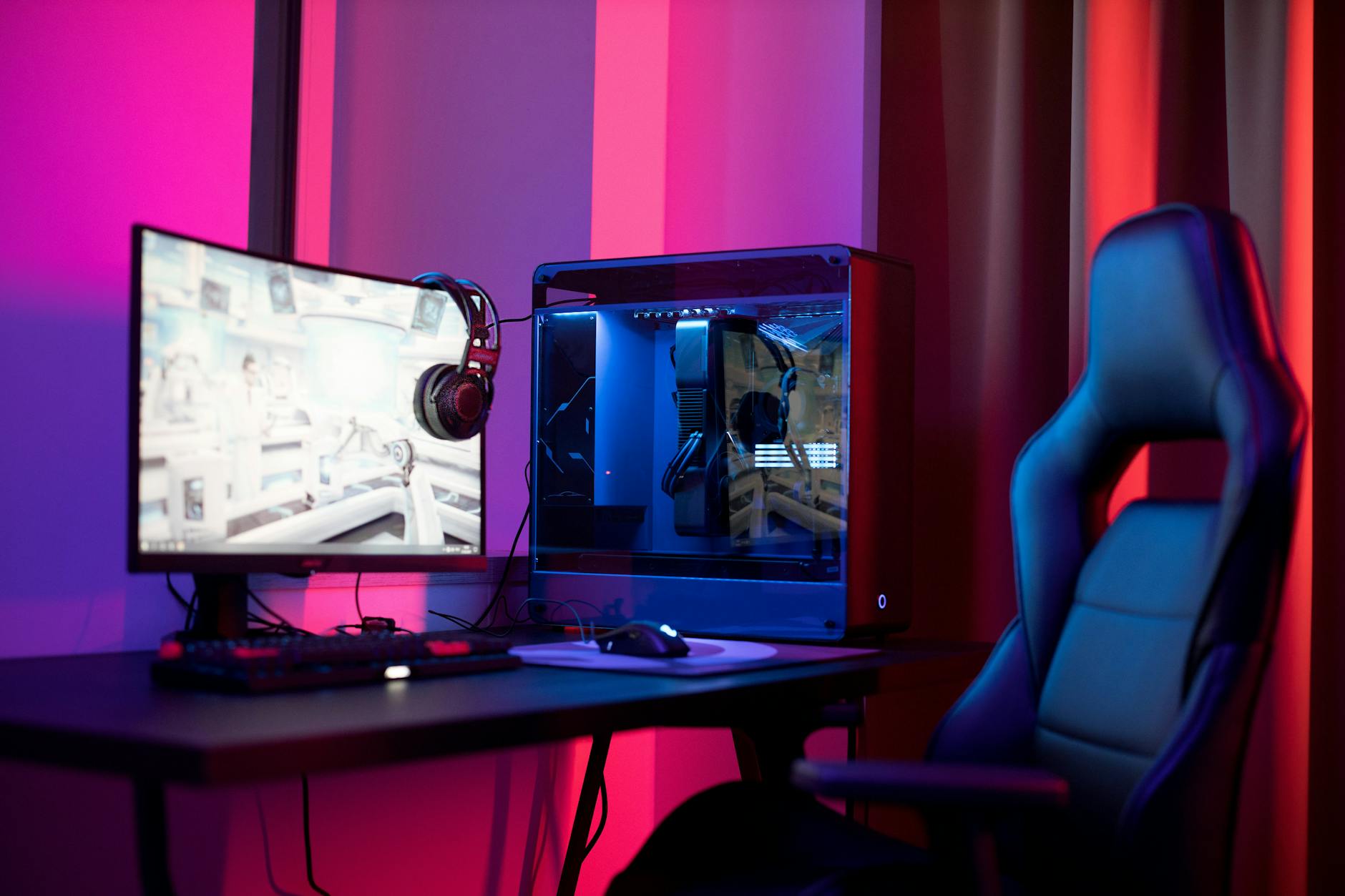
Open-world games with complex simulation systems push multiple CPU cores simultaneously, generating heat across the entire processor die. Games like Cyberpunk 2077, Microsoft Flight Simulator, and Baldur’s Gate 3 can maintain high CPU utilization for hours, creating sustained thermal stress that overwhelms cooling solutions during summer conditions.
The DDR5 memory controller integrated into Ryzen 7000 processors adds another heat source. High-speed DDR5 kits generate additional thermal load, particularly when paired with memory configurations optimized for gaming performance. This integrated approach, while improving latency, concentrates more heat sources within the CPU package.
Effective Cooling Solutions and Workarounds
Addressing Ryzen 7000 thermal issues requires understanding the specific heat generation patterns of Zen 4 architecture. Traditional tower coolers that performed well with previous Ryzen generations may prove inadequate during summer gaming sessions. The concentrated heat generation demands coolers with higher thermal mass and improved heat pipe configurations.
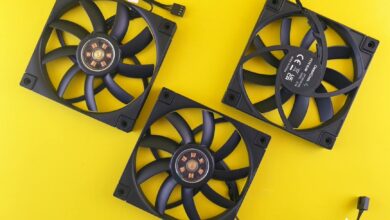
240mm and 280mm AIO liquid coolers provide better thermal performance for Ryzen 7000 gaming systems. The larger radiator surface area and higher thermal capacity handle sustained gaming loads more effectively than smaller cooling solutions. Positioning radiators as intake fans brings cooler outside air directly to the CPU, rather than using case air heated by other components.
Custom fan curves help manage thermal spikes characteristic of Ryzen 7000 processors. Aggressive fan curves that respond quickly to temperature changes prevent thermal buildup during gaming workloads. While this increases system noise, it maintains consistent performance during extended gaming sessions.
Undervolting presents another effective approach for summer gaming. Reducing CPU voltages by 0.05V to 0.1V can significantly decrease heat generation while maintaining gaming performance. Most Ryzen 7000 processors can achieve stable gaming operation with modest voltage reductions, providing substantial thermal benefits.
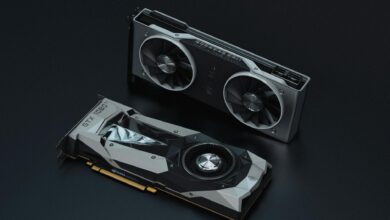
Case airflow optimization becomes critical for summer gaming with Ryzen 7000 systems. Ensuring adequate intake airflow and positioning exhaust fans to remove heated air prevents thermal buildup within the case. This approach is particularly important for systems that include high-performance graphics cards like those compared in mid-range GPU reviews.
Performance Impact and Future Considerations
Thermal throttling during gaming sessions doesn’t just affect CPU temperatures – it creates cascading performance impacts throughout the system. Frame rate consistency suffers as CPU boost clocks fluctuate with thermal conditions. Input latency increases when the processor cannot maintain consistent performance levels.
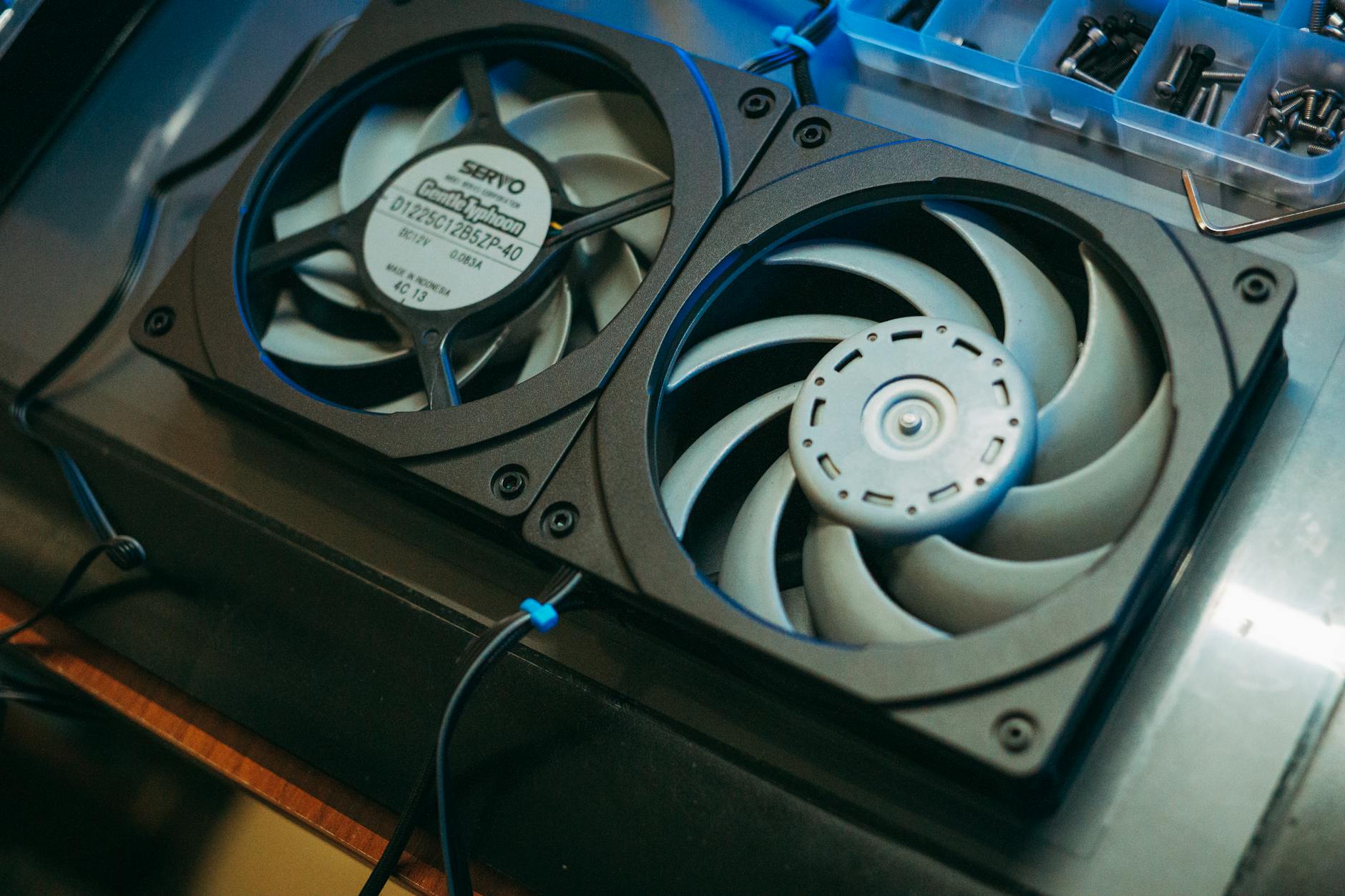
Memory performance also degrades under thermal stress. The integrated DDR5 controller may reduce memory speeds to manage thermal output, affecting game loading times and overall system responsiveness. This interconnected thermal management approach means cooling inadequacies impact multiple system components simultaneously.
AMD continues refining thermal management through BIOS updates and AGESA code improvements. Recent updates have improved temperature reporting accuracy and refined boost algorithms to better manage thermal conditions. However, the fundamental physics of 5nm heat generation in gaming workloads remains challenging.
The gaming industry’s continued push toward higher frame rates and more complex simulations will likely increase thermal demands on processors. Future games may stress CPU thermal limits even more severely, making effective cooling solutions increasingly important for maintaining gaming performance.
Looking ahead, AMD’s next-generation processors will need to balance performance density with thermal management. The lessons learned from Ryzen 7000 summer gaming challenges will likely influence future architectural decisions and cooling recommendations for enthusiast gaming systems.
Frequently Asked Questions
Why do Ryzen 7000 CPUs overheat more in summer?
The 5nm process creates concentrated heat that becomes harder to dissipate when ambient temperatures rise above 25°C.
What cooling solution works best for Ryzen 7000 gaming?
240mm or larger AIO liquid coolers handle sustained gaming workloads better than traditional air coolers.