Two Premium Mechanical Keyboards, One Honest Fight
The Corsair K70 Max and the Razer BlackWidow V4 Pro sit at opposite ends of the premium mechanical keyboard market, but they’re chasing the same buyer – someone willing to spend over $200 on a board they’ll use every day for years. Both promise top-tier switches, full wireless capability (in Razer’s case), and enough RGB to light a small room. What they actually deliver is a more complicated story.
Corsair built the K70 Max around its MGX magnetic switch technology, a hall-effect design that removes physical contact points entirely. Razer went a different direction with the BlackWidow V4 Pro, pairing its proven Yellow linear switches with a wrist rest, a media dial, and a multi-mode wireless system that includes 2.4GHz HyperSpeed connectivity. Same price bracket. Very different philosophies.
After two weeks of daily use – gaming sessions, long writing stretches, and competitive play in Valorant and CS2 – the differences between these two boards are sharper than the marketing suggests.
Build Quality and Physical Design
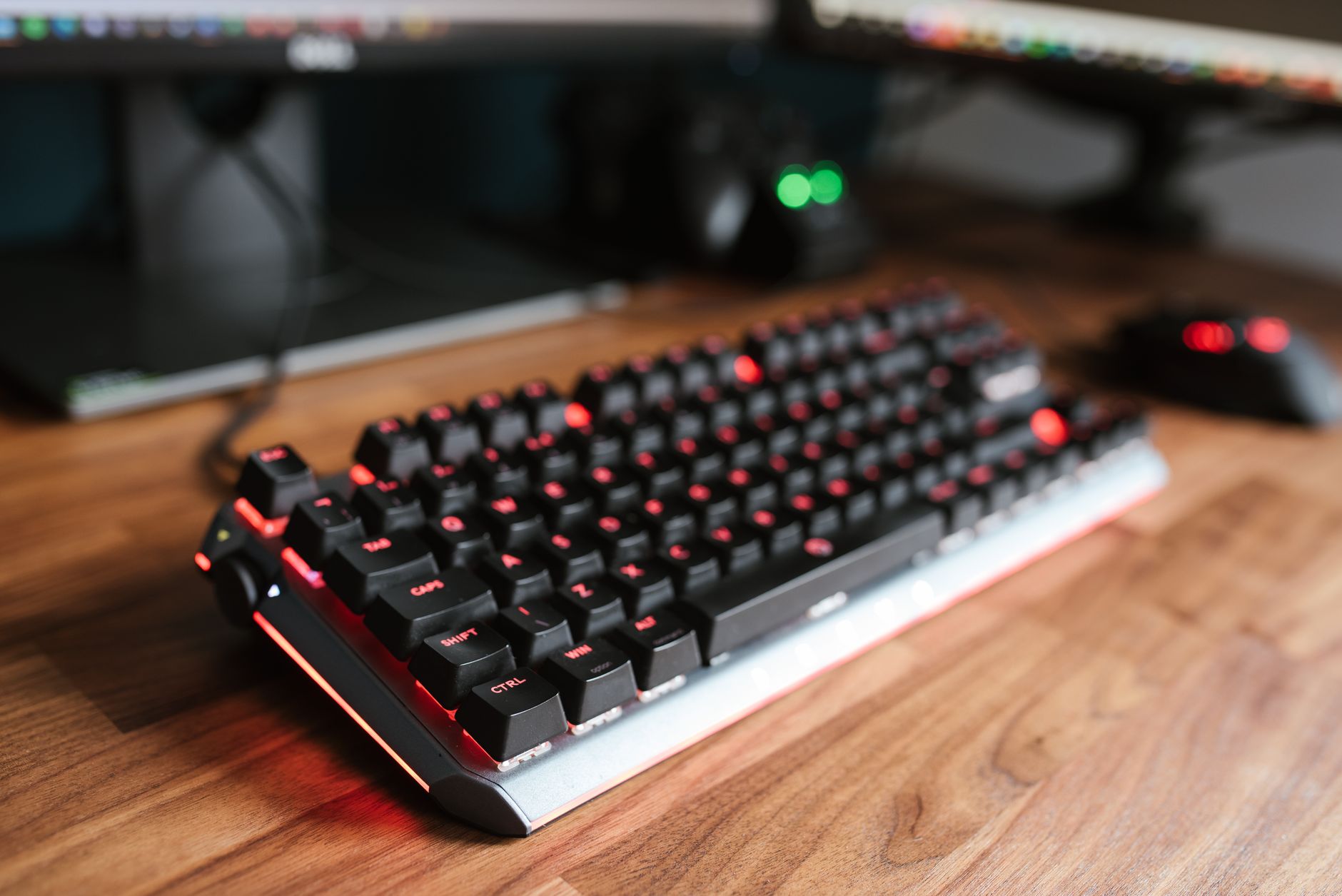
The K70 Max is a serious piece of hardware the moment you pick it up. The aluminum top plate is thick and cold to the touch, and the board barely shifts under aggressive typing. Corsair kept the design conservative – no detachable wrist rest in the box, no volume wheel, just a clean layout with a brushed metal finish and a USB passthrough port on the back. It feels like a tool rather than a showcase. For people who want a no-nonsense desk presence, that restraint works in its favor.
Razer’s BlackWidow V4 Pro is bigger, heavier, and more feature-dense. The included magnetic wrist rest is well-padded and attaches firmly without creeping during use. The multi-function dial on the top left can be programmed through Synapse for volume, media, or custom macros, and it clicks satisfyingly through each detent. The stabilizers on longer keys – spacebar, shift, enter – are pre-lubed from the factory and noticeably quieter than what Razer shipped on previous BlackWidow generations. The chassis is mostly plastic beneath the metal plate, which keeps weight manageable given the board’s size, but it does flex slightly under hard corner pressure.
Both boards use double-shot PBT keycaps with legends that won’t fade under heavy use. Corsair’s caps have a slightly smoother surface texture, while Razer’s feel more textured and grippy under fingertips – a genuine preference split that comes down to feel rather than quality. Neither board wobbles on a desk. Both have sturdy, adjustable feet with rubber grips that hold position on glass, wood, and fabric surfaces.

Switch Performance and Typing Feel
The MGX hall-effect switches in the K70 Max are the headline feature, and they earn the attention. Hall-effect switches use magnets instead of physical contact to register keypresses, which eliminates the gradual wear and wobble that affects traditional mechanical switches over time. The actuation point is adjustable through Corsair’s iCUE software – anywhere from 0.1mm to 4mm – which sounds minor until you’re tuning it for competitive gaming versus long-form typing. At 0.4mm actuation, the board feels almost telepathic in fast-paced shooters. At 1.5mm it sits closer to a traditional linear feel that reduces accidental inputs during typing work.
Razer’s Yellow switches are well-established at this point. They’re smooth, light at 45g actuation force, and consistent across the board. They don’t offer adjustable actuation, but they don’t need to – the 1.2mm pre-travel and 4.0mm total travel has been refined over multiple generations into something that works reliably for both gaming and daily typing without adjustment. Where the K70 Max’s switch technology is forward-looking, the BlackWidow V4 Pro’s switches are proven. The difference only starts to matter if you’re specifically tuning your setup for competitive play, where the K70 Max’s adjustability offers a measurable edge.
Sound profile is another point of separation. The K70 Max is quieter overall – the hall-effect switches produce a soft thock with minimal spring noise, and the aluminum plate absorbs some of the resonance. The BlackWidow V4 Pro is louder by comparison, not unpleasantly so, but noticeable in shared spaces. Razer includes a foam layer between the PCB and bottom case, which helps, but the higher-pitched top-out sound is still there on fast typing runs.
Software, Wireless, and Extras
Corsair’s iCUE software is the most powerful keyboard configuration tool available right now – and also the most demanding. It runs as a persistent background process, it occasionally conflicts with other RGB software, and it requires a full install to access the K70 Max’s deeper switch customization features. For users already invested in Corsair’s ecosystem, it’s a non-issue. For anyone outside that ecosystem, it’s a commitment. The K70 Max is wired-only, which is a notable omission at this price point.
Razer’s wireless implementation on the V4 Pro is strong. The 2.4GHz HyperSpeed connection has no perceptible latency in gaming scenarios, and Bluetooth mode works cleanly for switching to a second device like a laptop or tablet. Battery life runs around 200 hours with RGB off – closer to 30-40 hours with full lighting active. Synapse 3 is cleaner than it used to be, though it still requires cloud account creation to unlock macro and remapping features, which remains an unnecessary friction point. For competitive players who want to avoid cable drag without sacrificing responsiveness, the wireless option alone justifies considering the V4 Pro over the K70 Max.
Razer bundles the wrist rest and includes a dedicated macro column on the left side of the board with five programmable keys. Corsair ships nothing beyond the board itself. That value-per-dollar gap matters when both keyboards list at similar prices – though retail pricing shifts frequently enough that checking current listings before buying is worth the extra minute.

The Verdict
The K70 Max wins on switch technology and pure typing precision – nothing at this price range matches hall-effect adjustability for competitive gaming, and the build quality is excellent for a wired board. The BlackWidow V4 Pro wins on versatility – wireless connectivity, a better out-of-box accessory package, and a switch that performs consistently without requiring software configuration. If you game competitively and live on wired peripherals, the K70 Max is the better call. If your desk setup crosses between gaming and productivity and you want the freedom to go wireless, Razer’s board holds more value. What neither keyboard can fully escape is that $200-plus pricing that makes every limitation feel more irritating than it would on a $100 board – and on the K70 Max specifically, the absence of wireless at that price is a harder pill to swallow with each passing product cycle.
Frequently Asked Questions
Does the Corsair K70 Max have wireless connectivity?
No, the K70 Max is a wired-only keyboard. Wireless is not available on this model, which is a notable limitation at its price point.
What switches does the Razer BlackWidow V4 Pro use?
The BlackWidow V4 Pro uses Razer Yellow linear switches with a 1.2mm actuation point and 45g actuation force, pre-lubed stabilizers included.
Is the Corsair K70 Max good for competitive gaming?
Yes. Its hall-effect MGX switches allow actuation point adjustment down to 0.1mm, giving competitive players in shooters like Valorant or CS2 a tunable advantage.
Which keyboard is better value, the K70 Max or BlackWidow V4 Pro?
The BlackWidow V4 Pro offers more out of the box – wrist rest, wireless, and macro keys – while the K70 Max delivers superior switch technology but ships with no extras.