The VRAM Question That Actually Matters
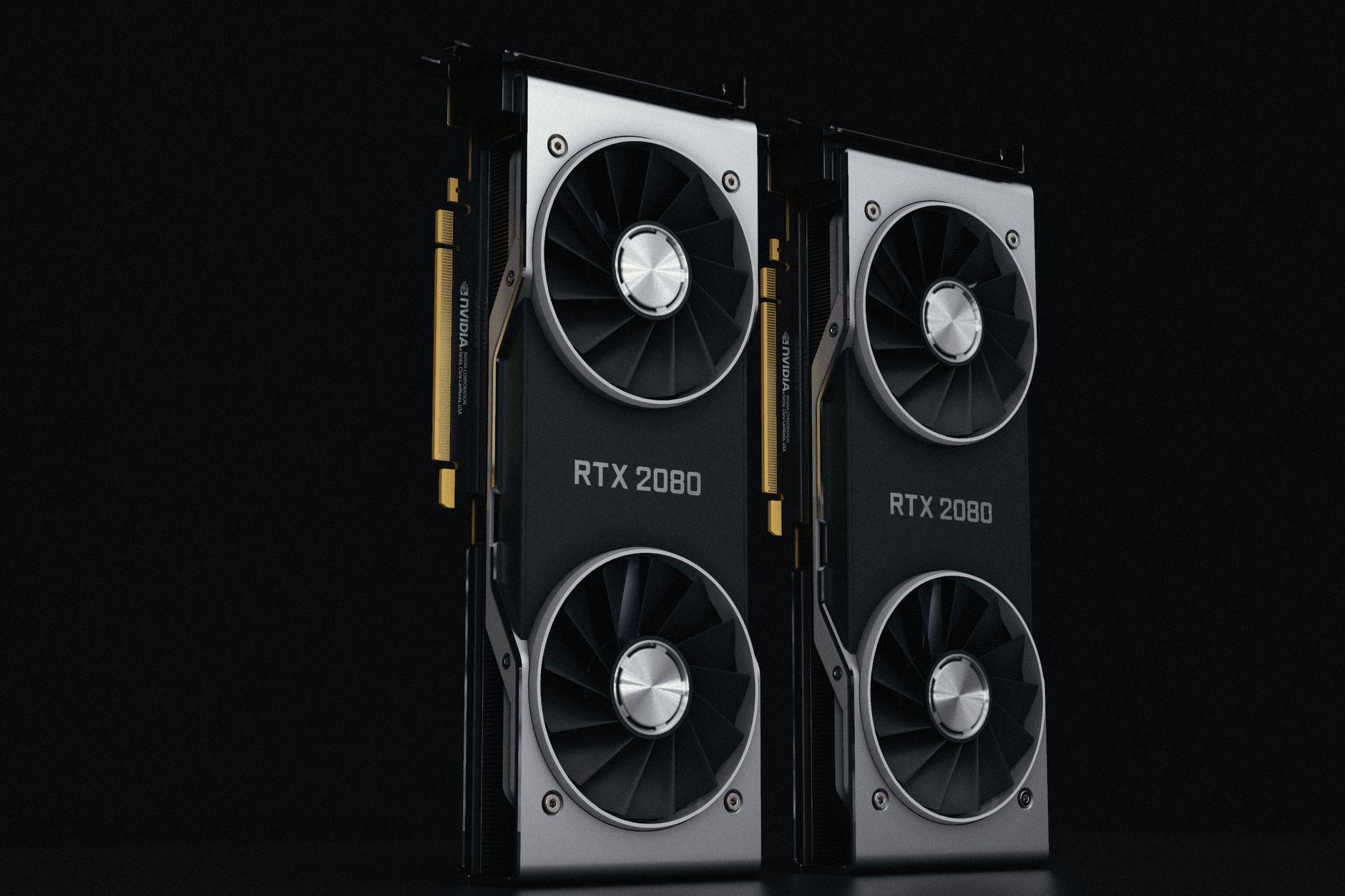
Nvidia launched the RTX 5060 Ti in two configurations – 8GB and 16GB – at a $100 price gap, and at 4K, that difference stops being a spec sheet argument and starts being a real performance conversation.

What the VRAM Gap Means at 4K Resolution
Running games at 4K pushes VRAM usage in ways that 1080p and even 1440p simply do not. High-resolution texture packs, shadow maps, and geometry detail all compete for buffer space, and modern titles are increasingly less forgiving when that buffer fills up. The RTX 5060 Ti sits in a mid-range price bracket, but 4K is not a mid-range workload – and that tension is where the 8GB version runs into serious trouble.
When a GPU runs out of VRAM at 4K, it does not fail gracefully. The system begins pulling data from system RAM across the PCIe bus, which is dramatically slower than on-card memory access. The result is frame time spikes – those ugly hitches and stutters that average frame rate numbers completely hide. A game might report 60fps on paper while delivering a genuinely unpleasant experience, with individual frames stretching into 50ms or longer during heavy scene loads.
The 8GB version of the RTX 5060 Ti is not a bad card at 1080p or even at 1440p with medium texture settings. At those resolutions, the VRAM ceiling stays comfortably out of reach in most titles. But 4K high settings in games like Cyberpunk 2077, Alan Wake 2, or any title running path tracing will push well past 8GB. That is not a hypothetical ceiling – it is a documented behavior in current game releases, and the trend in new titles is toward higher texture budgets, not lower ones.
The 16GB version does not offer faster compute, more CUDA cores, or higher clock speeds than its 8GB sibling. The silicon is identical. What it provides is headroom – the ability to load full 4K texture assets without spilling over into system memory. At high refresh 4K with quality DLSS modes engaged, the 16GB card maintains consistent frame pacing where the 8GB card visibly stutters in asset-heavy open world environments.
Game-by-Game Reality Check
Texture quality settings are the single biggest driver of VRAM consumption at 4K, and most modern open-world and AAA titles treat “Ultra” textures as genuinely optional extras designed for cards with 16GB or more. Drop to High textures on the 8GB RTX 5060 Ti and many titles will run without hitting the buffer ceiling – but then the visual argument for gaming at 4K at all starts to weaken. The entire point of the resolution is pixel-level detail, and that detail lives in the textures.
Path tracing is the other pressure point. Titles like Cyberpunk 2077 with full path tracing enabled load substantially more into VRAM than standard rasterization pipelines. Even with DLSS 4 Multi Frame Generation reducing the raw rendering resolution, the scene data required to calculate accurate global illumination and reflections stays resident in VRAM. The 8GB card buckles under this workload at 4K regardless of upscaling mode – the geometry and lighting data alone stress the buffer before texture assets even enter the equation.
Games that are older or less texture-heavy tell a different story. Competitive titles, older RPGs, and games built on leaner engines frequently stay inside 8GB even at 4K Ultra settings. For a player whose library leans toward esports titles or games from 2018-2021, the 8GB version may genuinely never hit its limit. The problem is future-proofing: this GPU will be in systems for three to five years, and the trajectory of new releases points clearly toward higher VRAM demands.
DLSS 4 with Multi Frame Generation does extend the playability range of both cards, particularly at 4K. By generating additional frames from a lower base render resolution, the raw pixel throughput demand on the GPU drops significantly. But frame generation does not reduce VRAM usage for scene data – it reduces GPU processing load. The 8GB card still needs to hold all the textures and geometry in memory regardless of whether it is rendering every frame from scratch or generating them synthetically.
For players using quality or balanced DLSS modes at 4K – which is the most common configuration for this tier of card – the 16GB version maintains noticeably tighter frame time consistency in demanding open world games. The 8GB version can match average frame rates in less memory-intensive scenarios, but the floor performance, the worst-case frames during traversal and scene transitions, drops more sharply when VRAM pressure builds.
The $100 Decision
The RTX 5060 Ti 8GB launches at $379 and the 16GB version at $479. At the 8GB price, the card is easy to recommend for 1080p and 1440p gaming – it is well-positioned against alternatives in that bracket, and for anyone curious about how it compares to AMD at a similar tier, the Radeon RX 9070 XT vs RTX 5070 comparison at 1440p provides useful context for where Nvidia sits in the mid-to-upper mid range. The $479 ask for the 16GB version is harder, because at that price you are paying a premium purely for memory headroom rather than raw performance uplift – but at 4K, that headroom is the performance.
The honest framing is this: if 4K is your primary resolution and you plan to run current and upcoming AAA titles at high settings, the 8GB version will frustrate you within the first year. The 16GB card is not the most powerful option at $479, but it is the one that will not hit an artificial wall in a resolution class where VRAM capacity directly determines whether you get a smooth experience or a stuttery one.