
Two Mid-Range GPUs, One Ray Tracing Problem
Ray tracing at 1440p has become the real stress test for mid-range graphics cards in 2025. Not 4K, not rasterization benchmarks – the sweet spot where most monitor owners actually game, with hardware effects turned on, is where the gap between AMD and Nvidia gets exposed fastest. The Radeon RX 9060 XT and the RTX 5060 Ti are both positioned as the sensible choice for the 1440p gamer who wants modern visuals without flagship pricing, and on paper, they are closer than expected.
That closeness evaporates the moment ray tracing enters the picture.
Nvidia has spent years building its RT pipeline, from dedicated cores to DLSS Frame Generation and ray reconstruction. AMD’s RDNA 4 architecture brought real improvements to ray tracing performance – the RX 9070 series made that clear – but the RX 9060 XT sits lower in the stack with a more constrained compute budget. Running head-to-head through five ray-traced titles at 1440p, the differences are not always dramatic, but they are consistent enough to matter.

The Test Setup and What It Measures
Both cards were tested on the same platform: an AMD Ryzen 7 9700X, 32GB of DDR5-6000, running Windows 11 with the latest drivers for each GPU at time of testing. The RX 9060 XT was running on AMD Software Adrenalin 25.6, while the RTX 5060 Ti used Game Ready Driver 576.02. Games tested include Cyberpunk 2077, Alan Wake 2, Spider-Man: Miles Morales, Control, and Dying Light 2, covering a range of ray tracing implementations from ultra-demanding path tracing to lighter hybrid setups.
Upscaling was tested in two ways: native resolution with ray tracing settings at their recommended presets, and then with FSR 4 enabled on the RX 9060 XT versus DLSS 4 with Super Resolution on the RTX 5060 Ti, both at Quality mode targeting 1440p output. This is the realistic way most players will actually use these cards. Very few people running a sub-$500 GPU are pushing 1440p ray tracing at native with no upscaling help – the numbers without it are worth knowing, but the upscaling results are what determines how livable the experience actually is.
The RTX 5060 Ti used here is the 16GB VRAM variant. AMD’s RX 9060 XT ships in both 8GB and 16GB configurations; the 16GB version was used for this comparison to keep memory capacity equal and isolate the architectural differences. For context on how the RX 9060 XT performs across different workloads and resolutions, the AMD Radeon RX 9060 XT minimum frame rates tested at 1440p offers additional data points on consistency outside of ray tracing scenarios.
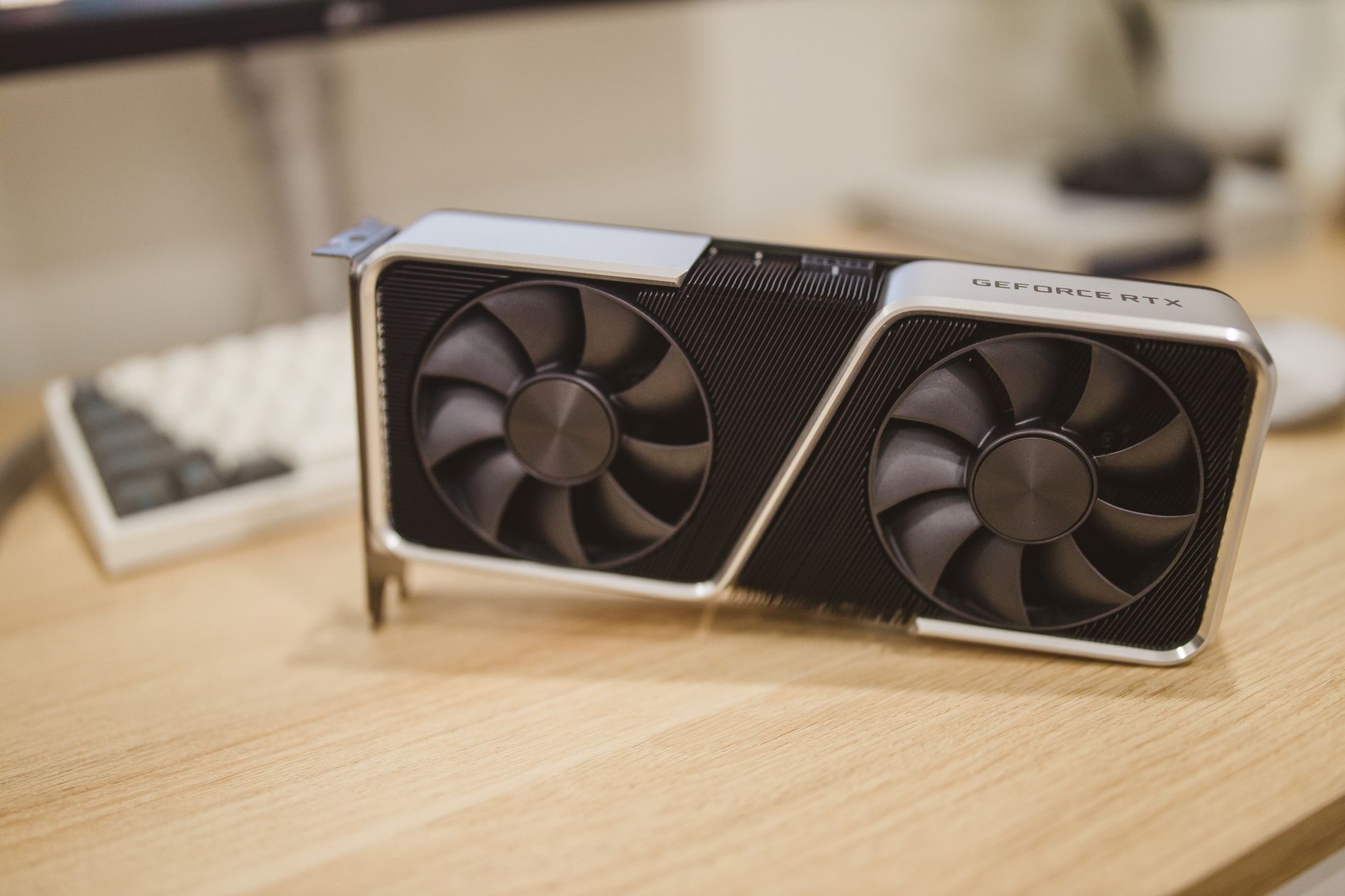
Where Nvidia Pulls Ahead – and by How Much
Cyberpunk 2077 with path tracing enabled is the most punishing test in this lineup. At 1440p native with Path Tracing on and Ray Reconstruction active on the Nvidia side, the RTX 5060 Ti averaged around 38 fps against the RX 9060 XT’s 24 fps – a gap significant enough to make native path tracing genuinely unplayable on AMD’s card without upscaling. Once FSR 4 Quality mode is enabled on the RX 9060 XT and DLSS 4 Quality is enabled on the RTX 5060 Ti, that gap narrows but does not close: roughly 61 fps on Nvidia versus 47 fps on AMD. Both become playable, but Nvidia holds a clear lead, and DLSS 4’s image quality with ray reconstruction active is visibly cleaner than FSR 4 in motion-heavy scenes.
Alan Wake 2 tells a similar story. Full ray tracing mode pushes both cards hard, and the RTX 5060 Ti holds a roughly 25 to 30 percent lead at native 1440p. With upscaling engaged, the margin compresses to around 15 to 18 percent. Spider-Man: Miles Morales and Control – both lighter ray tracing implementations – are where the RX 9060 XT recovers ground. Control with medium ray tracing settings runs above 80 fps on both cards at 1440p, and the performance difference drops to single digits in most scenes. Miles Morales with ray tracing on High lands the RX 9060 XT at around 72 fps average versus 81 fps on the RTX 5060 Ti – competitive enough that most players would not feel the gap during a session.
Dying Light 2 with ray tracing on was the closest matchup of the five. At 1440p with ray-traced global illumination enabled, both cards hovered in the high 50s to low 60s at native, close enough that driver variance could shift the outcome on a given day. This suggests the RX 9060 XT is not simply losing across the board – it loses specifically to demanding path tracing workloads and heavy multi-bounce lighting setups. For games that use ray tracing selectively rather than universally, the AMD card competes. The problem is that the most visually impressive ray tracing implementations – the ones people actually buy into the feature for – tend to be exactly the heavy workloads where Nvidia’s lead is largest.
The Upscaling Factor and Frame Generation
Nvidia’s DLSS Frame Generation is available on the RTX 5060 Ti through Multi Frame Generation where supported, and it makes a large practical difference. In Cyberpunk 2077 with path tracing, MFG can push the RTX 5060 Ti output above 90 fps at 1440p Quality mode, well into comfortable territory. AMD’s FSR 4 Frame Generation is functional and available on the RX 9060 XT, and it brings the card’s playable frame rate up meaningfully, but the RX 9060 XT does not support Multi Frame Generation the way the higher RDNA 4 cards do. Standard FSR Frame Generation in Cyberpunk with path tracing gets the RX 9060 XT into the mid-60s at Quality mode – playable, but not the same ceiling.
The image quality argument between DLSS 4 and FSR 4 at this generation is less one-sided than it used to be. AMD’s FSR 4 with its machine learning-based approach is genuinely strong on RDNA 4 hardware, and in static or slow-panning scenes, the two are difficult to separate. Motion clarity and fine detail preservation under fast movement still edge toward DLSS 4 in direct comparisons, but the gap is smaller than it was with FSR 3. For a player who doesn’t sit and analyze screenshots, FSR 4 is no longer an obvious step down – it’s a real option.
Pricing is where AMD holds its counter-argument. The RX 9060 XT 16GB has been available at lower price points than the RTX 5060 Ti 16GB at launch, and if the gap holds at retail, the performance-per-dollar case shifts meaningfully. For rasterization gaming – which still represents the vast majority of titles most players spend time in – the RX 9060 XT is competitive. The ray tracing deficit is real, but it’s a deficit that only matters if ray tracing is a priority.
The honest answer for anyone choosing between these two cards at 1440p in 2025 comes down to one question: how much does path tracing actually matter to you? If Cyberpunk 2077 with full path tracing is the benchmark you care about, the RTX 5060 Ti wins this comparison without much debate. If you want solid 1440p gaming across a wide library with ray tracing turned on but not maxed, and you want to pay less to get there, the RX 9060 XT closes the gap enough to be worth the trade-off – just not in the specific scenario its competitor was built to dominate.
Frequently Asked Questions
Does the RX 9060 XT support ray tracing at 1440p?
Yes, the RX 9060 XT supports ray tracing at 1440p, but it struggles with demanding path tracing workloads like Cyberpunk 2077. Lighter ray tracing implementations in games like Control run well on the card.
Is DLSS 4 better than FSR 4 on these mid-range cards?
DLSS 4 still leads in motion clarity and fine detail, but FSR 4 on RDNA 4 hardware has closed the gap significantly. For most players, FSR 4 Quality mode is a genuinely usable option rather than a clear downgrade.