Finding a quality mechanical gaming keyboard without breaking the bank has become easier as manufacturers compete for budget-conscious gamers. The sub-$100 market now offers genuine mechanical switches, RGB lighting, and gaming-focused features that were once exclusive to premium models. These keyboards deliver the tactile feedback and durability that serious gamers demand without the inflated price tags.
The sweet spot for budget mechanical keyboards sits between $50 and $90, where you’ll find boards that balance build quality with essential gaming features. Most budget options use Cherry MX clone switches rather than authentic Cherry switches, but many of these alternatives perform just as well for gaming applications.

1. Keychron K2 V2 – $79
The Keychron K2 V2 stands out with its wireless capability and Mac compatibility, rare features in this price range. This 75% layout board uses Gateron mechanical switches, which provide smooth keystrokes with a satisfying tactile bump. The aluminum frame construction feels premium despite the modest price point.
Battery life extends up to 72 hours with RGB lighting disabled, making it practical for both gaming sessions and daily work. The hot-swappable switch design means you can customize the typing feel later without buying an entirely new keyboard. Keychron includes both Windows and Mac keycaps, though the default layout favors Mac users.
2. Corsair K63 Wireless – $89
Corsair’s K63 combines wireless freedom with Cherry MX Red switches at an aggressive price. The tenkeyless design saves desk space while maintaining full arrow keys and function row. Battery life reaches 15 hours with backlighting or up to 75 hours without it.
The 1ms wireless response time matches wired performance for competitive gaming. Corsair’s iCUE software provides extensive customization options for lighting and macro programming. The textured palm rest attachment adds comfort during extended gaming sessions, though it increases the total footprint significantly.
3. HyperX Alloy Origins Core – $69
HyperX designed their own mechanical switches specifically for gaming, resulting in shorter travel distances and faster actuation. The Alloy Origins Core uses these HyperX Red switches in a compact tenkeyless layout. Aircraft-grade aluminum construction provides durability while keeping the weight manageable.
RGB lighting shines through pudding-style keycaps that create impressive light diffusion. The detachable USB-C cable makes transportation easier and reduces wear on the connector. HyperX includes additional keycaps for WASD and arrow keys, plus a keycap removal tool for easy customization.
4. SteelSeries Apex 7 TKL – $95
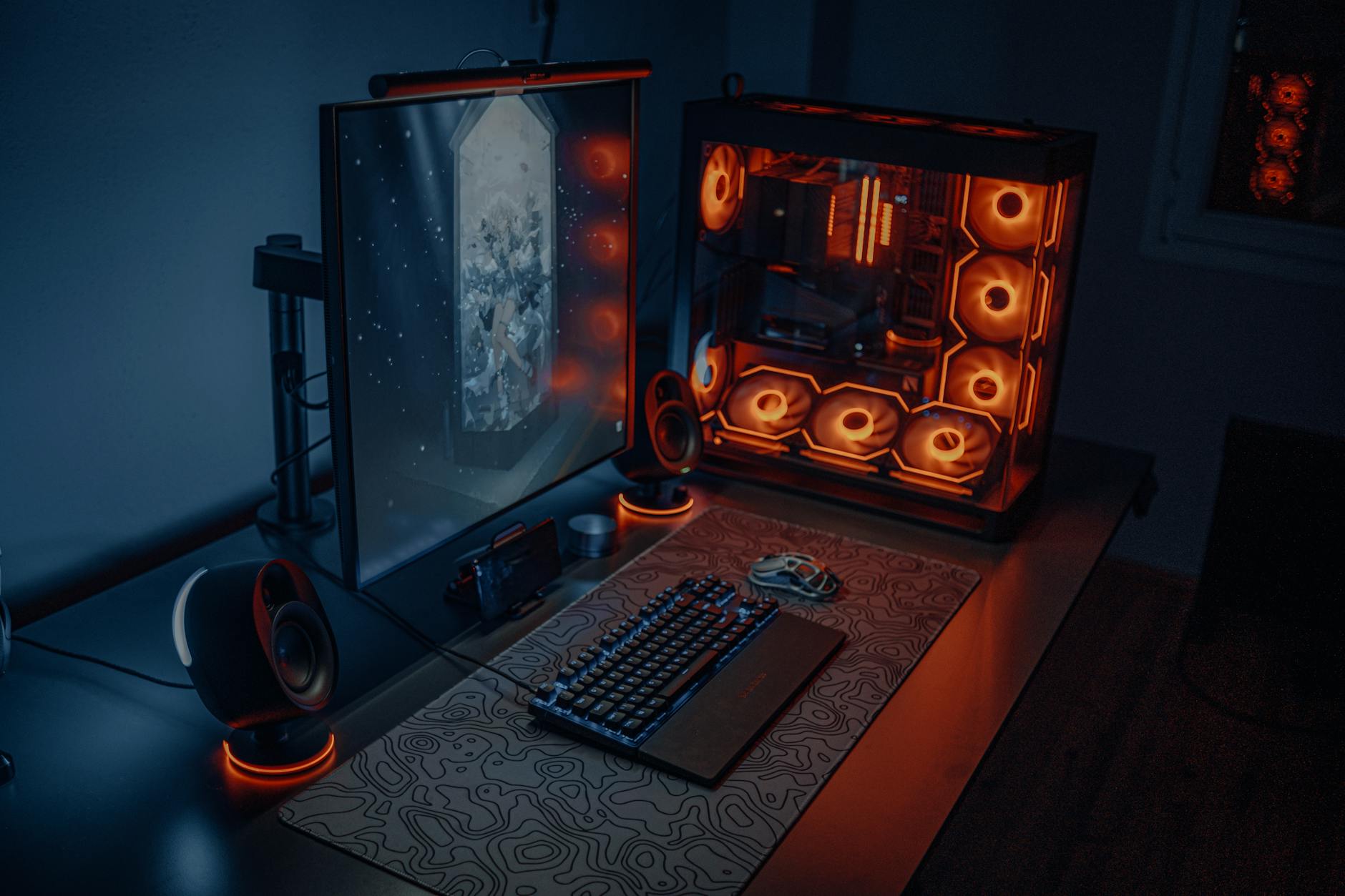
The Apex 7 TKL features an OLED smart display that shows game stats, Discord messages, or custom GIFs. SteelSeries uses their own QX2 linear switches, which feel similar to Cherry MX Reds but actuate slightly faster. The magnetic wrist rest attaches securely and provides genuine ergonomic support.
Premium touches include an aluminum top plate and dedicated media controls with a metal volume wheel. The OLED display proves more than just novelty – it genuinely helps during intense gaming sessions by showing crucial information without Alt-tabbing. SteelSeries Engine software offers deep customization for both lighting and the display content.
5. Razer Huntsman Tournament Edition – $79
Razer’s optical switches eliminate debounce delay entirely by using light beams instead of metal contacts. The Huntsman Tournament Edition focuses purely on gaming performance with its tenkeyless layout and linear optical switches. Actuation happens at just 1.5mm compared to 2mm on traditional mechanical switches.
The doubleshot PBT keycaps resist shine and wear better than standard ABS plastic. Razer includes a detachable USB-C cable and compact form factor that fits easily in gaming backpacks. The lack of wrist rest and minimal branding gives it a clean, professional appearance suitable for office use too.
6. ROCCAT Vulkan 121 AIMO – $89
ROCCAT’s Titan switches provide a unique tactile experience with their hybrid design combining mechanical and membrane elements. The full-size layout includes a number pad while staying within budget constraints. AIMO intelligent lighting responds to your typing patterns and syncs across ROCCAT peripherals.
The detachable palm rest uses memory foam for superior comfort during marathon gaming sessions. Media keys and volume wheel sit conveniently above the number pad. ROCCAT Swarm software enables extensive macro programming and creates lighting profiles that react to specific games automatically.
7. Cooler Master CK721 – $85
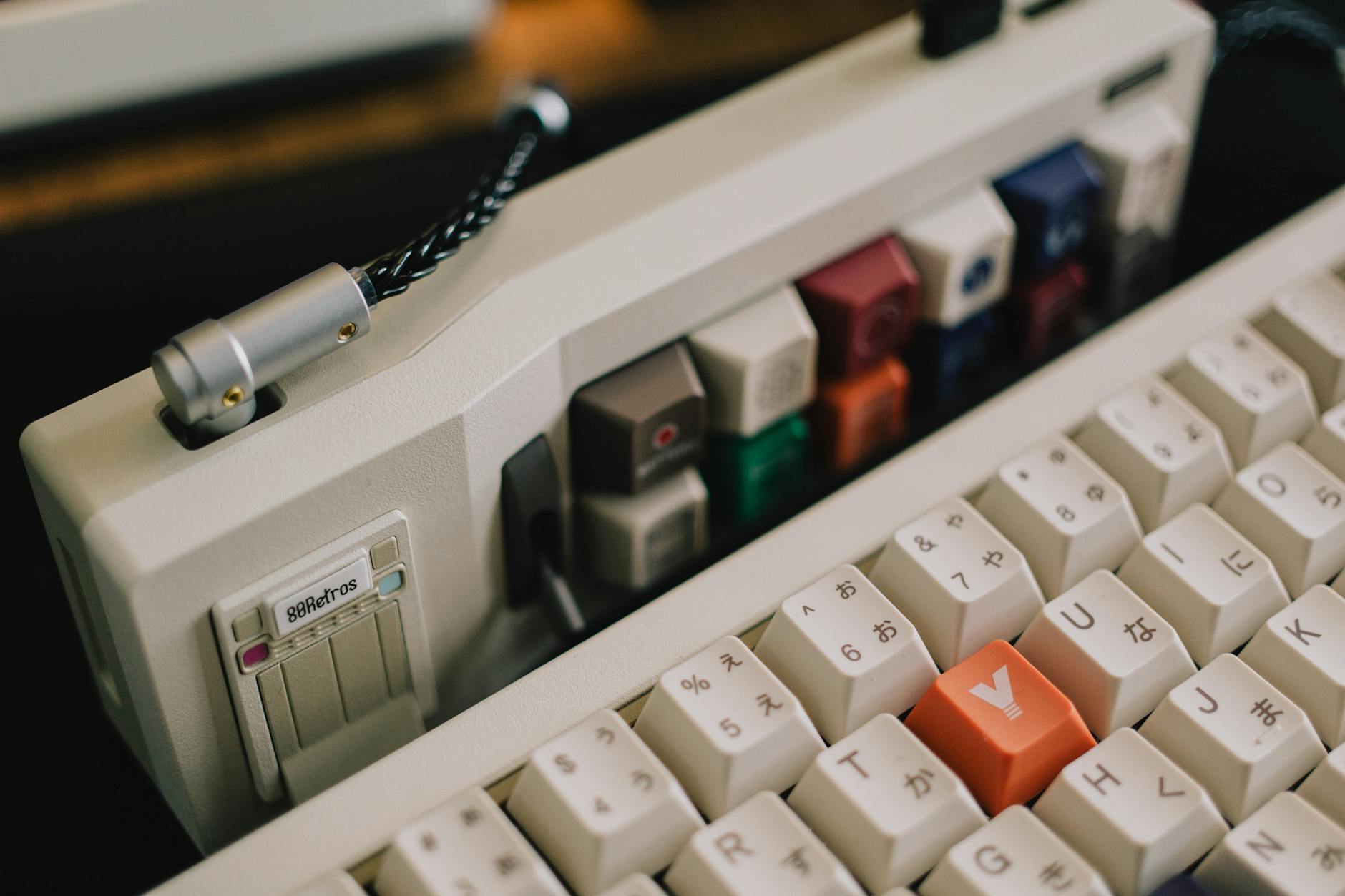
The CK721 offers 65% compact layout with arrow keys and essential function keys intact. Cooler Master uses their own mechanical switches that closely mimic Cherry MX characteristics at a lower cost. The gasket-mount design typically found on enthusiast keyboards provides better typing feel and sound dampening.
Wireless connectivity supports both 2.4GHz and Bluetooth connections with impressive battery life up to 72 hours. The south-facing switch orientation allows for better compatibility with third-party keycaps. Hot-swappable switches and included switch puller make customization accessible for beginners.
Budget mechanical keyboards have reached a level of quality that makes expensive options harder to justify for most gamers. The keyboards listed here prove that tactile feedback, reliable switches, and gaming-focused features don’t require spending $150 or more. Whether you prioritize wireless connectivity, compact layouts, or unique switch technologies, options exist at every price point within this budget range.
Frequently Asked Questions
Are budget mechanical keyboards durable enough for gaming?
Yes, most budget mechanical keyboards use quality switches rated for 50+ million keystrokes and aluminum construction.
Do cheap mechanical keyboards have good RGB lighting?
Many budget options include full RGB with software control, though the lighting may be less bright than premium models.