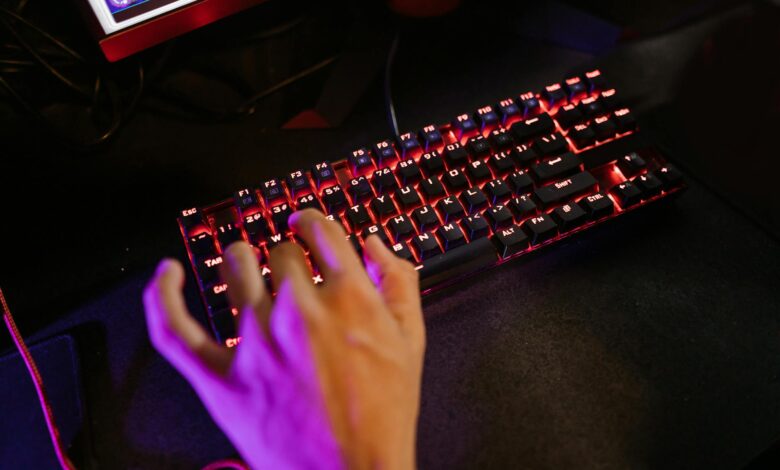
Competitive gaming demands precision, and the keyboard often determines the difference between victory and defeat. Modern mechanical keyboards under $150 offer features once reserved for premium models, including hot-swappable switches, customizable RGB lighting, and polling rates that exceed 1000Hz. The challenge lies not in finding options, but in selecting the right combination of switches, features, and build quality for your specific gaming style.
Professional esports players typically prioritize response time and consistency over aesthetics, yet many affordable keyboards now deliver both. The sub-$150 market has expanded dramatically, with brands offering everything from ultra-compact 60% layouts to full-size boards with dedicated macro keys.
1. SteelSeries Apex Pro TKL
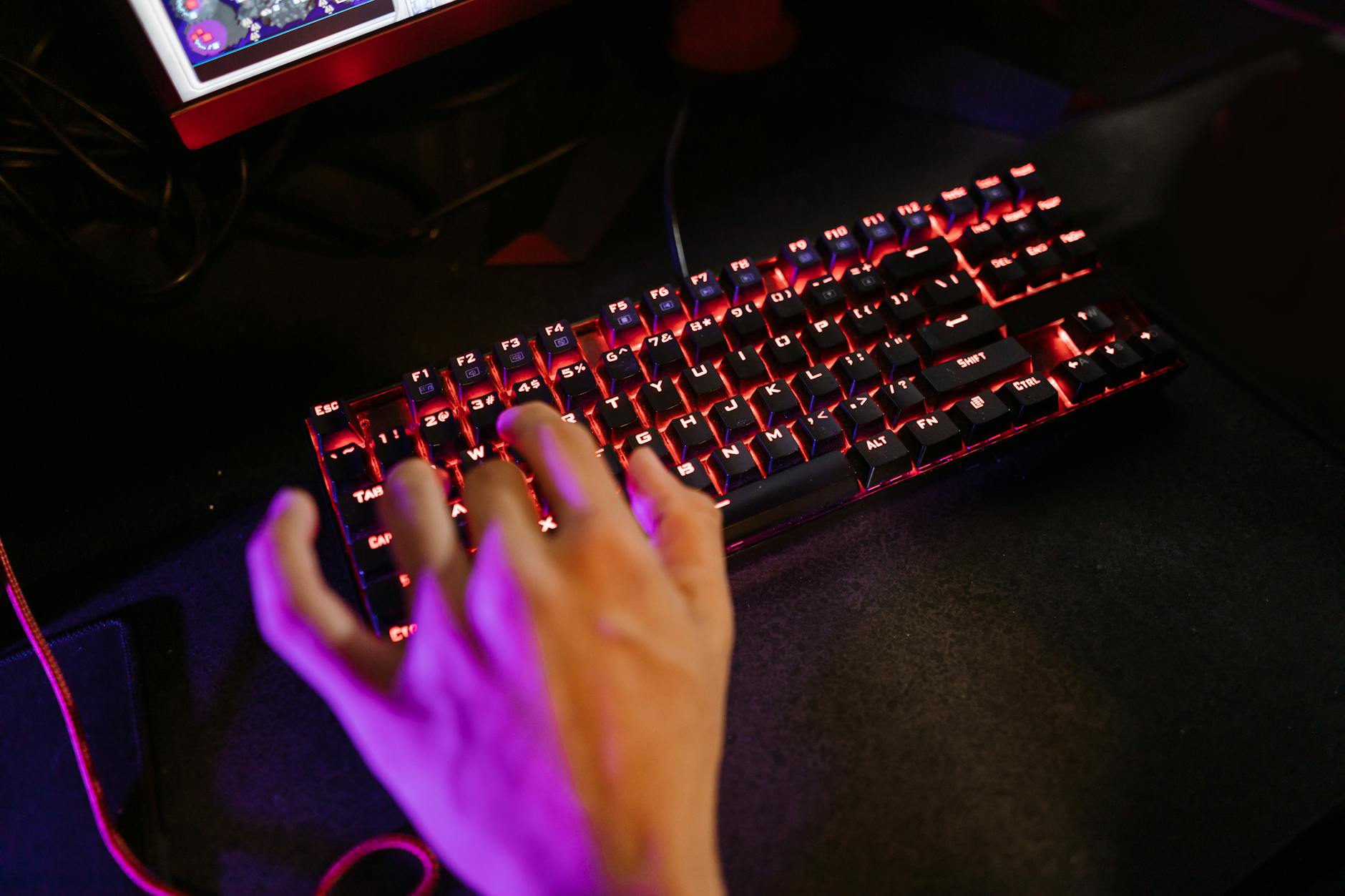
The Apex Pro TKL features adjustable OmniPoint switches that allow users to customize actuation distance from 0.4mm to 3.6mm per key. This granular control means you can set WASD keys for hair-trigger sensitivity while keeping other keys at standard depths to prevent accidental presses. The OLED smart display provides real-time game stats and system information without alt-tabbing.
SteelSeries built this keyboard with aircraft-grade aluminum construction that eliminates flex during intense gaming sessions. The magnetic wrist rest attaches securely and provides ergonomic support during extended play. At around $140, the Apex Pro TKL sits at the upper end of this price range but delivers features typically found on keyboards costing $200 or more.
2. Razer Huntsman Tournament Edition
Razer’s linear optical switches activate at 1.0mm with a 40g actuation force, making them faster than traditional mechanical switches. The optical technology uses light beams instead of physical contact points, which eliminates debounce delay and provides more consistent timing across millions of keystrokes. The tournament-focused design strips away unnecessary features to concentrate on pure performance.
The doubleshot PBT keycaps resist shine and wear better than ABS plastic found on cheaper keyboards. The detachable USB-C cable makes transport to LAN parties or tournaments effortless. Razer’s Synapse software allows extensive customization of lighting effects and macro programming, though some users prefer keyboards that don’t require software dependencies.
3. HyperX Alloy Origins Core
HyperX Red switches provide 45g actuation force with 1.8mm actuation distance, striking a balance between speed and accuracy. The solid aluminum construction eliminates keyboard flex that can throw off muscle memory during crucial moments. The compact tenkeyless design saves desk space while maintaining arrow keys and function row that many competitive games require.
The RGB lighting uses individual key illumination rather than zone-based backlighting, allowing for detailed customization of color schemes and effects. HyperX’s NGENUITY software enables advanced macro creation and profile switching, though the keyboard functions fully without software installation. The detachable braided cable includes both USB-A and USB-C connectors.
4. ASUS ROG Strix Scope
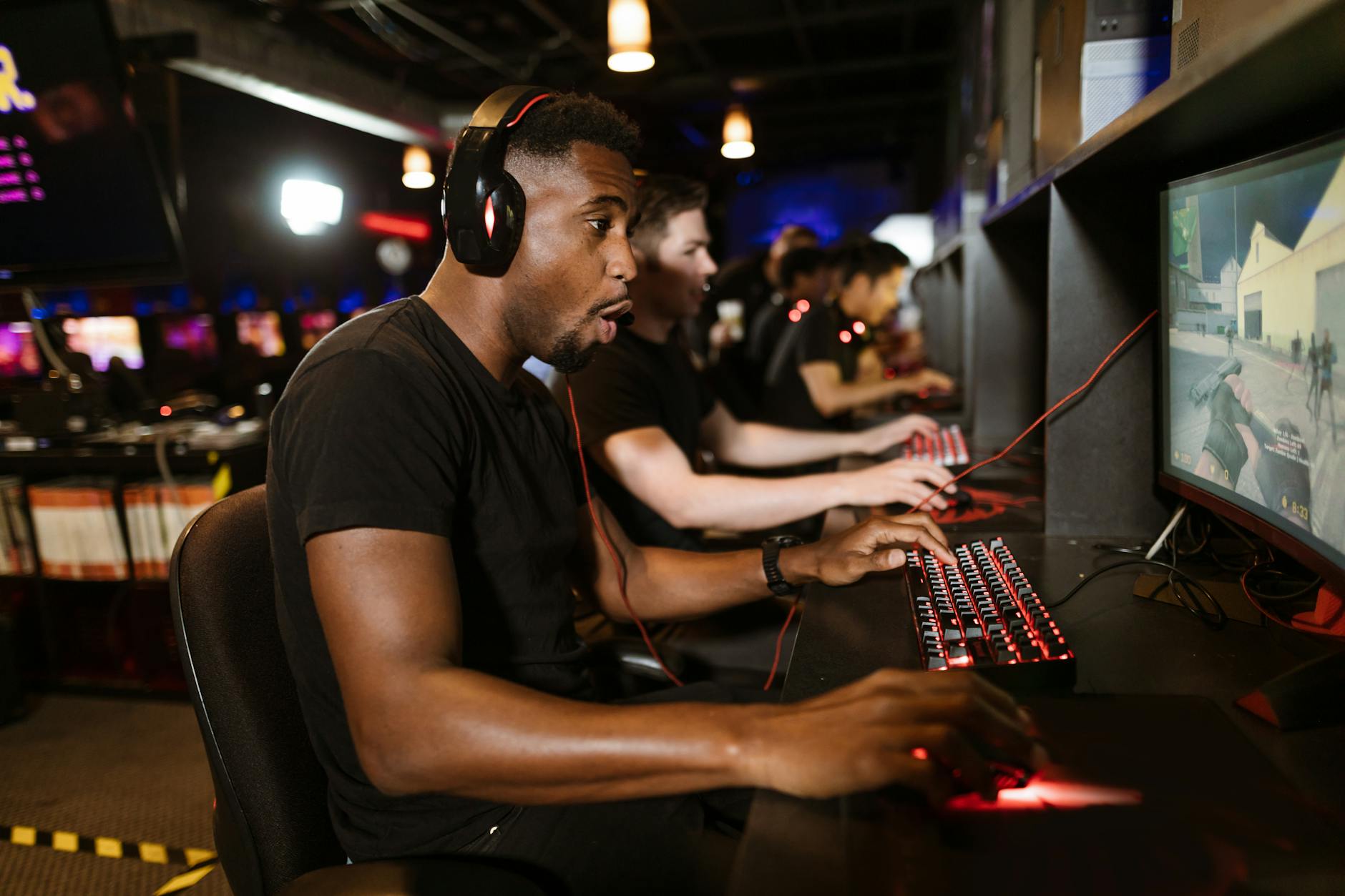
ASUS designed the Strix Scope with an extra-wide left Ctrl key that prevents accidental Windows key presses during gaming. The Cherry MX Red switches offer proven reliability with 2.0mm actuation distance and 45g force requirements. The aluminum top plate provides structural rigidity while the IP56 rating protects against spills and dust intrusion.
The dedicated media controls and volume wheel allow audio adjustments without leaving the game. Aura Sync RGB lighting coordinates with other ASUS components for unified system aesthetics. The keyboard includes both wired and wireless connectivity options, though wireless mode reduces polling rate from 1000Hz to 125Hz.
5. Corsair K70 RGB MK.2
The K70 MK.2 features Cherry MX switches in multiple variants, allowing users to choose between Red (linear), Blue (clicky), or Brown (tactile) based on personal preference. The aircraft-grade aluminum frame provides durability while the dedicated media keys and volume wheel enable quick adjustments during gameplay. The USB passthrough port accommodates mouse charging or peripheral connections.
Corsair’s iCUE software offers extensive lighting customization and hardware monitoring integration. The keyboard supports 100% anti-ghosting with full key rollover, ensuring every keypress registers during complex key combinations. The textured space bar and contoured keycaps improve grip and reduce finger slippage during extended gaming sessions.
6. Logitech G PRO X
Logitech partnered with professional esports teams to develop the G PRO X, resulting in a keyboard focused entirely on competitive performance. The hot-swappable GX switches allow users to change switch types without desoldering, enabling experimentation with different actuation forces and feedback styles. The compact tenkeyless design maximizes mouse movement space.
The detachable micro-USB cable simplifies tournament transport and reduces cable management complexity. Logitech’s LIGHTSYNC RGB technology provides per-key illumination with minimal software overhead. The keyboard memory stores lighting profiles and macros directly on the device, eliminating software dependencies on competition computers.

7. Ducky One 2 Mini
The 60% form factor eliminates function keys and arrow keys, requiring key combinations for certain functions but maximizing desk space for mouse movement. Cherry MX switches provide consistent performance across the entire key matrix, while the USB-C connection offers improved durability over micro-USB alternatives. The PBT doubleshot keycaps maintain texture and legends through years of heavy use.
Ducky’s reputation for build quality shows in the keyboard’s solid construction and minimal software requirements. The RGB lighting operates through hardware controls rather than software dependencies, making it tournament-ready out of the box. The compact size appeals to players who prioritize mouse space over dedicated function keys, though the learning curve for key combinations may deter some users.
The mechanical keyboard market continues expanding with new technologies like hall effect switches and wireless low-latency connections. However, proven designs using Cherry MX switches and solid construction remain competitive choices. Your specific game genres and hand size ultimately determine which layout and switch type will enhance your performance most effectively.