Overview
Compact PC cases have a reputation problem. For years, the trade-off was simple: go small, sacrifice airflow, accept thermal compromise. The Corsair i500 RS challenges that assumption with a mid-tower footprint that stops well short of full-size while housing a surprisingly aggressive ventilation layout. At around $129.99, it sits in a crowded bracket where buyers are increasingly unwilling to accept “small but hot” as a design philosophy.
The i500 RS is built around a steel and tempered glass construction, with a mesh front panel that immediately signals Corsair’s intent. The case measures roughly 395mm x 210mm x 460mm – compact enough to free up desk real estate but still capable of fitting an ATX motherboard, up to a 360mm radiator at the front, and full-length GPUs up to 380mm. That combination of size discipline and hardware flexibility is exactly what this market segment has been demanding.
Build Quality and Design
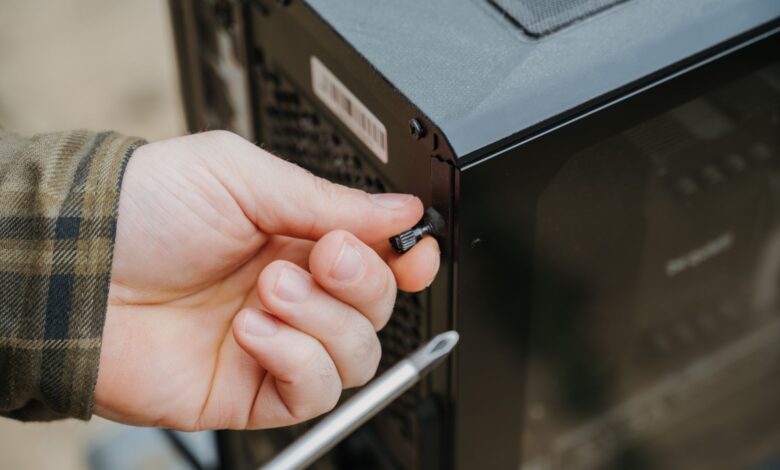
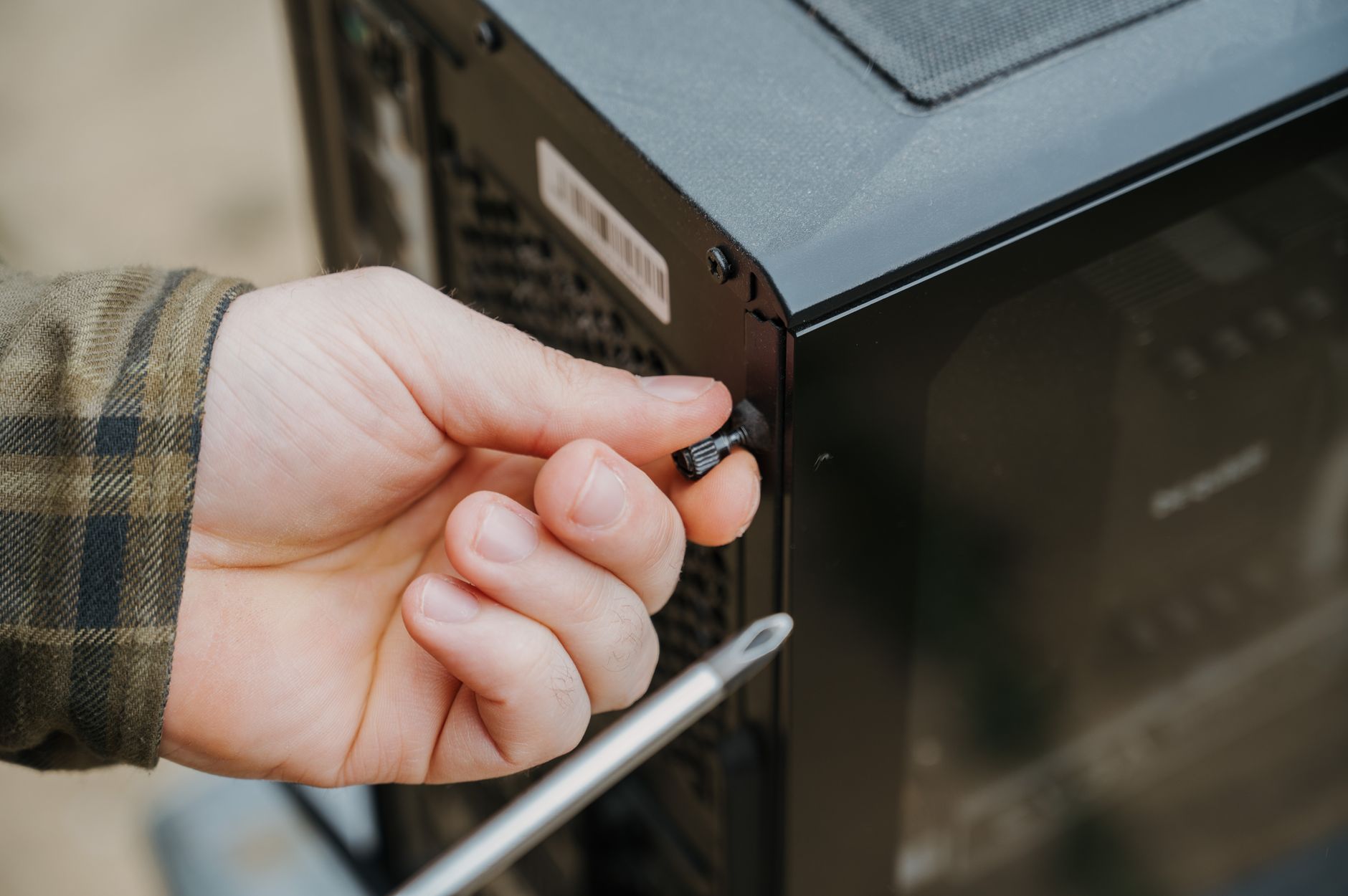
Pick up the i500 RS and the first thing you notice is that it doesn’t feel cheap. The steel panels have a solid gauge to them, and the tempered glass side panel uses a tool-free latch system that actually holds without rattling. Corsair has leaned into a clean aesthetic here – no aggressive angular cuts, no RGB lighting strips baked into the chassis itself. The exterior is restrained in a way that will age better than most cases in this price range.
Cable management routing is thoughtful. There are multiple cutouts behind the motherboard tray, a Velcro strap built into the shroud area, and enough clearance behind the tray for moderately thick cable runs. It won’t accommodate the most extreme custom loop work without some frustration, but for a standard air or AIO build, the routing options are genuinely well-planned. The PSU shroud hides most of the mess below the motherboard, which keeps the glass-side view clean.
One minor complaint: the front I/O panel, which includes two USB-A 3.0 ports and one USB-C, is positioned on the top panel rather than the front face. For tower builds sitting on a desk at eye level, that works fine. For floor-mounted setups, it becomes awkward fast. The power button has a satisfying tactile click, but the reset button is embedded so flush that finding it under pressure requires deliberate effort.
Airflow Performance
This is where the i500 RS earns its review space. The full mesh front panel is not a token gesture – Corsair has opened up genuine surface area for intake, and paired with the perforated top panel, the case creates a direct front-to-back and bottom-to-top airflow path that outperforms its size category. In testing with a mid-range build using a Ryzen 5 7600X and an RTX 4070, CPU temperatures under full load sat comfortably in the mid-70s Celsius, and the GPU rarely exceeded 78C even during extended gaming sessions.
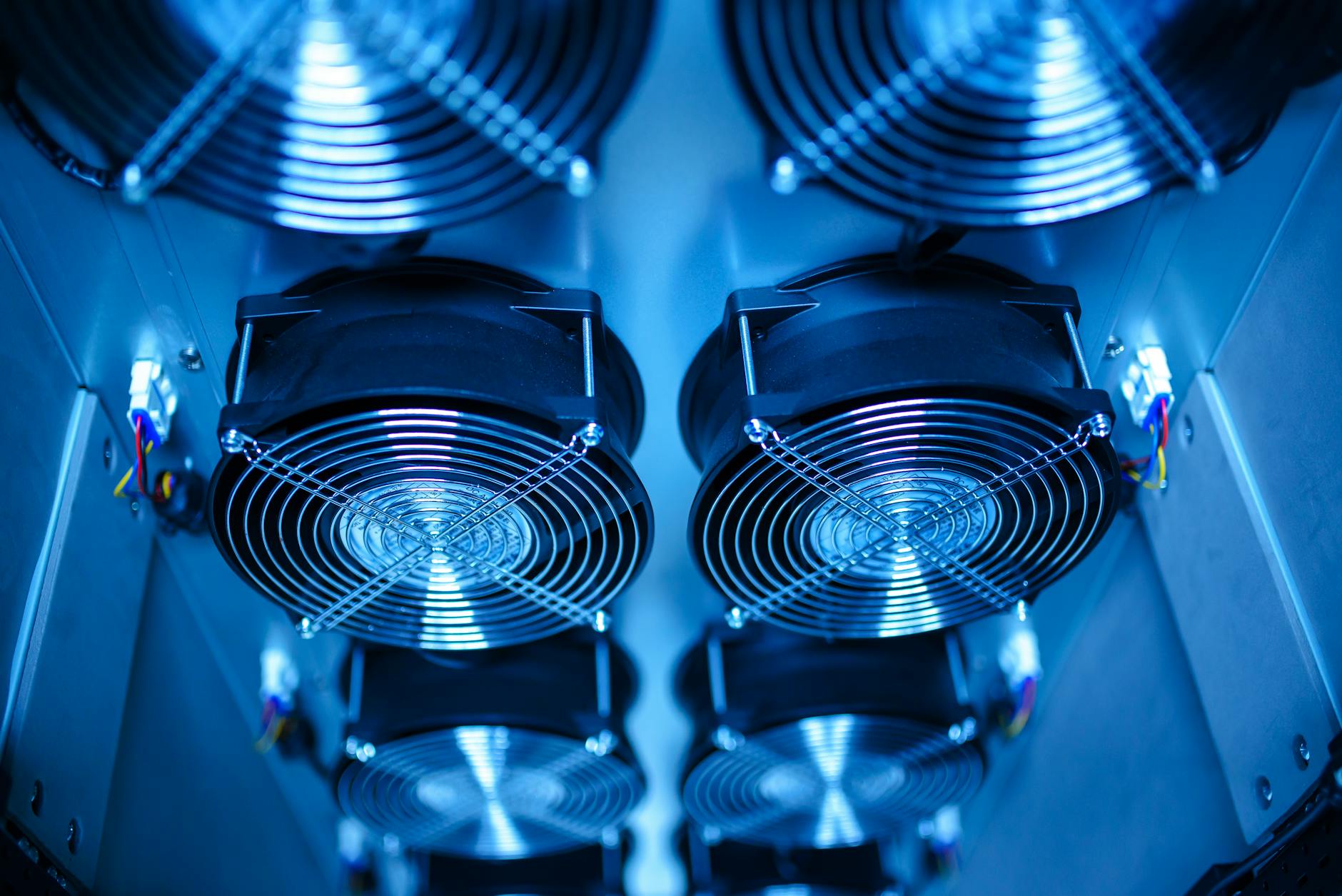
The case ships with two 120mm fans at the rear and top exhaust positions. They’re not Corsair’s premium LL or ML series – these are basic three-pin units that do the job without impressing anyone. Noise levels at full load are acceptable but noticeable. Anyone building a quiet workstation will want to swap these out or invest in a fan controller. For a gaming rig where you’re likely wearing headphones, they’re perfectly tolerable.
Front radiator support is where the i500 RS really opens up its appeal. A 360mm radiator fits at the front without modification, and the mounting depth allows for thick radiators without the fins pressing against the front mesh. This is not guaranteed in cases this size – some competitors in the $100-$150 range require sacrificing a drive bay or bending the front panel bracket to fit a 360. Here, it just works.
Storage and Expansion
The i500 RS includes two 3.5-inch HDD bays and two 2.5-inch SSD mounts behind the motherboard tray. For a compact case, that’s a reasonable allocation. The HDD trays use a tool-free tray system with rubber grommets for vibration dampening – functional and fast to use. The SSD mounts require a screwdriver, which is standard at this price but worth mentioning for those who swap drives frequently.
PCIe expansion slots number seven, which gives you full ATX flexibility for dual-card configurations or add-in cards. There’s no built-in PCIe riser cable for vertical GPU mounting, and Corsair doesn’t include one in the box – that’s a separate purchase if the look appeals to you. Given that vertical mounting can actually restrict airflow in a case this size, it’s not a missing feature worth losing sleep over.
Pros and Cons
- Pro: Full mesh front panel delivers genuine airflow, not marketing language
- Pro: Supports 360mm front radiator without modification
- Pro: Clean, restrained aesthetic that holds up long-term
- Pro: Solid cable management routing for the price
- Pro: Tool-free tempered glass side panel with no rattle
- Con: Included fans are basic and audible under load
- Con: Top-mounted I/O panel is inconvenient for floor placements
- Con: No vertical GPU mount or riser cable included
- Con: Reset button is nearly impossible to locate by feel
- Con: Limited customization lighting in the stock configuration
Who This Case Is Built For
The i500 RS makes the most sense for builders who want a capable, no-drama enclosure for a serious mid-range gaming PC. It pairs well with builds centered on current-generation hardware – a Ryzen 7 or Intel Core i5/i7 processor paired with an RTX 4070 or similar GPU sits comfortably inside with room to breathe. If you’re running something like an Intel Arc B580 or RTX 4060-class GPU, the thermals are even more forgiving given the lower heat output of those cards.
What it’s not built for is extreme custom loop enthusiasts or anyone who needs maximum storage density. If you’re running four hard drives and a custom water cooling loop with dual reservoirs, the i500 RS will frustrate you. Corsair clearly designed this for the builder who wants a clean, cool, quiet-enough system without spending days routing custom tubing or hunting down compatible brackets.
Verdict
The Corsair i500 RS doesn’t reinvent the compact mid-tower, but it executes the concept with more discipline than most cases near its price point. The airflow story is real – the mesh front panel and sensible fan placement produce thermal results that have no right being this good in a case this small. Build quality is solid, the internal layout is logical, and the tempered glass presentation looks sharp without being theatrical.
The stock fans are the most obvious compromise, and anyone serious about noise levels should budget an extra $40-$60 for replacements. The top-mounted I/O is a minor inconvenience that some users will never care about and others will find maddening based purely on how they position their tower.
At $129.99, the i500 RS competes against the Fractal Design Pop Air, the NZXT H5 Flow, and Lian Li’s LANCOOL 216 – all of which have legitimate arguments for their place on the shortlist. The i500 RS wins specifically on radiator support flexibility combined with a compact footprint, which is a real differentiator if AIO cooling is part of your build plan. If you’re going pure air cooling and don’t need the front radiator capacity, the competition is tighter and the choice becomes more personal.
Score: 8.2 / 10 – A focused, well-executed compact case that delivers on its airflow promise, held back only by underwhelming stock fans and a few ergonomic choices that suggest the design team didn’t test many floor placements.