Two Heavy Hitters, One Workflow
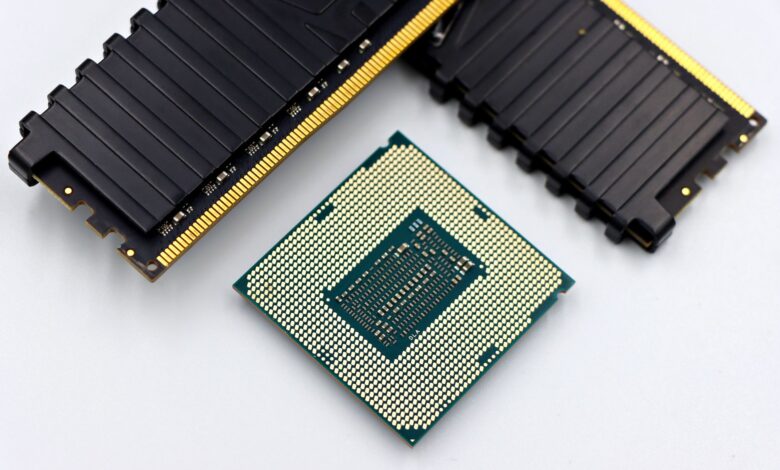
AMD’s Ryzen 7 9800X3D and Intel’s Core Ultra 7 265K are both positioned as premium desktop processors, but they were built with different priorities. The 9800X3D carries AMD’s 3D V-Cache technology, originally designed to demolish gaming frame rates. The 265K comes from Intel’s Arrow Lake architecture, built with broader multi-threaded workloads in mind. When the task shifts from gaming to content creation – video encoding, 3D rendering, photo editing, audio production – the calculus changes considerably.
Architecture and Raw Specs: What You’re Actually Buying
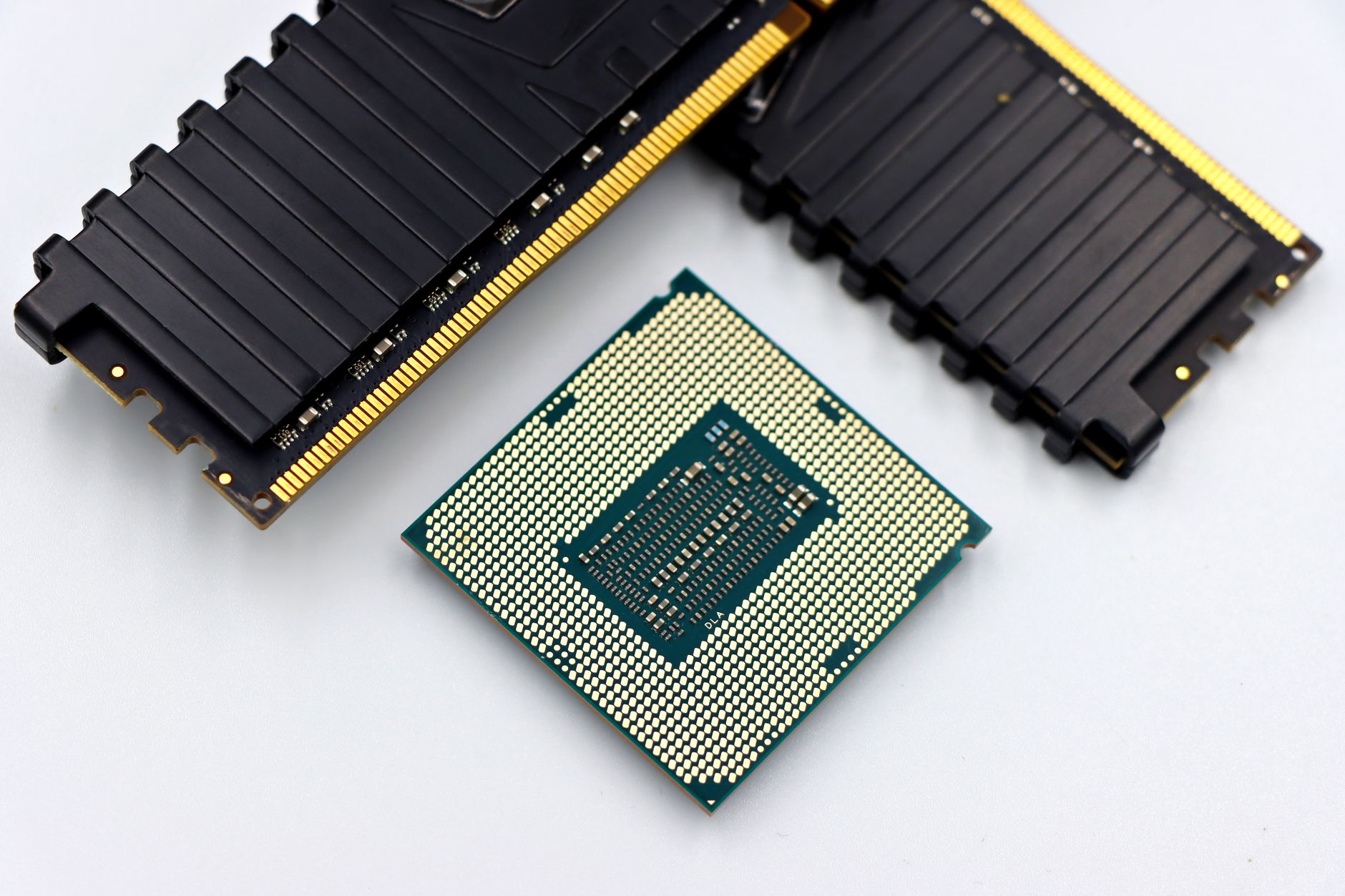
The Ryzen 7 9800X3D runs on AMD’s Zen 5 architecture with 8 cores, 16 threads, and a base clock of 4.7 GHz boosting up to 5.2 GHz. The headline feature is the 96MB of stacked L3 cache sitting directly on top of the compute die. That cache was designed to keep gaming data close to the processor cores, reducing latency and improving frame times in CPU-bound titles. For content creation, the same cache can help in scenarios where large datasets are repeatedly accessed – certain simulation workloads, audio plugins with large sample libraries, and some rendering tasks that benefit from reduced memory round trips.
The Core Ultra 7 265K runs Intel’s Arrow Lake architecture with 20 cores – 8 P-cores and 12 E-cores – clocking up to 5.5 GHz on performance cores. Intel deliberately moved away from Hyper-Threading on Arrow Lake P-cores, a decision that raised eyebrows when the platform launched. The trade-off was supposed to come from improved instructions-per-clock efficiency and the sheer core count advantage. On paper, 20 cores versus 8 cores looks decisive. In practice, the relationship between core count and real-world content creation performance is messier than that headline suggests.
Power consumption is worth addressing directly. The 9800X3D has a default TDP of 120W and behaves conservatively under sustained loads compared to most high-end desktop processors. The 265K carries a 125W base TDP but regularly draws significantly more under sustained all-core workloads when running at PL2 limits on most motherboards. For creators running long renders or encoding sessions overnight, that power gap can matter both for electricity costs and thermal management, particularly in compact workstation builds.
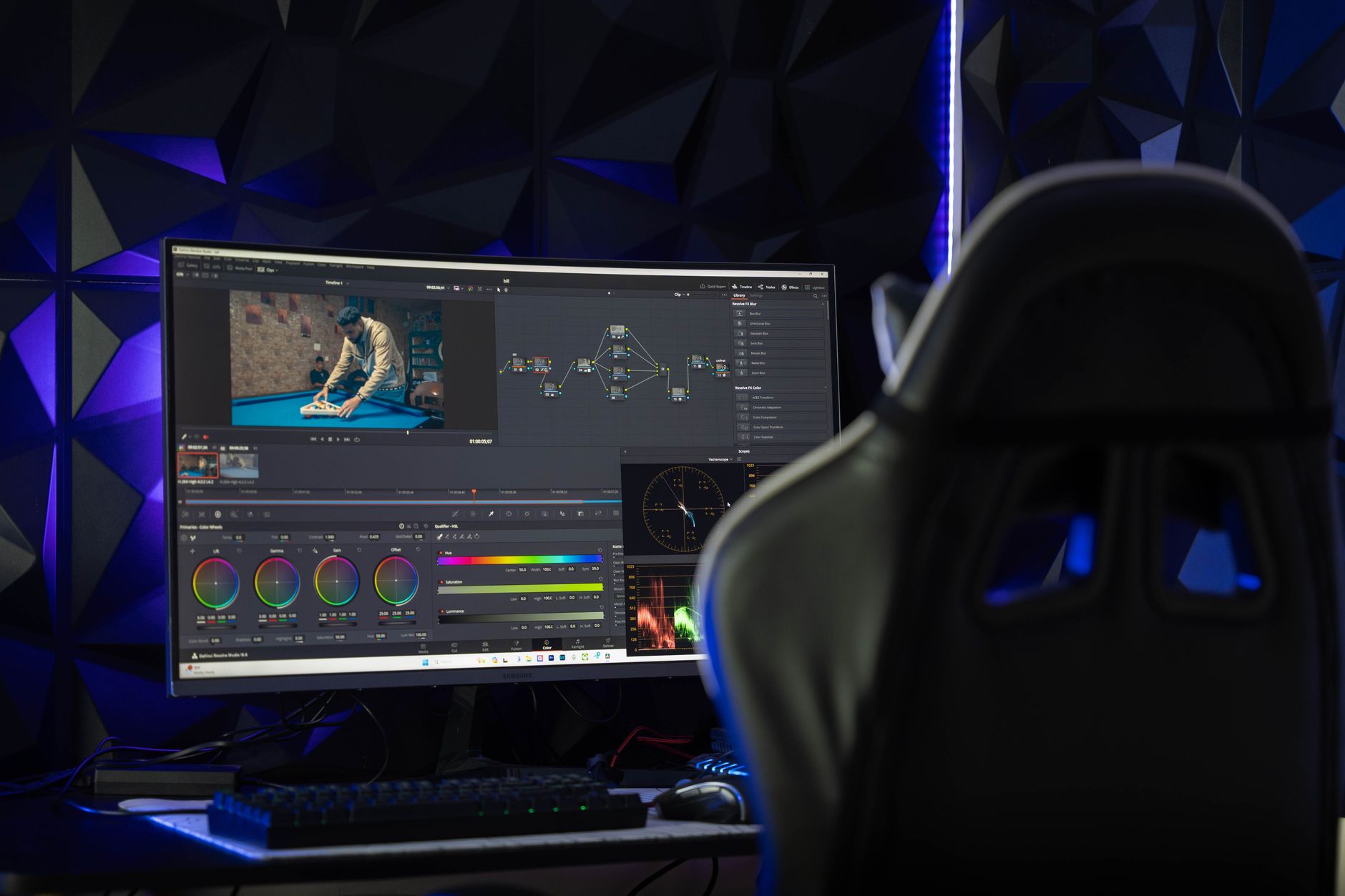
Memory platform differences also factor in here. The 9800X3D sits on AM5 with DDR5 support, while the 265K uses Intel’s LGA1851 socket with its own DDR5 implementation. Both support fast DDR5 kits, though AMD’s platform has matured considerably since AM5 launched, with better compatibility and stability across a wider range of high-speed memory configurations. For content creators running memory-intensive applications like Adobe Premiere or DaVinci Resolve, stable high-bandwidth memory access matters more than the processor alone.
Benchmark Results: Where Each Processor Actually Wins
Video encoding is where the 265K’s core count advantage becomes real. In CPU-based encoding workflows using HandBrake with x264 and x265 presets, the 265K completes encodes faster in most test cases, sometimes by a margin of 15 to 25 percent depending on the resolution and codec settings. That gap comes directly from the additional E-cores handling parallel encoding threads efficiently. The 9800X3D is not slow here – it handles encoding competently – but it is not the faster chip for this specific task.
Cinebench R23 and R24 multi-core scores follow the same pattern. The 265K pulls ahead in sustained multi-threaded rendering tasks, reflecting the core count advantage. Single-core performance scores are closer, with both processors trading positions depending on the benchmark version and workload characteristics. The 9800X3D’s single-threaded performance is strong enough that applications which cannot distribute work across many threads do not feel notably slower than on the 265K.
3D rendering in Blender tells a similar story to video encoding. The 265K finishes test scenes faster when rendering on CPU, again owing to the multi-core advantage. However, most serious Blender users at this price tier are GPU rendering, which removes the CPU core count advantage entirely and puts both processors in a supporting role. For GPU rendering, the choice of graphics card matters far more than whether you have 8 or 20 CPU cores. The 9800X3D’s lower power draw in this scenario actually becomes a mild positive, since the CPU thermal headroom can be redirected toward a high-TDP GPU in a shared chassis.
Photo editing in Lightroom Classic and Photoshop presents a different result. These applications are not efficiently parallelized across 20 cores, and they respond more to fast single-core performance and cache performance. The 9800X3D’s massive L3 cache shows genuine benefit when culling through large RAW file batches, with catalog operations and filter application feeling snappier than on the 265K in direct comparisons. It is not a night-and-day difference, but photographers spending hours in Lightroom will notice the workflow feels more responsive on the AMD chip.
Audio production in DAWs like Ableton Live and Logic Pro (via Bootcamp or native PC builds on compatible setups) tends to favor low-latency single-threaded performance for real-time plugin processing. The 9800X3D’s cache architecture directly benefits sample-heavy plugins like Kontakt, which repeatedly access large instrument libraries. Studio professionals using dense orchestral templates with many instances of sample-based instruments have noted lower CPU meter readings on the 9800X3D compared to competing processors in the same wattage class.
The Dual-Use Reality: Gaming and Creating on One Machine
Many PC builders in 2025 are not building pure workstations. The creator who also plays games – or the streamer who encodes and games simultaneously – represents a large portion of the market buying processors at this price point. For that use case, the 9800X3D makes a stronger all-around argument. It dominates in gaming frame rates, holds its own in single-threaded creative work, and does not fall catastrophically behind in multi-threaded tasks. The 265K, despite Arrow Lake’s improvements, still trails AMD’s 3D V-Cache chips in gaming performance across most tested titles.

If the workload is genuinely production-first – long encoding queues, heavy 3D rendering, large After Effects compositions, batch processing pipelines – the 265K’s core count pays off and the choice becomes clearer. A dedicated workstation builder who rarely games should look hard at the 265K, particularly when paired with fast DDR5 and a motherboard that allows full power limit adjustments. But for anyone building a system that needs to handle gaming nights, streaming sessions, and morning editing workflows without compromise, the 9800X3D’s cache advantage in interactive creative tasks combined with its outright gaming dominance makes the tradeoff worthwhile. The 265K is the faster encoder; the 9800X3D is the faster everything else.