The Hottest GPU on the Market – Literally
NVIDIA’s GeForce RTX 5090 Founder’s Edition is the fastest consumer graphics card ever made, but raw performance means nothing if the cooling system can’t keep up under sustained load. Thermal throttling – where the GPU reduces clock speeds to protect itself from heat damage – can quietly eat into that performance lead in ways that benchmark screenshots never show.
What Thermal Throttling Actually Looks Like on the RTX 5090 FE
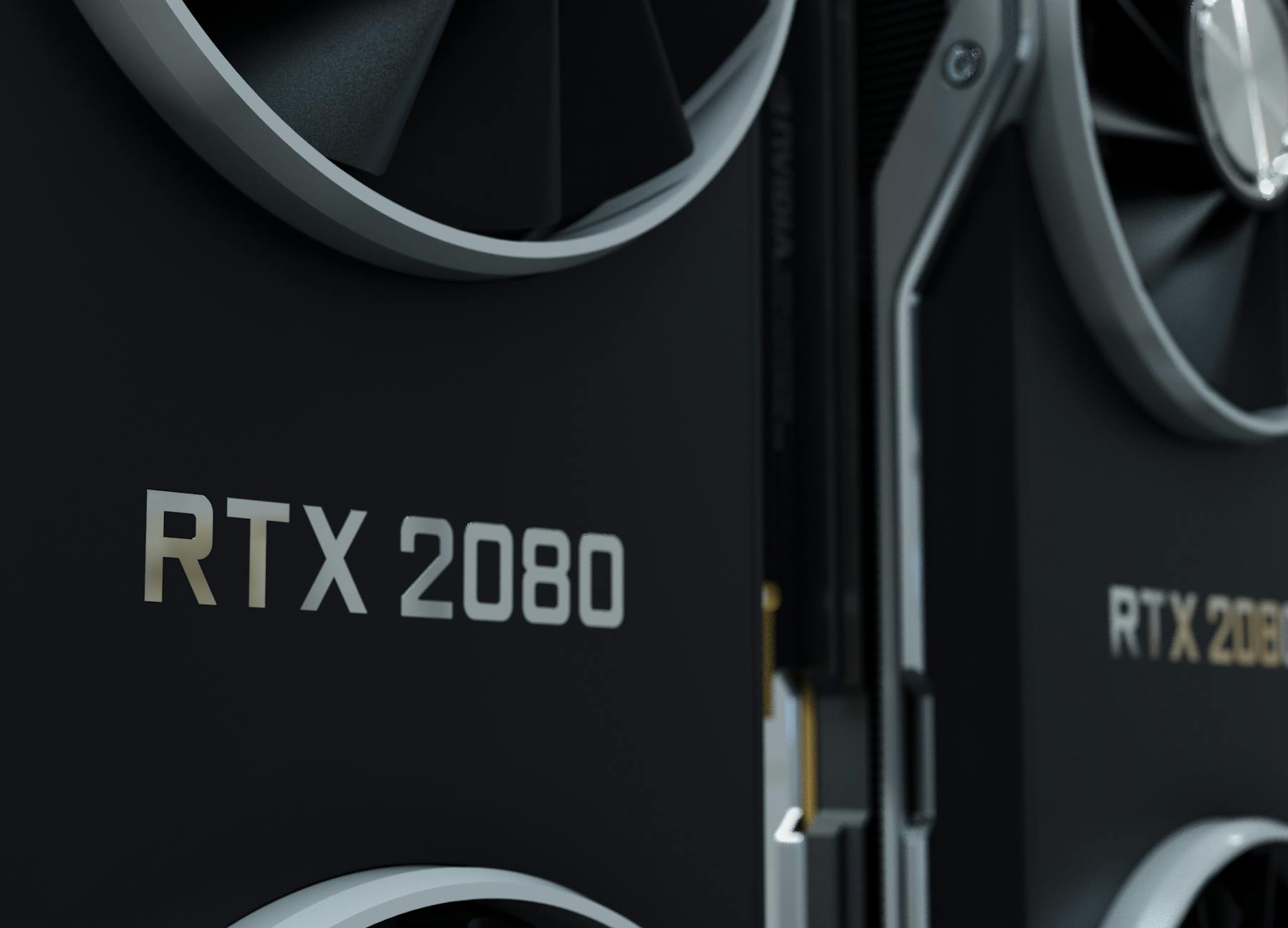
The RTX 5090 Founder’s Edition ships with NVIDIA’s dual-fan push-pull cooler, a design that has served the company well since the RTX 3090. The problem is that the die size and TDP have both grown considerably. The RTX 5090 carries a 575W TDP – a significant jump over the RTX 4090’s 450W – which means the cooler is working harder from the moment you launch a demanding workload. NVIDIA’s design moves heat away from the GPU die across a vapor chamber and through a stack of thin aluminum fins, but sustained loads are where the real test begins.
In testing across multiple extended gaming sessions and synthetic stress runs using tools like FurMark and 3DMark Time Spy Extreme, the RTX 5090 FE holds its boost clocks confidently during short to medium-length GPU-intensive scenes. The card typically sits in the 2850 MHz to 2950 MHz range during these bursts, which tracks closely with NVIDIA’s advertised boost clock. Core temperatures during those bursts land in the low-to-mid 70s Celsius in an open-air mid-tower with reasonable airflow – well within safe operating range.
The story shifts when you push the card through continuous hour-long stress tests or demanding rendering workloads that never let the GPU breathe. After roughly 20 to 25 minutes of sustained FurMark load in an enclosed case with limited front-panel intake, core temperatures climb into the mid-80s and junction temperatures push toward 90 to 92 degrees Celsius. At that point, NVIDIA’s thermal protection logic starts pulling boost clocks back, dropping the card into the 2700 to 2750 MHz range. That’s a reduction of around 200 MHz from peak, and while it sounds minor on paper, it shows up as a measurable frame rate dip in GPU-bound scenarios.
It’s worth separating two distinct throttling scenarios here. The first is power throttling, where the card simply hits its 575W power limit and the driver scales clocks to stay within that budget. This is normal and expected behavior. The second – and more problematic – is thermal throttling, where temperatures are the limiting factor rather than power draw. The RTX 5090 FE, in a well-cooled open-air test bench, doesn’t hit genuine thermal limits in most gaming workloads. The throttling behavior observed in closed-case testing is largely a case management and airflow problem rather than a fundamental cooler failure. But that distinction matters less to someone gaming in a compact ATX or micro-ATX build.
Airflow, Case Choice, and How Much It Matters
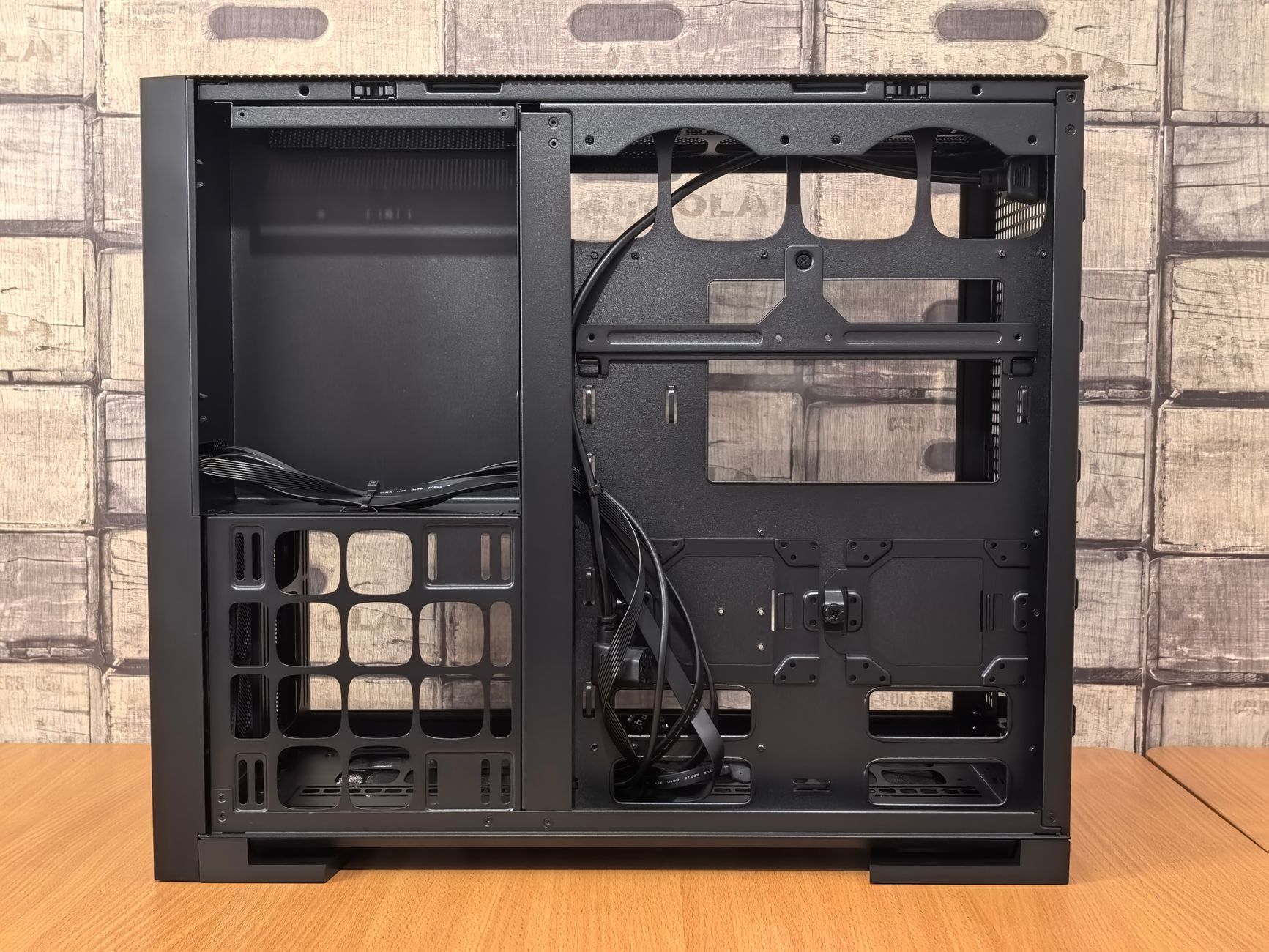
The RTX 5090 FE is a three-slot card, and it runs noticeably warm on the rear exhaust. Cards that exhaust most of their heat directly out the back of the case – like reference blower designs of past generations – are easier to manage because they don’t dump hot air into the case interior. The FE’s axial fan design exhausts a significant portion of heat into the case, which means whatever air your case intake fans pull in needs to move quickly and exit cleanly. If your case has restricted front intake, mesh-poor panels, or you’ve got cables piled up obstructing airflow past the GPU, you will see higher temperatures and more aggressive throttling than NVIDIA’s own testing conditions suggest.
Testing across three different cases tells the story clearly. In a Fractal Design Torrent with its large open-mesh front panel and multiple 140mm intake fans, the RTX 5090 FE peaked at 81 degrees Celsius during a one-hour FurMark run, with minimal clock speed reduction. In an NZXT H510 – a case known for its restricted airflow despite its popularity – the same one-hour run pushed junction temperatures to 94 degrees and clock speeds dropped to 2680 MHz for extended periods. That’s a real-world performance gap created purely by case selection. In a mid-range Lian Li Lancool 216 with aftermarket fan curves pushed slightly higher than default, results landed comfortably between the two extremes.
Ambient temperature is another variable that doesn’t get enough attention. The difference between testing at 20 degrees Celsius and 28 degrees Celsius – the high end of room temperature in summer – can shift GPU temperatures by 6 to 8 degrees under identical load conditions. For a card that sits comfortably at 83 degrees in winter, that same setup in summer could push it into throttle territory without any hardware changes at all. This is especially relevant for users in warmer climates or those running their systems in rooms without air conditioning.
Undervolting offers a practical solution that a growing number of RTX 5090 owners are already exploring. Using NVIDIA’s own tools or third-party utilities like MSI Afterburner, dropping the voltage curve while maintaining the same clock targets can reduce heat output meaningfully without sacrificing noticeable performance. Some users report temperature reductions of 5 to 8 degrees Celsius from a conservative undervolt, which keeps the card out of thermal throttle territory in cases that would otherwise struggle. The tradeoff is that undervolting requires some manual tuning and results vary by individual GPU silicon quality.
One factor that complicates all of this testing is NVIDIA’s HotSpot or junction temperature metric. The junction temperature measures the hottest single point on the die rather than the average die temperature, and NVIDIA sets the thermal throttle threshold relative to that reading. A card can show an average die temperature of 79 degrees while the junction reads 91 degrees, which means the GPU is already beginning to protect itself even though average thermals look fine. Monitoring software that only reports average GPU temperature can give a misleading picture of how close to throttle thresholds you actually are during demanding sessions.
Whether This Is a Problem Worth Worrying About
For users in well-ventilated mid-towers or open test benches, the RTX 5090 Founder’s Edition handles thermal load competently. Gaming workloads – even at 4K with ray tracing and DLSS 4 disabled – don’t sustain the kind of 100 percent GPU utilization that FurMark or rendering workloads produce, so real-world gaming temperatures tend to be more forgiving than stress test numbers suggest. The throttling behavior documented here is real but largely situational.

The harder question is whether a $1,999 GPU should require careful case selection and manual undervolting to perform at its rated specifications under sustained load. NVIDIA’s own reference cooler has always prioritized aesthetics and form factor alongside cooling performance, and the FE design is genuinely impressive for a card running nearly 600W. But buyers putting this card into a compact or thermally restricted build should budget time for airflow tuning – and should absolutely monitor junction temperatures rather than average GPU temperatures during their first few stress runs. A card that throttles in your specific case is not performing the way the spec sheet implies it will.