Overview: A Case That Leads With Aesthetics
The Fractal Design North 2 picks up where the original North left off – a mid-tower PC case built around the idea that your desktop should look like furniture, not industrial hardware. The walnut or oak front panel remains the headline feature, wrapping the chassis in real wood veneer that genuinely changes the feel of a desk setup. But Fractal has made enough internal changes to warrant calling this a proper successor rather than a cosmetic refresh.
Priced around $149 USD depending on configuration, the North 2 targets builders who want something visually distinct without abandoning the practical requirements of a modern gaming or workstation build. It supports ATX, Micro-ATX, and Mini-ITX motherboards, fits GPUs up to 380mm long, and ships with two 140mm fans pre-installed at the front. The tempered glass side panel on the right side puts the interior on display, which is either a feature or added pressure to manage cables, depending on how tidy you build.
This is a case that asks you to make a clear choice: you are buying it because you want it to look a specific way. The question is whether the engineering holds up once the novelty of the wood panel wears off.
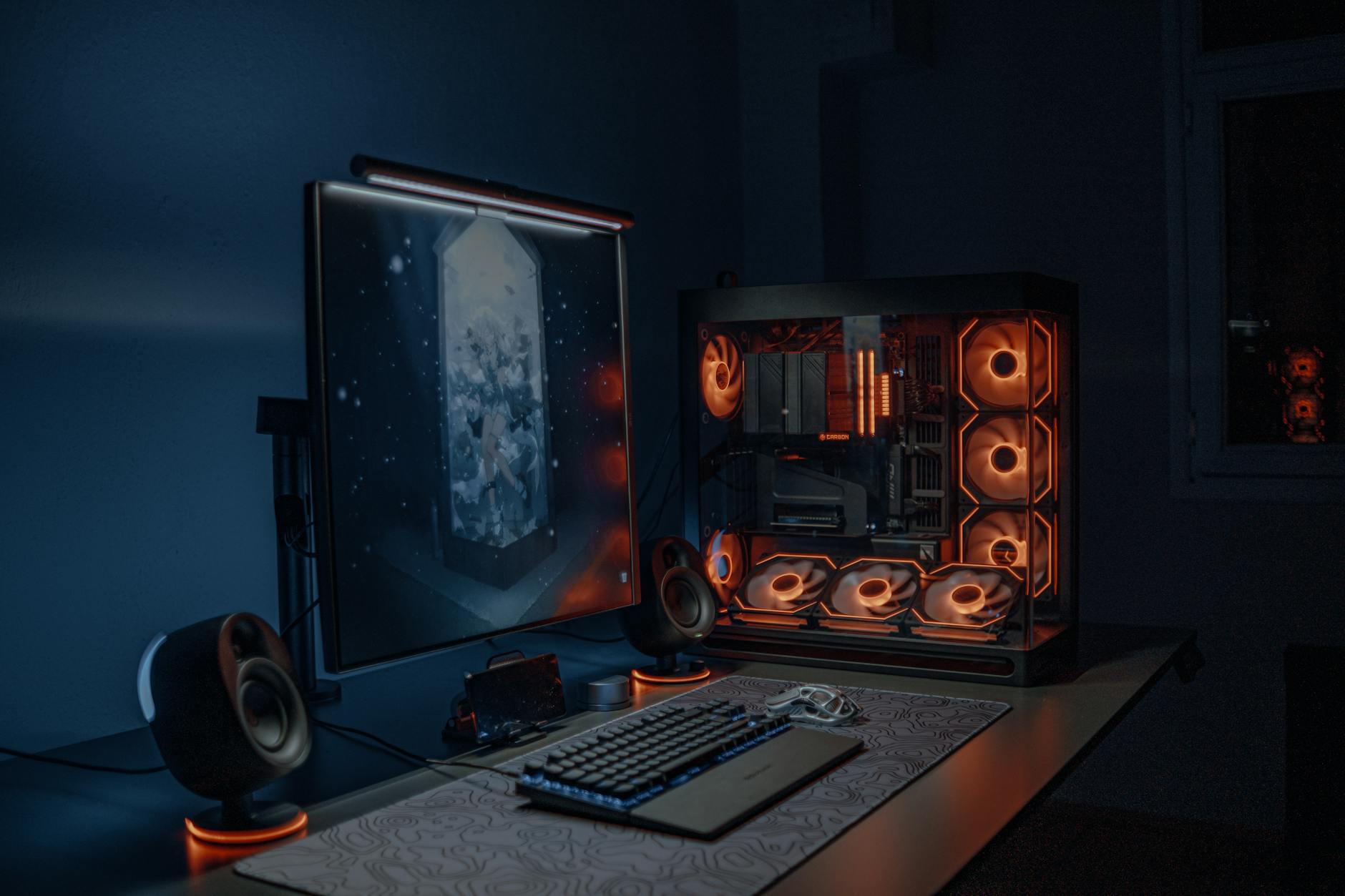
Build Quality and Design
Fractal’s build quality has always been reliable, and the North 2 continues that track record. The steel chassis feels dense without being unnecessarily heavy. Panels fit snugly with no flex or rattle, and the wood veneer front panel is attached securely – this is not a panel that feels like it is going to fall off after repeated removal. Fractal offers the case in Chalk White and Dark Tint variants, with either walnut or oak wood options depending on the finish you choose. The contrast between the natural wood grain and the clean metal body is genuinely good-looking in person, not just in press photos.
Cable management at the rear of the motherboard tray is workable, with a reasonable amount of routing space and several velcro straps included. It is not the most generous routing layout available at this price point – builders with thick cable combs or large numbers of fan splitters may feel cramped – but for a standard build it gets the job done without serious frustration. The PSU shroud covers the bottom compartment cleanly, and there is a removable dust filter under the power supply intake.
Airflow Performance
The original North was criticized for prioritizing looks over airflow, and the North 2 directly addresses that tension. The front panel mesh has been redesigned with larger perforations, and Fractal has shifted the mounting configuration to better direct air toward the radiator or fan positions behind it. With the two included 140mm fans running at moderate speeds, temperatures in testing stay manageable for mid-range hardware – think Ryzen 5 or Core i5 tier CPUs with a GPU in the RTX 4070 class.
The wood panel, however, still restricts airflow more than a fully open mesh front would. This is not a shock – wood is wood – but it is worth being direct about. If you are building around a high-TDP CPU and a power-hungry GPU, the North 2 will require deliberate fan configuration. Adding a third 140mm fan at the top exhaust position helps significantly, and Fractal has made that addition straightforward. For the majority of gaming builds, especially those running hardware in the mainstream performance range, the airflow is adequate. Enthusiast-tier configurations need more attention paid to cooling.
The case supports radiators up to 360mm at the front and 280mm at the top, which is strong for a mid-tower. Liquid cooling users who want the aesthetic of the North 2 without fighting restricted airflow will find this the most natural path forward.

Interior Layout and Compatibility
The North 2 ships with a well-organized interior. The GPU clearance of 380mm accommodates most current-generation cards without issue, though extremely large three-fan coolers should be measured carefully before purchase. CPU cooler height clearance tops out at 185mm, which is generous enough for most tower air coolers. The two included 140mm Aspect fans are quiet at default speeds and represent a meaningful included value – many cases in this range ship with lower-quality fans that are immediately replaced.
Storage options include two 3.5-inch drive bays and two 2.5-inch mounts, which is sufficient for most builds but not exceptional. The front panel I/O offers two USB-A ports and one USB-C port, along with audio in and out. The omission of a second USB-C port is a minor frustration on a 2024 case, but it does not significantly impact day-to-day use for the target audience. Installation flow is logical, with toolless expansion slot covers and a removable top dust filter that lifts out cleanly without needing to move anything around it.
Pros
- Genuinely distinctive aesthetic – the wood veneer front panel looks unlike anything else at this price point and holds up in person.
- Improved airflow over the original North – the redesigned mesh intake makes a measurable difference without sacrificing the design identity.
- Strong radiator support – 360mm front and 280mm top mounting gives liquid cooling builders real flexibility.
- Two quality 140mm fans included – the Aspect fans are quiet and functional, reducing the need for an immediate fan upgrade.
- Solid build quality – no panel rattle, no cheap-feeling trim, no assembly headaches.
- Good CPU cooler clearance – 185mm fits most large air coolers including the Noctua NH-D15 and DeepCool Assassin series.
Cons
- Wood still limits intake airflow – no amount of mesh redesign fully compensates for the physical restriction of a wood front panel; high-TDP builds need a plan.
- Only one USB-C port on the front I/O – feels slightly dated for a case launching in 2024.
- Rear cable management space is tight – complex or high-count cable setups will require patience.
- Premium price for a mid-tower – at $149, you are paying for the aesthetic; cases with comparable or better thermal performance exist for less.
- Limited storage expansion – two 3.5-inch bays is workable but not impressive for builders with large media libraries.
Verdict
The Fractal Design North 2 is a well-executed case built around a clear aesthetic priority. Fractal heard the airflow criticism aimed at the original, addressed it meaningfully, and delivered a second version that performs adequately for mainstream gaming hardware while looking genuinely good on a desk. The wood veneer front panel remains the single most identifiable feature in the mid-tower market right now, and it is executed well enough to justify the price if that look is what you are after.
The honest caveat is that “adequate airflow” and “genuinely distinctive look” is the deal you are making. Builders optimizing purely for thermal performance at this budget will find better options. Builders who want their PC to not look like a black rectangle sitting on a desk, and who are running mainstream hardware – a Ryzen 5 or Core i5 paired with something in the RTX 4070 range – will find the North 2 a straightforwardly satisfying build experience. For reference, pairing this case with competitive hardware like the AMD Radeon RX 9070 XT would push the upper limit of what the stock fan configuration handles comfortably, making a third fan or liquid cooling loop worth serious consideration.
The North 2 earns a strong recommendation for its intended audience. If you already know you want it, you will not regret it. If you are undecided, the question to ask is simple: does the wood front panel matter to you? If the answer is no, spend your $149 elsewhere.
Score: 8/10