Steam’s Living Room Ambitions Get a Real Test
Valve has been quietly pushing Steam’s Big Picture Mode through a substantial redesign over the past year, and the updated interface is now stable enough to put through serious living room testing. The mode, originally launched in 2012 as a controller-friendly overlay for TVs, received a ground-up rebuild that shipped more broadly with the Steam Deck’s interface as its foundation. The new version borrows heavily from SteamOS’s Game Mode – the same UI that powers Valve’s handheld – and the results on a full desktop setup connected to a 65-inch display are genuinely worth examining.
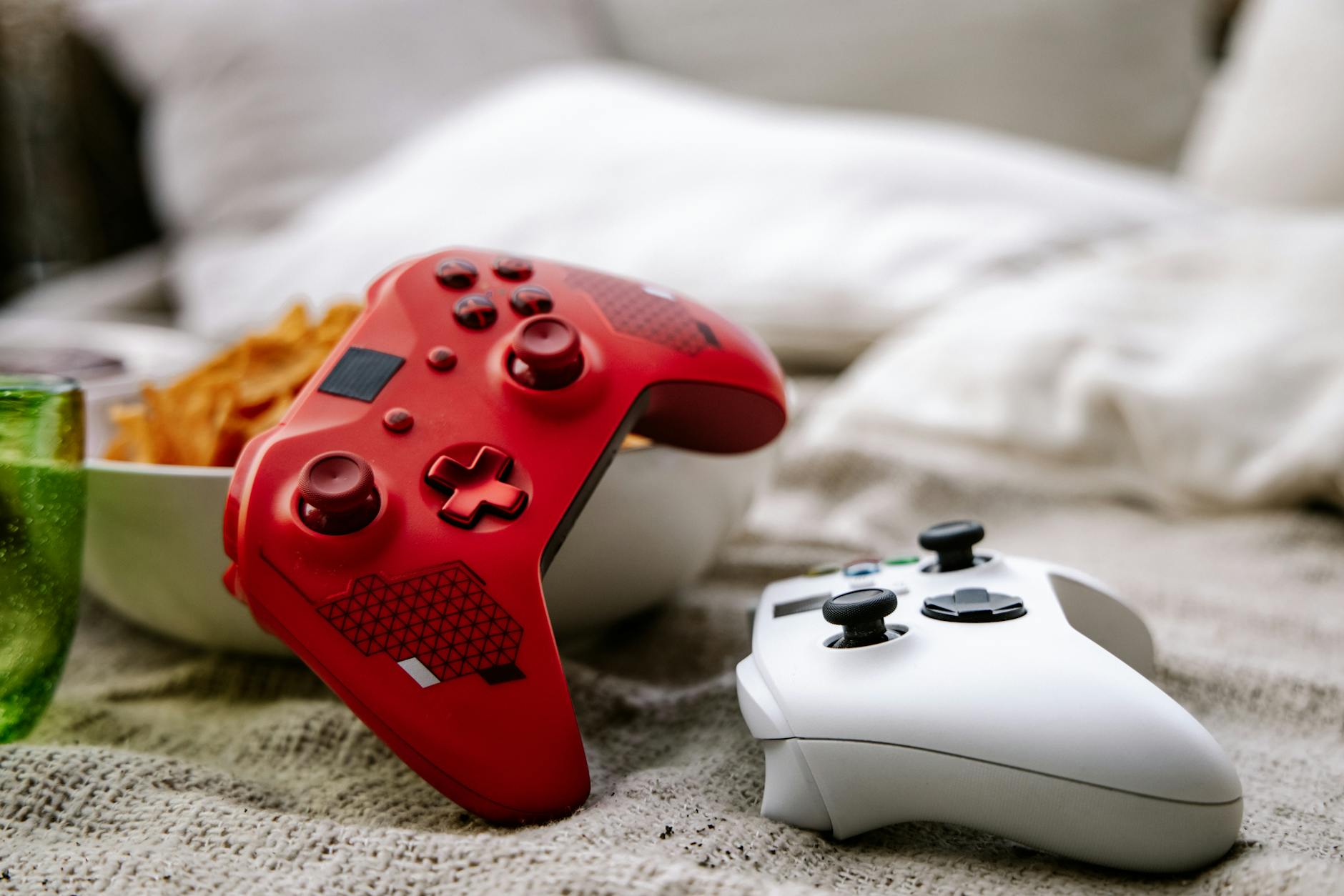
Testing was done across a mid-range gaming PC running Windows 11, connected via HDMI to a 4K television, with an Xbox Series X controller and a DualSense both used across multiple sessions. The goal was straightforward: can Steam Big Picture Mode actually replace a dedicated media PC or console dashboard for couch gaming, or does the friction eventually push you back to the desktop?
Short answer – closer than ever, but not quite there.
What Valve Actually Changed
The new Big Picture Mode is not just a visual refresh. Valve replaced the original mode’s aging codebase with the same React-based framework used in SteamOS, which means faster load times, smoother animations, and a layout that actually scales correctly to widescreen TVs without looking like a stretched web portal. The home screen now surfaces recent games, friends activity, and pending downloads in a clean card-based grid that reads well from across the room. Navigation with a controller feels natural within the first few minutes, with no awkward cursor drift or invisible hitboxes that plagued the old version.
The Quick Access menu – a holdover from the Steam Deck – is one of the better additions to the desktop Big Picture experience. Holding the Steam button on either a DualSense or Xbox controller pulls up a side panel covering downloads, friends list, notifications, and system performance metrics without leaving the game. On a TV setup, this replaces the need to alt-tab or reach for a keyboard entirely. It works consistently across the tested titles, including Baldur’s Gate 3, Hades II, and Monster Hunter Wilds, none of which require keyboard input during normal gameplay.
Controller configuration also received attention. Steam Input’s full remapping suite is now accessible directly through Big Picture without needing the desktop client, and per-game profiles load automatically when launching from the library. Haptic feedback customization for the DualSense is available but still requires more steps than it should – you are navigating three submenus to change trigger resistance on a game that supports adaptive triggers, which breaks the couch-friendly illusion fairly quickly.
Where the Experience Still Breaks Down
The library organization is a problem that no amount of UI polish fully solves. Steam’s library on a large screen reflects the same category chaos that exists on the desktop client – games filed under vague tags, no clean genre browsing, and a search function that requires typing. Typing with a controller on a TV is tolerable with Steam’s virtual keyboard, but it remains slow enough to discourage discovery browsing. Compared to the PlayStation or Xbox dashboard, where genre carousels and curated shelves are immediately navigable with a D-pad, Steam’s library still feels like a desktop folder structure wearing a TV-friendly skin.
Non-gaming tasks expose the mode’s limitations quickly. Accessing the Steam store in Big Picture is functional, but any game page that includes external links, age verification prompts, or DLC listings will eventually push up a built-in browser panel that is slow and awkward to use with a controller. Installing a newly purchased game from the couch is doable but involves more confirmation screens than it should. The whole flow is clearly designed for people who buy and configure games on desktop and then move to the couch to play them – not for managing your library entirely from the TV.
Boot behavior is another friction point. By default, Windows 11 does not launch into Big Picture Mode automatically. Setting it up requires either configuring Steam to launch on startup with Big Picture enabled, or using a third-party tool to skip the desktop entirely. There is no native “console mode” toggle in Steam’s settings that handles this cleanly – it is a manual process involving startup folders or task scheduler entries. Valve has not addressed this gap despite it being a consistent complaint from living room PC users for years.
The Bigger Picture for PC Living Room Gaming
Valve’s rebuilt Big Picture Mode is a strong step toward making a standard gaming PC feel like a legitimate living room device, but the friction points are concentrated exactly where new users will encounter them first – setup, library navigation, and anything that drifts outside pure game launching. For a household already deep in the Steam ecosystem with a well-organized library and a preference for controller-native games, the experience is smooth enough to stay in all evening. For anyone expecting something closer to a plug-in console dashboard, the gaps become obvious before the first game loads.
The underlying technology is solid, and the Steam Deck has already proved the SteamOS interface works at scale. The question Valve has not answered is whether it wants to actively close the living room gap on Windows or treat Big Picture Mode as a secondary feature that exists mainly to make Steam Deck owners feel at home when they plug into a TV. Given that Valve has not released a dedicated Steam Machine since 2015 and shows no public signs of revisiting that product category, the living room PC market remains an audience Steam is serving halfway – competently enough to stay, not aggressively enough to win.