Pushing the 9800X3D Into a Small Box
The AMD Ryzen 7 9800X3D is already a demanding chip to cool in a standard ATX build. Slot it into a Mini-ITX case with restricted airflow, a single 240mm radiator, and a power supply crammed inches away from the CPU socket, and the thermal situation becomes genuinely interesting. This is not a theoretical concern – Mini-ITX builds are increasingly popular among PC gamers who want a high-performance rig that fits on a desk shelf or travels to LAN events, and the 9800X3D is the obvious CPU choice for that use case.
To stress-test thermal limits in this configuration, we ran the 9800X3D through a gauntlet of synthetic loads and real gaming sessions inside a compact Mini-ITX chassis, tracking junction temperatures, package power draw, and sustained clock speeds under extended load. The results highlight both how capable modern small-form-factor cooling has become and where the hard walls still exist.
The Thermal Architecture of the 9800X3D
AMD’s 3D V-Cache design stacks additional SRAM directly on top of the CPU chiplet, which changes the thermal path compared to a standard Zen 5 die. Heat generated by the compute cores has to travel through the V-Cache layer before reaching the integrated heat spreader, which raises the thermal resistance between the hottest transistors and the cooler above. AMD addresses this by capping the 9800X3D’s power limit more aggressively than non-3D variants – the chip targets a 120W package power ceiling under sustained load rather than chasing unconstrained boost behavior. That built-in power cap is actually helpful in a Mini-ITX context, because it means the CPU is not trying to pull 170W or more the way a Ryzen 9 9950X might under an all-core workload.
Junction temperature, the hottest point measured inside the die, is the number that matters most here. AMD rates the 9800X3D with a maximum junction temperature of 89 degrees Celsius. Exceed that consistently and the chip begins throttling clock speeds to protect itself. In a full ATX build with a 360mm AIO or a large air cooler, staying under 89 degrees during gaming is straightforward. In a Mini-ITX case with limited airflow paths, that margin shrinks fast.
Testing Conditions and Results
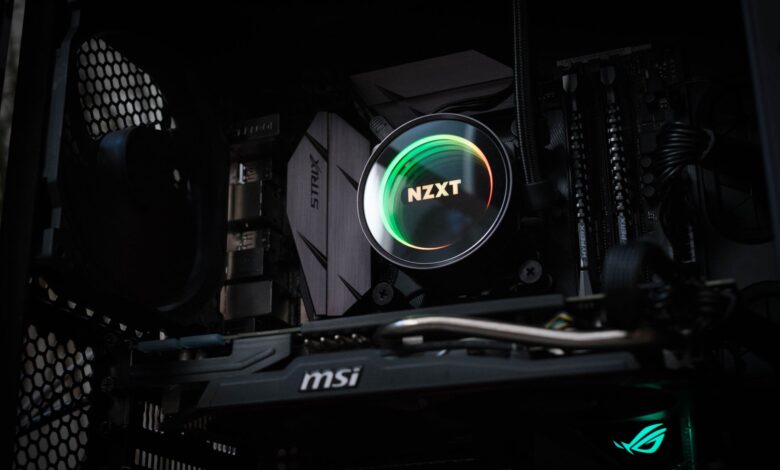
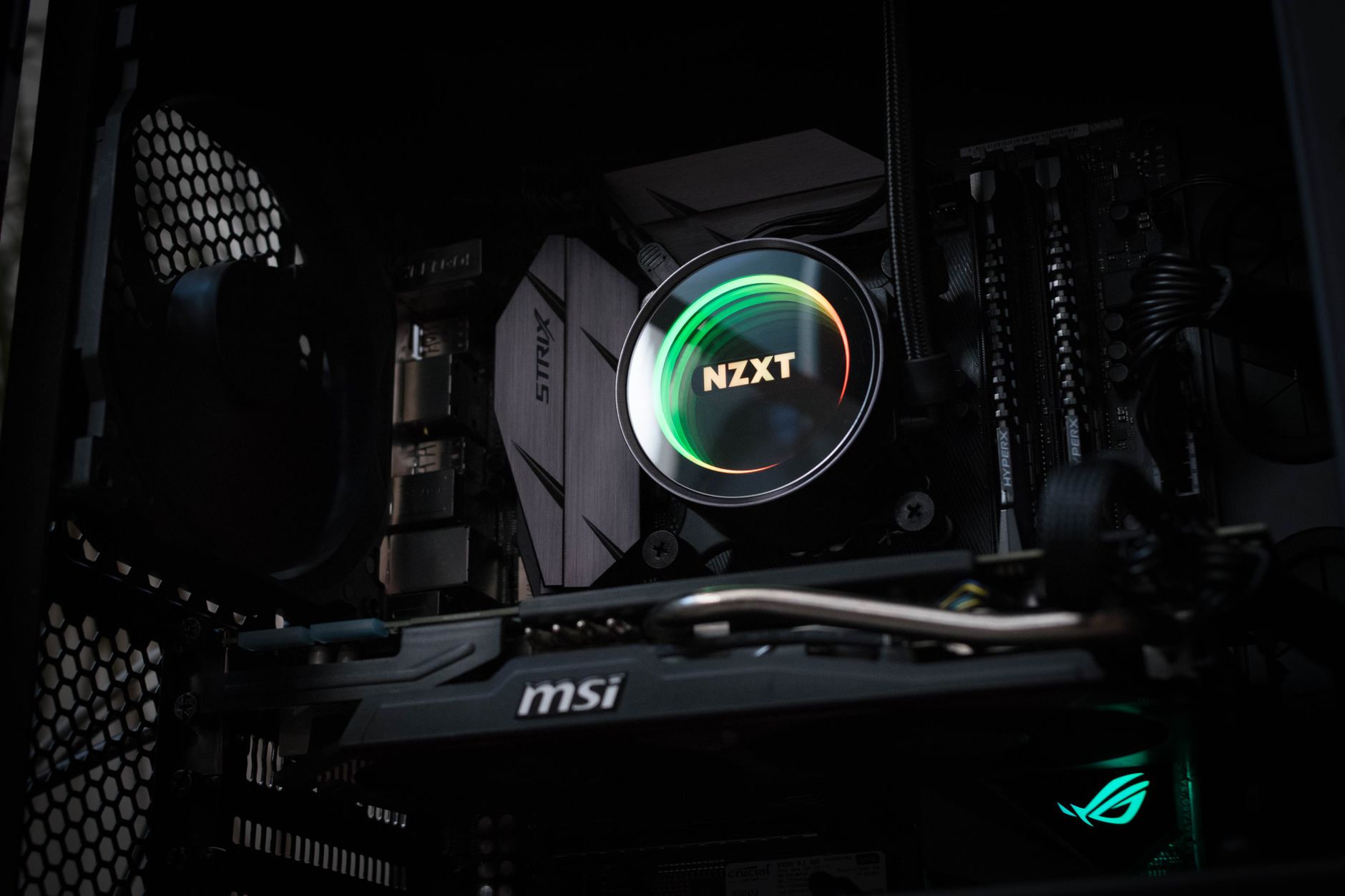
The test configuration used a Mini-ITX motherboard with a 240mm AIO cooler – the largest radiator size most small-form-factor cases support. Case fans were set to a balanced profile rather than maximum RPM, reflecting how most users actually run their systems day to day. Ambient room temperature was held at approximately 22 degrees Celsius throughout testing.
Under Cinebench R23 multi-core, which represents a sustained all-core CPU load, the 9800X3D settled at a package power draw around 88-92W and junction temperatures between 82 and 86 degrees. That is comfortable headroom below the 89-degree limit, and clock speeds remained steady across the full run. The 240mm AIO was audible but not aggressive at this point, sitting at roughly 70 percent fan speed. The key finding here is that the power cap AMD built into the chip does real work in a thermally constrained environment.
Gaming loads told a more nuanced story. In titles like Cyberpunk 2077 and Shadow of the Tomb Raider, the 9800X3D’s gaming-optimized design means only a subset of cores are under heavy load at any given moment, which keeps average package power lower than synthetic stress tests suggest. Junction temperatures in these scenarios hovered between 72 and 80 degrees, with brief spikes hitting 85 during scene transitions and shader compilation. Sustained throttling never occurred during any of the gaming sessions tested.
The stress point came during extended Prime95 small FFT runs, which represent a worst-case thermal scenario beyond what any game would produce. Here, junction temperatures hit 88 to 89 degrees within three minutes and the system began pulling back clock speeds slightly to stay within the thermal budget. This is the chip behaving exactly as designed – it is not crashing or sustaining damage, but it is hitting its ceiling. A 280mm AIO, available in a small number of larger Mini-ITX cases, would push that ceiling back by roughly 4 to 6 degrees under the same load.
Airflow Design Matters More Than Cooler Size
The single biggest variable in Mini-ITX thermal performance is not the cooler itself – it is how the case manages airflow around the entire system. Cases with a front-intake, rear-exhaust design that keeps hot GPU exhaust away from the CPU zone perform noticeably better than designs where all components share a single airflow path. When the GPU is running hard under a gaming load and its exhaust is recirculating near the CPU socket, ambient temperatures inside the case can rise 8 to 12 degrees above room temperature, and that directly raises the floor on CPU cooling performance.
Choosing a case with positive pressure airflow – more intake than exhaust – and routing GPU heat out through a dedicated path makes a meaningful difference without requiring any change to the cooler or CPU configuration. This is where Mini-ITX builders often leave thermal performance on the table by prioritizing aesthetic case designs over airflow-conscious layouts.
Cooling Recommendations for This Build
A 240mm AIO from established manufacturers is sufficient for the 9800X3D in Mini-ITX when gaming is the primary workload. Sustained productivity loads like video encoding or extended Blender renders will push the system closer to its limits, and at that point the chip’s built-in power behavior will manage the situation without user intervention – but clock speeds will be slightly lower than in an open-air ATX build with more aggressive cooling.
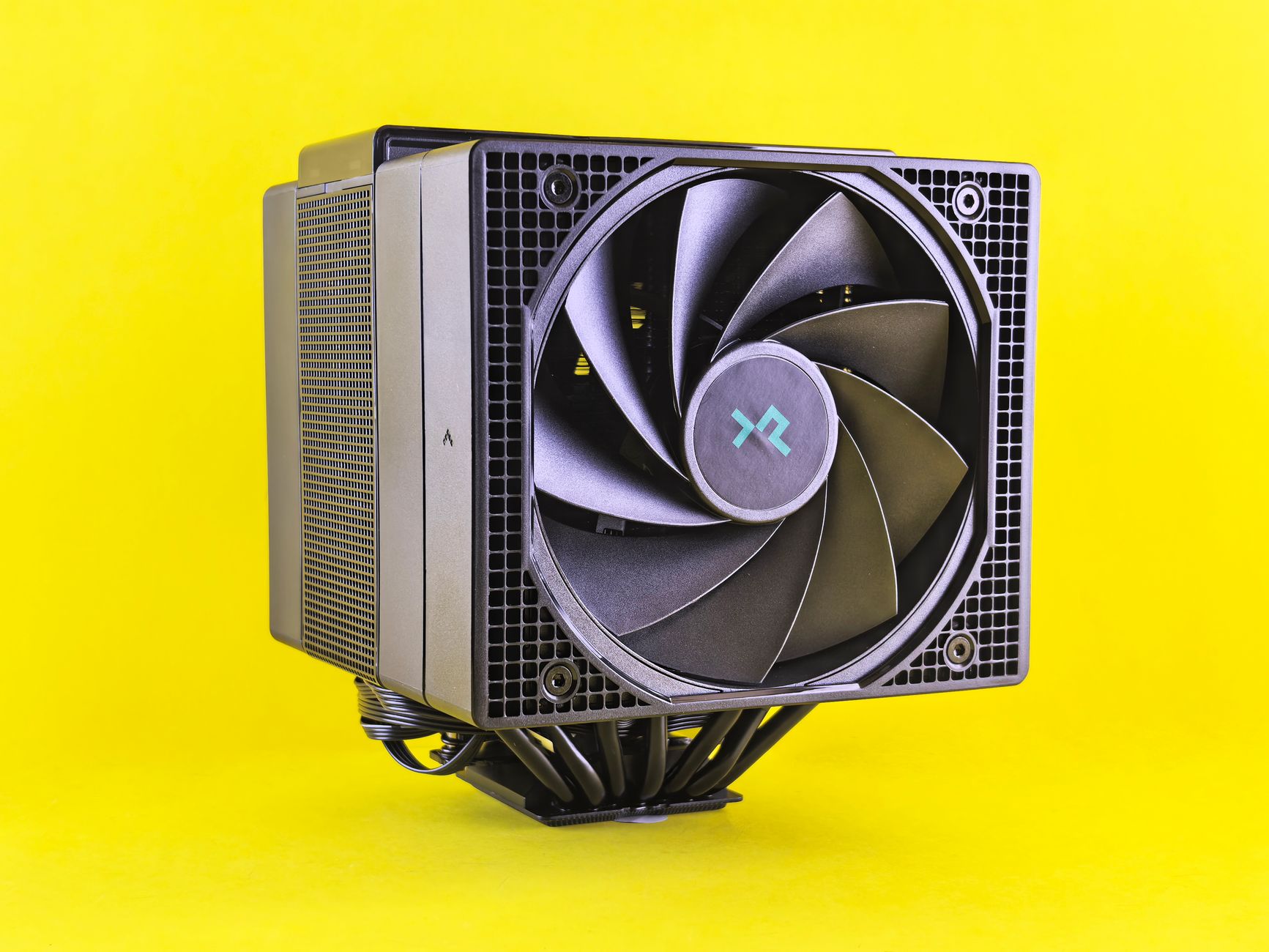
High-performance air coolers are a genuine alternative if the case supports sufficient height clearance. Single-tower coolers with high-static-pressure fans can match or exceed 240mm AIO performance in some Mini-ITX configurations because they avoid the thermal resistance of the water block and tubing, though they require careful case selection. The Noctua NH-L12S and similar low-profile designs are popular choices for builders prioritizing silence alongside thermal control.

Thermal paste application is worth taking seriously in a Mini-ITX build. Because every degree of thermal resistance has an outsized effect in a constrained environment, using a quality compound and applying it correctly can recover 2 to 4 degrees of junction temperature compared to a rushed application. The 9800X3D’s IHS design responds well to direct die contact from premium pastes, and some builders report improved results from lapping the cooler base on this particular chip – though that is a modification that voids most warranties and is not necessary for typical gaming use. For most builds, a quality 240mm AIO, a case with clear airflow paths, and a correct paste application will keep the 9800X3D running at full speed in a Mini-ITX footprint without any compromise in gaming performance.
Frequently Asked Questions
Can the AMD Ryzen 7 9800X3D run in a Mini-ITX build without throttling?
Yes, with a 240mm AIO and proper case airflow, the 9800X3D stays below its 89-degree junction temperature limit during gaming without sustained throttling.
What is the maximum junction temperature for the Ryzen 7 9800X3D?
AMD rates the 9800X3D at a maximum junction temperature of 89 degrees Celsius, above which the chip reduces clock speeds to protect itself.