Six Months of OLED Gaming – What Actually Happened
The MSI MAG 274QRFDE-QD is a 27-inch QD-OLED monitor running at 2560×1440 with a 240Hz refresh rate, and it sits in a price bracket where buyers expect both performance and longevity. QD-OLED panels have carried a burn-in stigma since they first appeared in consumer displays, partly inherited from the early OLED television era and partly from the design reality that static UI elements, taskbars, and game HUDs get displayed for hours at a time. The question was never whether burn-in is theoretically possible – it clearly is – but whether real-world gaming use over months actually produces it at a visible level.
To find out, the monitor was run through six months of daily use spanning first-person shooters, open-world RPGs, strategy games, and desktop work. No burn-in protection tricks were applied beyond what Windows and the monitor offer by default. The results are worth examining carefully, because they complicate the simple narratives that float around OLED monitor forums.
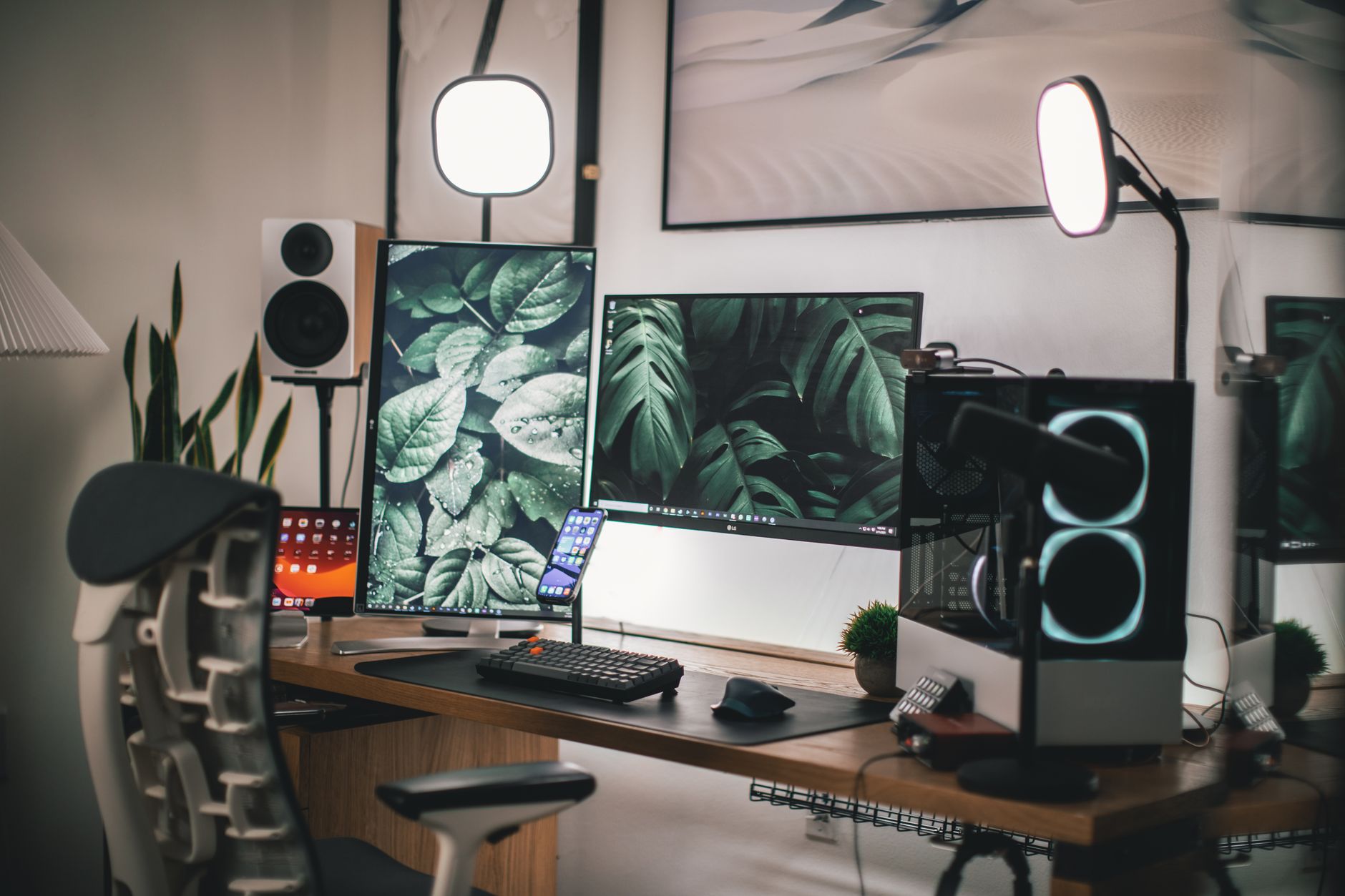
The Test Setup and Usage Conditions
The MAG 274QRFDE-QD was used as a primary display averaging roughly five to seven hours daily. Game sessions included titles with persistent HUD elements – health bars, minimaps, ammo counters, objective trackers – displayed in fixed screen corners for extended periods. Desktop use added a standard Windows taskbar running across the bottom of the screen for the duration of the entire six months, which is arguably the harshest static element any monitor will face in typical use.
Brightness was kept between 60 and 80 percent for most gaming sessions, dropping slightly for late-night use. HDR was enabled for compatible titles. The monitor’s built-in pixel refresh feature, which runs automatically when the display is powered off after extended use, was left enabled throughout – this is the factory default and represents how most buyers will actually use the panel.
After six months, a solid grey test image was displayed across the full panel to check for any differential aging. A white screen followed, then a black screen. All three test images were examined closely and photographed under consistent ambient lighting conditions.

What the Grey Screen Revealed
The grey screen test is the most revealing for early differential aging because it sits between black and white, making subtle luminance differences easier to catch. On the MAG 274QRFDE-QD after six months, there was a faint but visible outline along the bottom portion of the screen where the Windows taskbar sits permanently. This is not a ghost image in the traditional burn-in sense – there are no Windows icons or system tray symbols etched into the panel. What appears is a very slight luminance variation, a band roughly the height of the taskbar, where the underlying pixels have logged marginally more active hours than the rest of the screen.
Whether this qualifies as burn-in depends entirely on your definition. Under normal viewing conditions – meaning anything other than a flat grey test image – the variation is not visible. In actual game content, even relatively muted scenes with dark or uniform backgrounds, the affected area does not stand out. Text on dark backgrounds shows no differentiation. Moving between windows and applications produces no visible ghosting.
The white screen test showed the same faint band, again only noticeable with deliberate inspection. The black screen showed nothing at all, which is expected since black on OLED is simply the pixels being off. The critical takeaway here is the distinction between measurable panel aging – which is happening – and the kind of image retention that would affect actual gaming. At six months of heavy use, the MAG 274QRFDE-QD sits firmly in the first category rather than the second.
HUD elements from specific games did not produce visible retention marks. This held true even for games with static crosshairs, persistent waypoint indicators, and always-visible skill cooldown bars. The movement inherent in gaming content, even when HUD elements are fixed, appears to provide enough luminance variation across the panel to prevent the kind of localized aging that a completely static desktop background or screensaver would cause. The pixel refresh cycles running between sessions are also clearly doing their job.

Panel Technology and Long-Term Expectations
QD-OLED uses a blue OLED emitter combined with quantum dot color conversion, which produces a different aging profile compared to WRGB OLED panels used in LG displays. The blue subpixel degradation rate in QD-OLED has been a specific concern raised by display engineers, and Samsung Display’s approach to managing this has evolved across panel generations. The panel in the MAG 274QRFDE-QD represents a more recent iteration of Samsung’s QD-OLED technology, and the results here are broadly consistent with what that newer generation was designed to deliver.
What the six-month test does not answer is the two-year or three-year picture. The luminance variation visible in the taskbar region after six months will continue to develop. Whether it crosses into visible territory during actual content at the twelve or eighteen month mark depends on usage hours, brightness settings, and content type – variables that differ significantly between users. Someone who runs a productivity-heavy workflow with a persistent taskbar and high brightness could reach visible differential aging faster than a dedicated gaming setup with variable content and moderate brightness.
MSI’s implementation includes a few onboard protections beyond the automatic pixel refresh cycle. The screen corner logos in supported games can be addressed through the monitor’s built-in logo brightness reduction feature, and the overall pixel management firmware has been updated since launch. Running the latest firmware is not optional maintenance at this point – it directly affects how aggressively the panel manages static element exposure during extended sessions.
The MAG 274QRFDE-QD at six months is not a cautionary tale about OLED burn-in risks. It is, more accurately, a demonstration that those risks are real and measurable at a technical level while remaining below the threshold of affecting the actual experience for most users. The taskbar band exists. It cannot be unseen once you know to look for it under a grey test image. But the same panel still delivers the contrast, motion clarity, and color depth that made QD-OLED worth considering in the first place – and none of the differential aging visible in testing has made any appearance during gaming sessions. The more honest long-term worry is not whether burn-in will occur, but whether the rate of aging accelerates nonlinearly after the first year.
Frequently Asked Questions
Does the MSI MAG 274QRFDE-QD have burn-in after six months of use?
A faint luminance variation appeared along the taskbar region under grey screen testing, but no visible burn-in was detected during actual gaming or normal content viewing.
Should I enable pixel refresh on the MSI MAG 274QRFDE-QD?
Yes. The automatic pixel refresh cycle that runs when the display powers off appears to meaningfully slow differential panel aging and should be left enabled at factory default settings.