Six Months of Real-World Use: Does QD-OLED Hold Up?
The MSI MPG 321URX QD-OLED launched as one of the more ambitious 32-inch gaming monitors on the market – a 4K panel running at 240Hz with Samsung’s QD-OLED technology underneath. It costs serious money, and the promise behind that price tag is simple: the best gaming image quality available right now. But OLED burn-in anxiety has followed the technology since its earliest days in televisions, and PC monitors face a far harsher workload than a living room TV ever does. Static UI elements, game HUDs, taskbars, desktop icons – all of it sits in fixed positions for hours at a time.
After six months of daily use covering everything from competitive shooters to open-world RPGs, desktop productivity, and long stretches of video playback, we ran the MPG 321URX through a full battery of burn-in evaluation tests. The results are more nuanced than either the doom-sayers or the brand marketing would suggest.
How We Tested for Retention and Burn-In
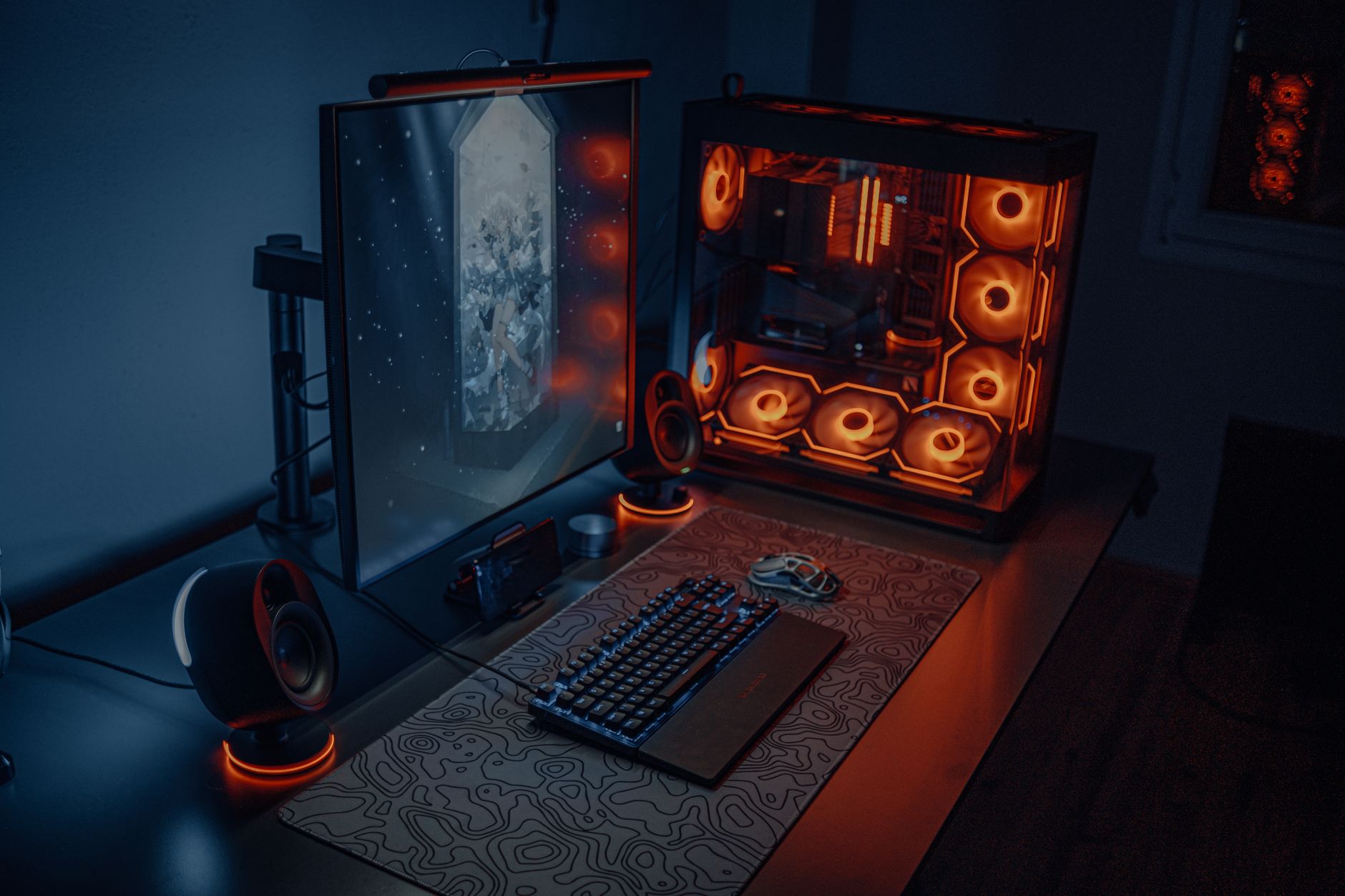
The test setup ran the MPG 321URX as a primary monitor for approximately six to eight hours daily. Gaming sessions included titles with heavy static UI – Baldur’s Gate 3, Call of Duty: Warzone, and Cyberpunk 2077 – alongside extended desktop use with a Windows taskbar locked to the bottom of the screen. No screen saver was active during working hours. Brightness was kept at roughly 60-70 percent of peak for most sessions, with HDR enabled during gaming.
To check for image retention, we used a full gray screen test after every two weeks, followed by a pixel-cycling sequence. We also used a solid white panel to look for any localized dimming, and a black screen test under low ambient lighting to spot uneven aging across the panel surface. The methodology is not lab-grade, but it reflects what a real buyer would experience and what they would actually notice in day-to-day use.
MSI includes several built-in panel protection features on this monitor: a pixel refresher that runs on a timed cycle, a screensaver activation option, and logo brightness reduction. We left the pixel refresher on its default schedule – once every four hours of accumulated use – and did not manually trigger it beyond that. This is the realistic scenario for most buyers who set the monitor up and largely forget the settings menu exists.
Early Retention Signs and How the Panel Responds
Around the eight-week mark, a faint ghost of the Windows taskbar became visible on a solid gray test screen. It was subtle – the kind of thing you would never see during normal use, only when actively looking for it. Running the pixel refresher cycle cleared it completely within one session. No permanent retention was observed at any point in the six-month period.
What this confirms is that the QD-OLED panel in the MPG 321URX does accumulate differential aging from static elements, but the rate is slow enough that the built-in correction tools stay ahead of it without requiring any special user intervention. Buyers who keep the default settings active and do not run the monitor at maximum brightness continuously are unlikely to encounter anything visible in normal content.
The Bigger Picture on QD-OLED Longevity
The burn-in conversation around OLED monitors has been distorted by two opposite forces. On one side, traditional LCD manufacturers have spent years amplifying worst-case scenarios to steer buyers away from competing technology. On the other, some OLED enthusiasts dismiss the risk entirely, which does buyers a disservice. The honest position is that QD-OLED panels age differently than LCD – they do not degrade uniformly, and high static load does leave traces over time – but modern panel management tools have changed the calculus significantly compared to first-generation OLED displays.
Samsung’s QD-OLED substrate, which MSI uses here, has shown stronger resistance to permanent retention than early white OLED panels in consumer monitors. The quantum dot layer handles color rendering in a way that reduces the workload on individual organic pixels compared to older RGB-stripe OLED designs. That engineering decision pays off over a long use period. Six months in, color accuracy on the MPG 321URX measured within acceptable variance from its out-of-box calibration – no meaningful shift in white point or gamma was detectable.
The monitor’s ABL (Automatic Brightness Limiter) behavior is worth flagging for anyone considering this panel for productivity work. When a large portion of the screen shows white content – a document, a spreadsheet, a bright web page – the ABL pulls peak brightness down noticeably. This protects the panel but can feel jarring when switching between a dark game and a bright browser window. It is not a defect; it is a design choice. But it means this monitor rewards users who understand what OLED asks of them, not those who expect it to behave identically to an IPS or VA panel at all times.

After six months, the MPG 321URX shows no permanent damage, no visible burn-in under normal viewing conditions, and only the most fleeting image retention that self-corrects overnight. The panel still delivers the contrast and color saturation that made it worth the asking price at launch. The more pressing long-term question is not whether the display will survive five years of gaming – it is whether the ABL behavior and the pixel refresher interruptions will wear on users who did not research OLED’s quirks before buying. That friction is real, and it does not disappear with age.