The ROG Crosshair X870E Hero Arrives With a Point to Prove
Asus has built the ROG Crosshair line into a reference point for AMD platform overclocking, and the X870E Hero does not quietly step aside from that reputation. Sitting just below the Extreme in the ROG stack, the Hero targets enthusiasts who want serious tuning headroom without paying flagship prices. With AMD’s AM5 platform now mature enough to support aggressive memory and CPU overclocking, this board arrives at a moment when the tools to push Ryzen 9000-series chips hard are finally in place.
The board pairs a 20+2 power stage design with 110A SPS power stages, a premium VRM cooling solution, and full support for DDR5 overclocking through EXPO and manual XMP profiles. On paper, that is a strong foundation. Whether it translates into real-world frequency headroom and stable daily overclocks is what this test set out to determine.
Board Layout and BIOS First Impressions
The X870E Hero uses a standard ATX footprint and keeps the layout clean. The VRM heatsinks are large enough to feel reassuring without blocking airflow lanes to an uncomfortable degree. Four DDR5 DIMM slots support up to 256GB of memory, and the M.2 slot arrangement gives you four slots total – two of which sit under a shared heatsink on the top half of the board. That heatsink does require removal to seat drives, which is a minor inconvenience but nothing unusual at this price tier.
The BIOS is where the X870E Hero earns its overclocking credentials most clearly. Asus ships the board with the Dovetail BIOS update architecture introduced with the X870E generation, and the AI Overclocking feature has been expanded with more granular voltage offset controls. Manual voltage input for VCore, SoC, VDDIO, and VSOC are all accessible without digging through nested menus. For memory tuning, the primary and secondary timing tables are laid out logically, and the board remembers failed overclock states reliably rather than forcing multiple cold boot cycles to recover.
One detail worth calling out: the board ships with a USB BIOS Flashback button on the rear IO panel. For a platform where CPU compatibility can be tightly linked to BIOS version, that is genuinely useful rather than decorative.
Memory Overclocking Performance
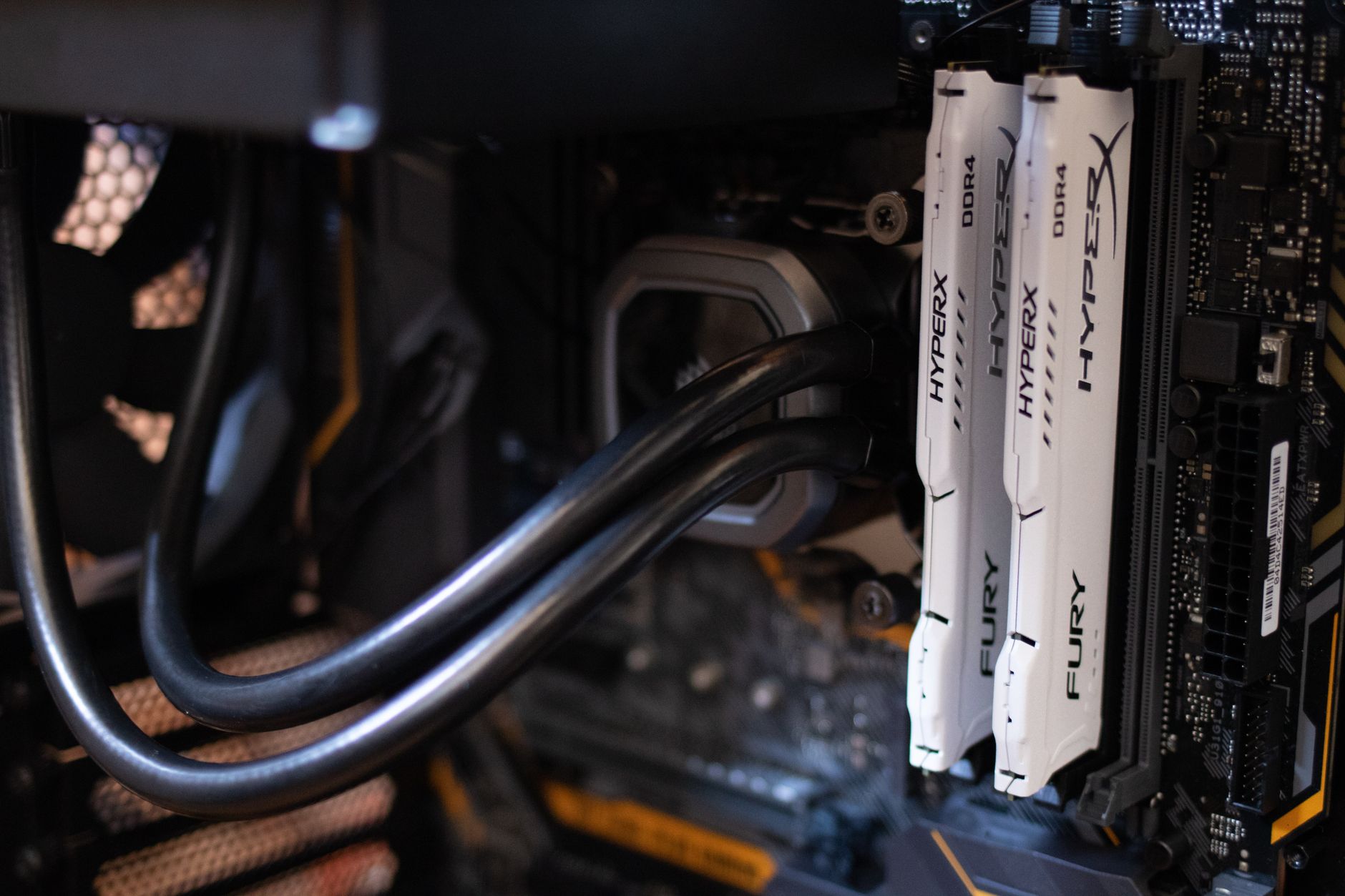
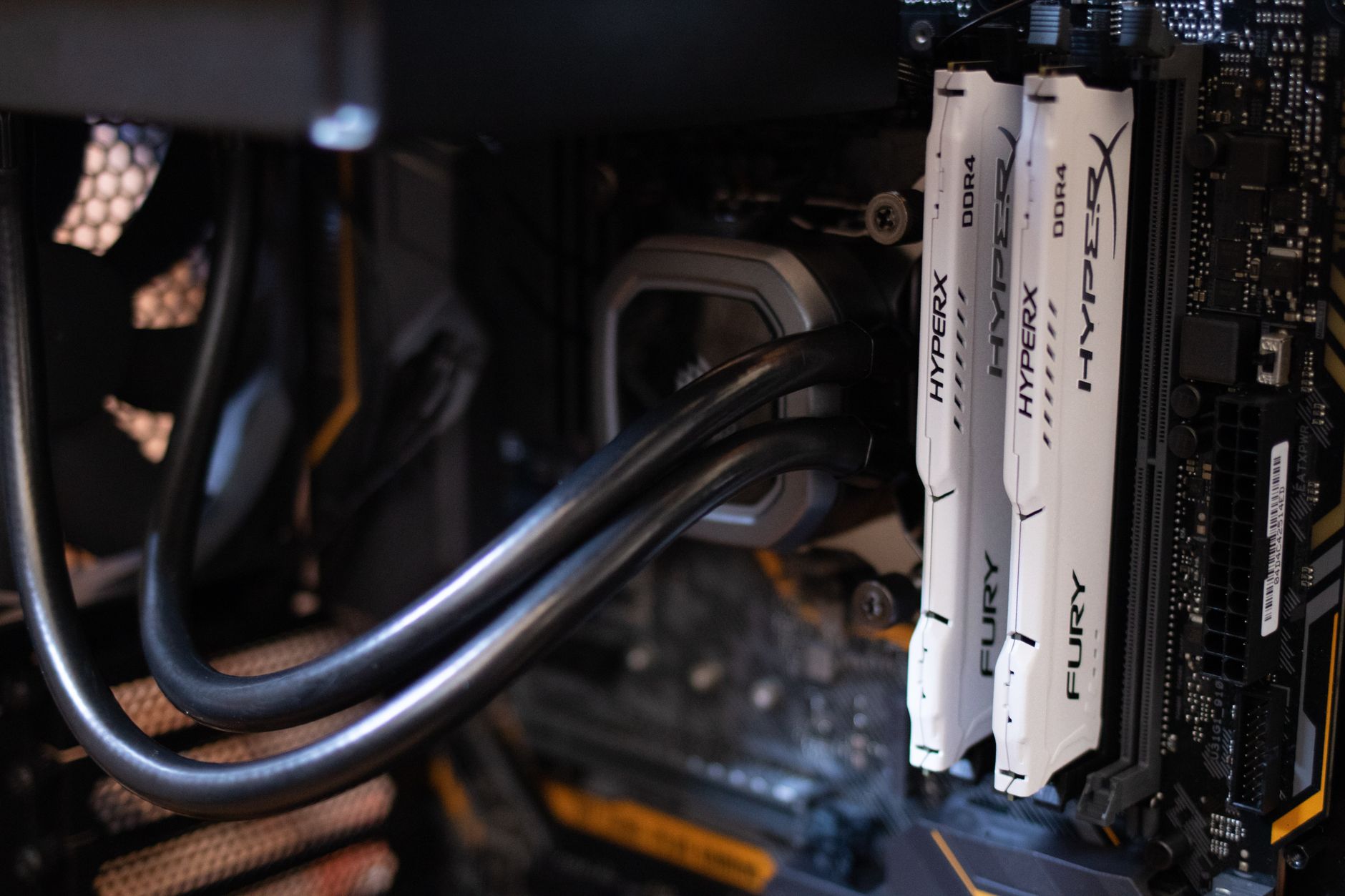
DDR5 memory overclocking on AM5 has been a mixed story since the platform launched. Early boards struggled with training consistency above DDR5-6000 on air-cooled memory kits, and the X870E generation was supposed to address that. With a 32GB kit of Samsung B-die DDR5-6000 CL30, the X870E Hero trained cleanly on the first boot and held stable through a full memory stress pass at DDR5-6400 CL32 with manually tightened secondaries.
Pushing further to DDR5-6800 required voltage adjustments to VDDIO and a small VSOC bump, but the board accepted the settings without drama. Training time at that frequency is longer than at DDR5-6000, but recovery from a failed boot remained single-cycle throughout testing. That consistency is not guaranteed on every X870E board.
CPU Overclocking Results and Thermal Behavior
Testing was conducted with a Ryzen 9 9950X, which is the chip most likely to stress a board’s power delivery under sustained all-core load. At stock settings running PBO with Curve Optimizer, the board held EDC limits cleanly without throttling at room temperature. That baseline matters because some boards nominally rated for high power delivery quietly throttle under sustained CINEBENCH R24 nT loads, and the Hero did not.
Manual all-core overclocking on the 9950X is limited by the chip’s nature – Zen 5 does not respond to all-core frequency pushes the way older architectures did. A 5.2GHz all-core at 1.25V ran stable in short burst tests but introduced thermal issues under extended load even with a 360mm AIO cooler. That is a Zen 5 ceiling, not a board limitation. Where the Hero separated itself from the pack was in power delivery temperature. Under a sustained 230W package power scenario, the VRM heatsinks reached 61 degrees Celsius after 30 minutes in a controlled case, which is well within safe operating range and notably cooler than competing boards running equivalent loads.
The Precision Boost Overdrive 3 implementation on this board also deserves attention. Asus has set the default PBO limits generously, and the AI Overclocking profile – which analyzes per-core performance data and sets Curve Optimizer values automatically – produced per-core offsets that matched what most manual tuners arrive at after several hours of testing. It does not replace manual tuning for users chasing absolute performance, but it narrows the gap between auto and manual results considerably.
For memory-sensitive workloads like 3D rendering, simulation, and certain game engine scenarios, the combination of DDR5-6400 with tight secondaries and a well-tuned Curve Optimizer offset produced consistent gains over stock configuration. The board’s ability to hold those settings across reboots and sleep/wake cycles without retraining added real usability value. A board that requires retraining memory every morning is a board most users eventually stop overclocking.
At its current retail position – roughly in the $350 to $400 range depending on region – the X870E Hero undercuts the Crosshair X870E Extreme by a meaningful margin while giving up very little in actual overclocking ceiling. The Extreme offers more USB4 ports and a slightly more aggressive power stage configuration, but for Ryzen 9000-series chips operating within normal enthusiast parameters, the Hero’s power delivery never became the limiting factor in any test scenario. The real question is whether the next round of AMD AGESA updates will unlock additional Zen 5 headroom – and if they do, this board has enough in reserve to take advantage of it.