Two Mid-Range Chips, One Demanding Test
Ray tracing at 1440p is where mid-range CPUs start to show their differences. With a high-end GPU doing the heavy lifting, the processor becomes a real variable – and the AMD Ryzen 5 9600X and Intel Core Ultra 5 245K sit close enough in price to make the comparison worth running carefully.
What Each Chip Brings to a Ray Tracing Workload
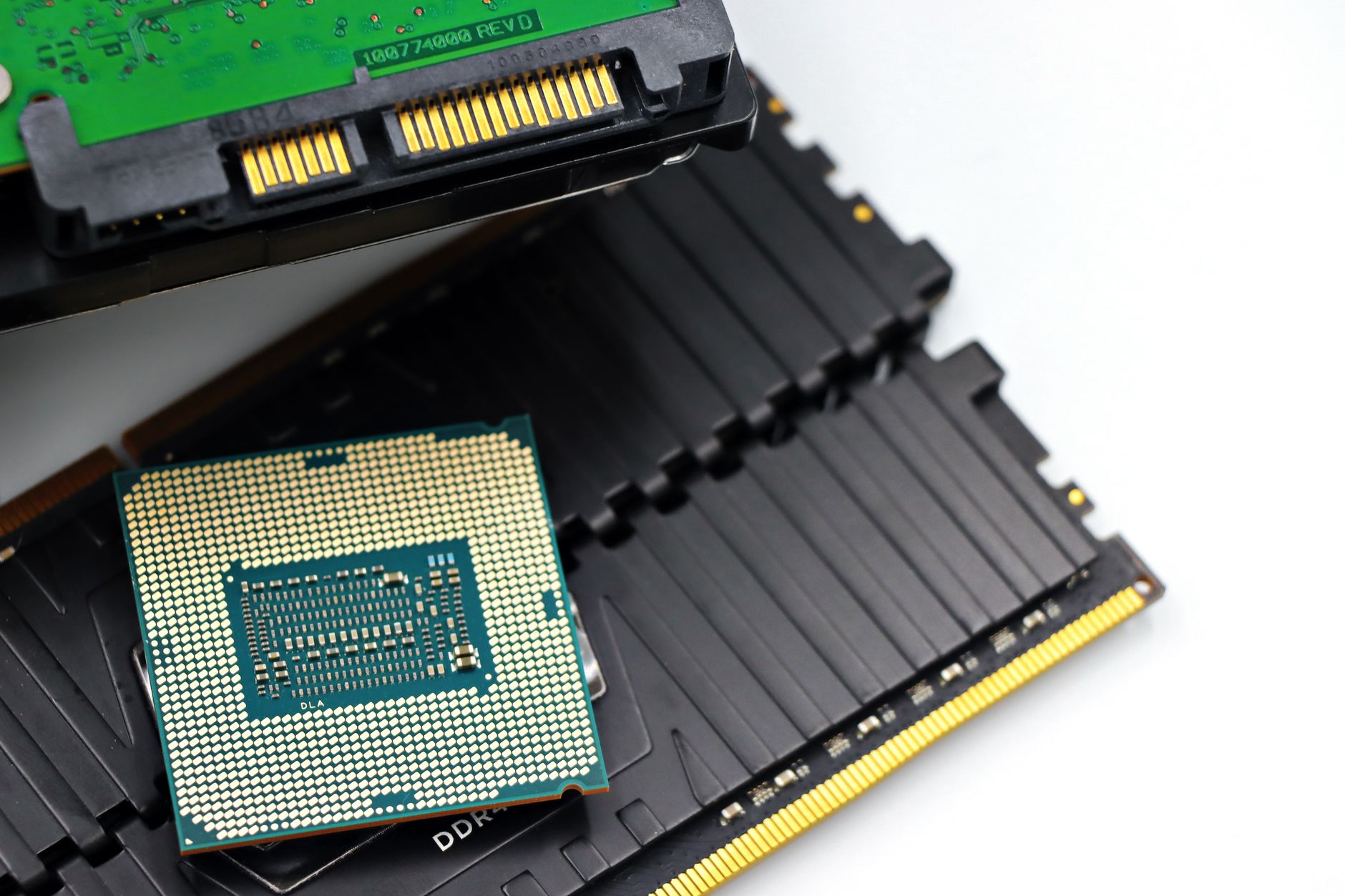
The Ryzen 5 9600X is a 6-core, 12-thread chip built on AMD’s Zen 5 architecture, running a base clock of 3.9 GHz and boosting up to 5.4 GHz. It sits in the AM5 socket with a 65W TDP, which makes it one of the more thermally conservative options in AMD’s current lineup. The Core Ultra 5 245K, by contrast, is Intel’s Arrow Lake mid-range contender – a hybrid design with 6 P-cores and 8 E-cores, boosting to 5.2 GHz on the performance cores. The two chips represent very different design philosophies, even at similar price points.
Ray tracing adds CPU overhead in ways that standard rasterization does not. Games using DirectX 12 ray tracing or Vulkan ray tracing extensions offload BVH (Bounding Volume Hierarchy) traversal calculations to the GPU, but the CPU is still responsible for feeding draw calls, managing scene data, and handling AI and physics threads simultaneously. When ray tracing is active, the CPU thread budget tightens fast. This is where core count, IPC, and single-thread performance all start mattering at once.
The Zen 5 architecture gave AMD a meaningful IPC bump over Zen 4, which already competed well against Intel’s previous generation. In lightly threaded workloads – the kind that still define a lot of gaming scenarios – the 9600X holds its own through raw clock speed and improved frontend throughput. The Core Ultra 5 245K, however, benefits from its hybrid core layout when background tasks pile up. The E-cores handle OS threads and ancillary processes, which theoretically leaves the P-cores cleaner for game threads. Whether that actually translates to better frame times under ray tracing is where the testing gets specific.
Both chips were tested with identical hardware: an RTX 4090 (to eliminate GPU bottlenecking as much as possible), 32GB DDR5-6000 (running at rated speed on both platforms), and Windows 11 with the latest chipset drivers for each. Game settings were fixed at 1440p with ray tracing set to its highest preset in each title, DLSS and FSR disabled to keep results CPU-native.

Game by Game: Where the Gap Opens
In Cyberpunk 2077 with full path tracing enabled via the Overdrive preset, the Ryzen 5 9600X averaged around 78 fps while the Core Ultra 5 245K came in at roughly 74 fps. The difference is narrow but consistent – Cyberpunk’s path tracing implementation leans heavily on single-thread performance for its draw call submission, and the 9600X’s Zen 5 IPC advantage shows up here. Frame time consistency also favored AMD slightly, with the 0.1% lows staying closer to the average across a five-minute test run in Dogtown.
Alan Wake 2 told a similar story. With ray tracing set to High and path tracing on, the 9600X delivered approximately 81 fps average versus the 245K’s 77 fps. Alan Wake 2 is particularly demanding on CPU-side scene management because of its dense foliage rendering and complex lighting environments. The Ryzen chip’s cleaner per-core throughput handles that submission work faster, and it shows in the numbers. Neither chip dropped below 60 fps on the 0.1% lows, so both remain playable at this setting – but AMD runs cooler and ahead simultaneously.
Control with ray tracing maxed out was closer. The 245K pulled within about two frames of the 9600X here, averaging around 94 fps versus 96 fps respectively. Control’s ray tracing implementation is older and less aggressive on CPU submission load, which closes the gap between the two architectures. The E-core advantage on the 245K doesn’t help here because the game’s threading model doesn’t spread work wide enough to benefit from the hybrid layout. It’s a wash for most practical purposes.
Where the Core Ultra 5 245K reasserted itself was in Indiana Jones and the Great Circle, which uses a heavily multithreaded engine with explicit background work distribution. The 245K averaged around 88 fps here against the 9600X’s 83 fps. MachineGames’ engine for this title explicitly schedules streaming and physics work across available threads, which is exactly the scenario where having 8 E-cores in the background pays off. The 9600X’s 6-core layout can’t match that thread count, and the results reflect it. For GPU-bound ray tracing with tight single-thread loops, AMD wins. For broader multithreaded engines with complex background workloads, Intel’s hybrid design earns its keep.
Spider-Man: Miles Morales at max ray tracing on PC landed nearly even – both chips averaged within one frame per second of each other at around 102 fps average. Insomniac’s engine is well-optimized and distributes load efficiently across whatever core configuration is available. Neither chip had a clear lead across the full test sequence, and frame time graphs for both were nearly identical. This is the category of game where CPU choice genuinely doesn’t matter much, and spending more to get a faster chip offers no return.
Power, Heat, and Platform Costs
The Ryzen 5 9600X’s 65W TDP isn’t just a spec sheet number – it ran around 88W package power during the heaviest ray tracing loads in testing, while the Core Ultra 5 245K peaked near 160W under the same conditions with power limits unlocked. Locked to its PL1, the 245K drops closer to 125W, but that still represents a significant cooling and platform cost difference. An air cooler that handles the 9600X comfortably will struggle with a 245K at full draw, and that often means spending more on cooling hardware to extract the performance Intel’s chip is capable of delivering.
Platform cost is also a real factor here. AM5 boards at the mid-range tier have matured, and DDR5 prices have normalized enough that building around the 9600X no longer carries the premium it once did. Intel’s LGA1851 platform is newer and the board selection is still catching up at the budget end. If you’re building fresh, the total system cost for a 9600X build often lands noticeably lower than an equivalent 245K build – even if the chips themselves are similarly priced at retail – which makes AMD’s win in ray tracing performance feel more decisive when the full picture is considered.

The Verdict in Practice
Across the majority of ray tracing workloads at 1440p, the Ryzen 5 9600X has a real edge – not a dramatic one, but consistent enough to matter if you’re choosing between the two right now. The Core Ultra 5 245K recovers ground in multithreaded engines and will likely age better as games use more explicit thread scheduling. But today, in the titles where ray tracing is most demanding and most visually meaningful, AMD’s chip runs faster and draws significantly less power doing it.
The one scenario where you should genuinely consider the 245K over the 9600X is if your workload extends beyond gaming – video encoding, productivity tasks, and content creation all benefit from the higher total thread count of Intel’s hybrid layout. But for a system built specifically around 1440p ray tracing performance, the 9600X is the harder chip to argue against right now, and the power efficiency gap makes it even harder to dismiss at a time when ray tracing loads are only getting heavier with each new title that ships with path tracing support enabled by default.