AMD’s Mid-Range Overclocking Platform Gets Serious
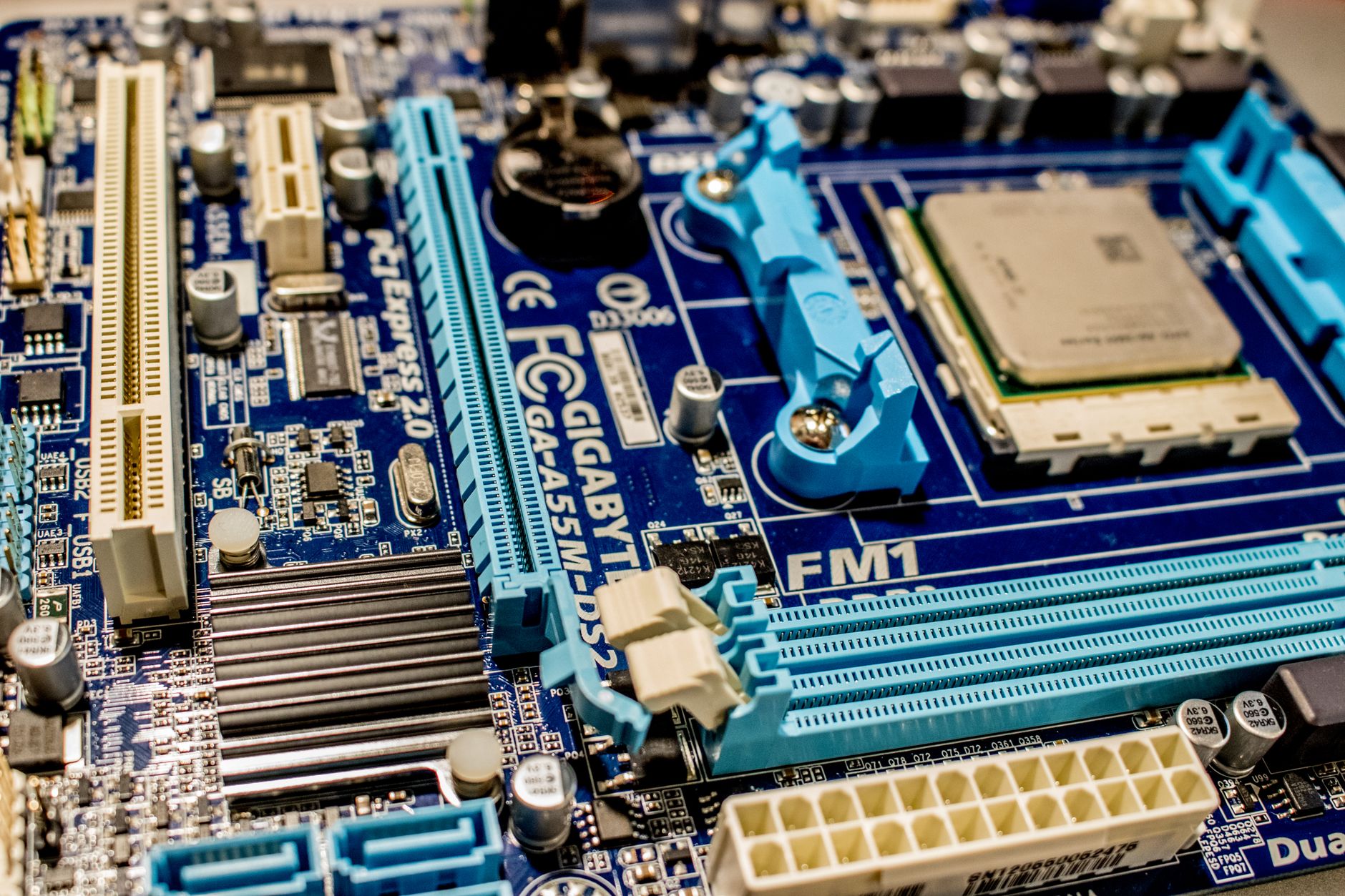
The Asus ROG Strix B850-F Gaming WiFi sits in an interesting position in the current motherboard market. Built on AMD’s B850 chipset, it targets enthusiast builders who want meaningful overclocking headroom without paying flagship X870E prices. The board ships with a 20+2 power stage design, PCIe 5.0 support for both the primary M.2 slot and GPU lane, and DDR5 memory support rated officially up to 8000MHz in XMP/EXPO profiles. On paper, the specs read more like a premium X-series board from two generations ago than a mid-tier option.
What makes the B850-F worth testing under overclocking conditions is precisely that tension between its accessible price point and its clearly over-engineered power delivery. Asus built this board with ROG-grade VRMs on a non-ROG-flagship chipset, and the real question is whether that hardware can translate into actual stable overclocks with modern Ryzen 9000 series processors or if the B850 platform’s limitations cap performance before the board itself does.
The short answer: the board handles it better than it has any right to at this price.
Memory Overclocking: Where the B850-F Actually Shines
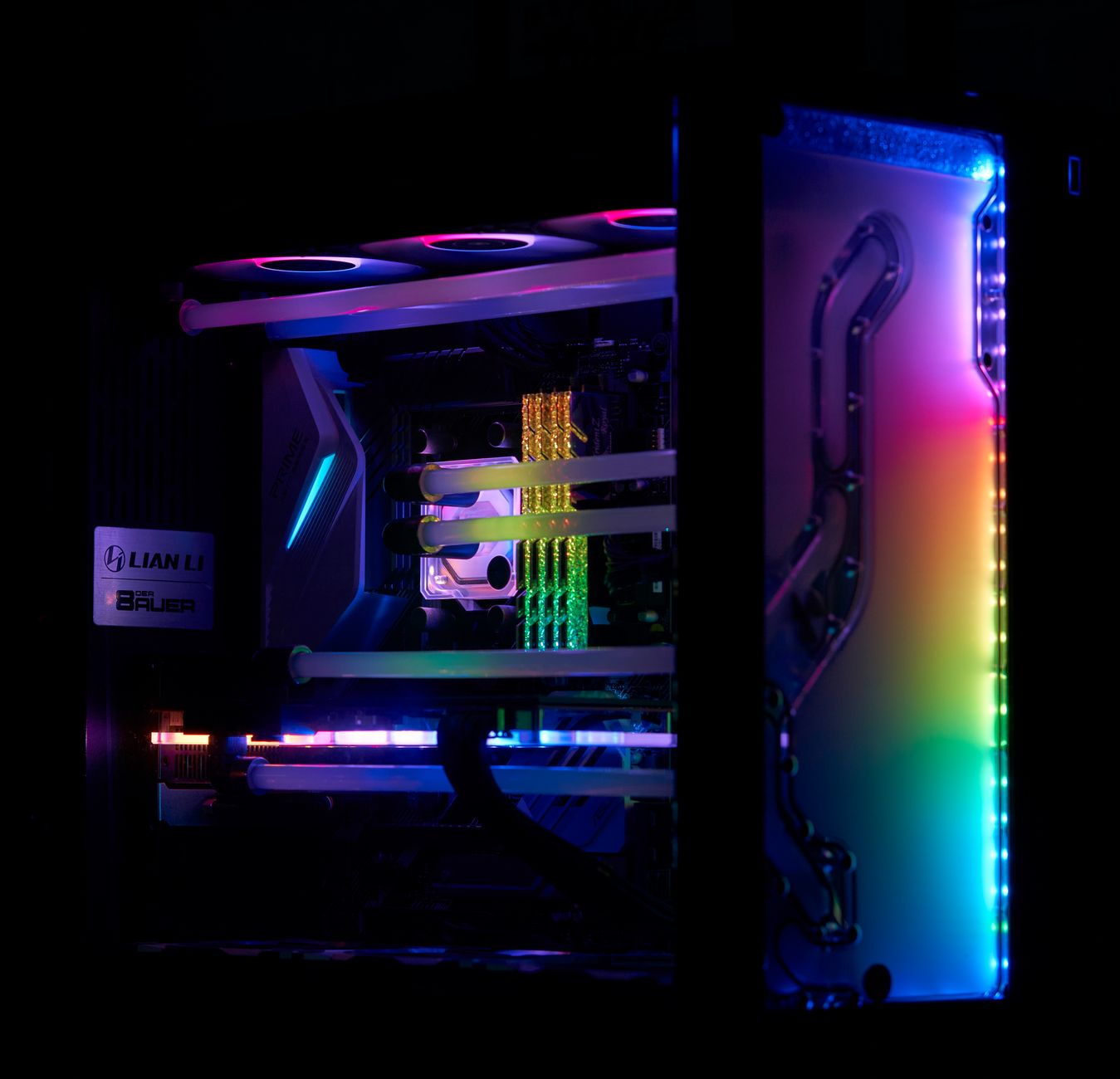
Testing was conducted with a Ryzen 9 9900X paired with 32GB of G.Skill Trident Z5 DDR5 running at a base XMP profile of 6000MHz. Out of the box, the EXPO profile loaded without issue and the system posted immediately on the first boot. That matters more than it sounds – DDR5 memory compatibility on AM5 has historically been finicky, and a board that loads high-speed profiles without manual intervention saves builders real frustration during setup.
Pushing beyond the rated XMP speed, the B850-F held stable at 6400MHz CL30 with only minor voltage adjustments through the BIOS. At 6800MHz, the system required more significant tuning – tightening the primary timings while loosening secondaries to maintain stability – but it got there. Crossing 7200MHz proved to be the wall for this particular kit, with the system refusing to post consistently regardless of voltage or timing adjustments. That ceiling is not a board limitation, though. It is a function of the memory kit’s physical silicon quality and the AM5 memory controller, both of which cap out before the B850-F’s trace routing or signal integrity becomes the problem. The board’s memory topology, which uses a daisy-chain layout optimized for two-DIMM configurations, contributed to cleaner signal integrity at higher frequencies than competing boards using T-topology designs.
BIOS controls for memory overclocking are thorough. Asus includes its AI Overclocking suite, which can auto-tune DDR5 settings reasonably well as a starting point, though experienced overclockers will want to go manual quickly. The memory section of the BIOS exposes all primary, secondary, and tertiary timings with no values locked behind OC profiles or membership tiers.
CPU Overclocking and Thermal Headroom Under Load
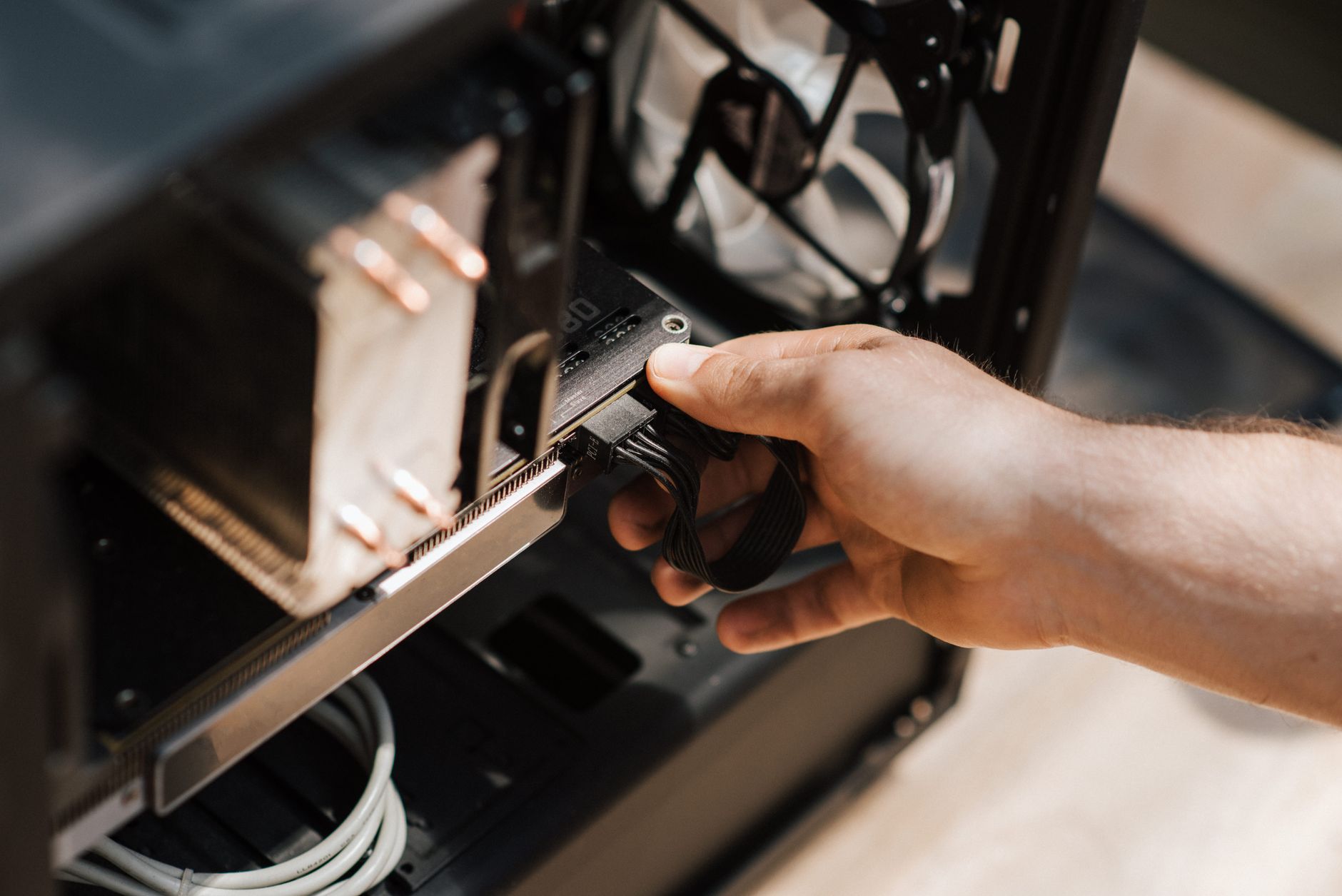
CPU overclocking on AM5 is a different story than it was on previous AMD platforms. AMD’s Precision Boost algorithm does most of the heavy lifting automatically, and manually pushing all-core frequencies often delivers worse performance than letting the processor boost freely within a raised power limit. The more productive approach on this board is adjusting PPT (Package Power Tracking), TDC, and EDC limits upward and allowing the 9900X to pull more power on sustained multi-threaded workloads. With the B850-F’s power delivery, raising PPT to 200W from the stock 88W caused no thermal issues on the VRM side. The board’s MOSFETs stayed under 65 degrees Celsius even after 30 minutes of Cinebench R23 looping, measured with an infrared thermometer on the VRM heatsink surface. That is a genuinely good result for a mid-range board running this kind of sustained load.
For those running premium air coolers during this kind of sustained testing – and overclockers doing multi-hour stress runs absolutely should be – the Noctua NH-D15 G2 and Be Quiet Dark Rock Pro 5 represent the high end of what air cooling can manage on a 9900X at elevated power limits. CPU temperatures hit 87 degrees Celsius at 200W PPT with a mid-range 240mm AIO in the test rig, which left meaningful thermal throttle margin intact without the processor ever pulling back on clocks.
Manual all-core overclocking attempts told a more mixed story. Locking the 9900X at 5.4GHz all-core with 1.35V required aggressive cooling and delivered multi-threaded scores broadly in line with the auto-boost results – not a meaningful gain. Single-core performance under manual OC was measurably lower than stock boost behavior in gaming workloads. This is a platform-level reality of Ryzen 9000, not a board failure, and the B850-F’s BIOS gives clear enough controls that users can verify this themselves rather than chasing manual OC rabbit holes.
The Board Behind the Numbers
Outside of the overclocking results, the B850-F Gaming WiFi is a genuinely well-built board. The PCIe 5.0 M.2 slot with its thermal cover keeps NVMe drives cool under sustained sequential reads, the rear IO panel ships pre-installed, and the WiFi 7 connectivity performed without drops during extended testing. Build quality on the PCIe slots and DIMM latches feels appropriately premium for the ROG Strix branding. The asking price lands it in a bracket where it competes directly with MSI’s MAG X870 Tomahawk and Gigabyte’s X870 Aorus Elite – both X870 boards at similar or slightly higher prices. The B850-F wins on VRM quality and loses only on chipset-level feature parity, a trade that enthusiast builders running a single GPU and a couple of M.2 drives will rarely feel in practice. The real question worth asking is whether AMD will eventually enable features currently gated to X870 through firmware updates – and if that happens, this board becomes an even sharper value overnight.