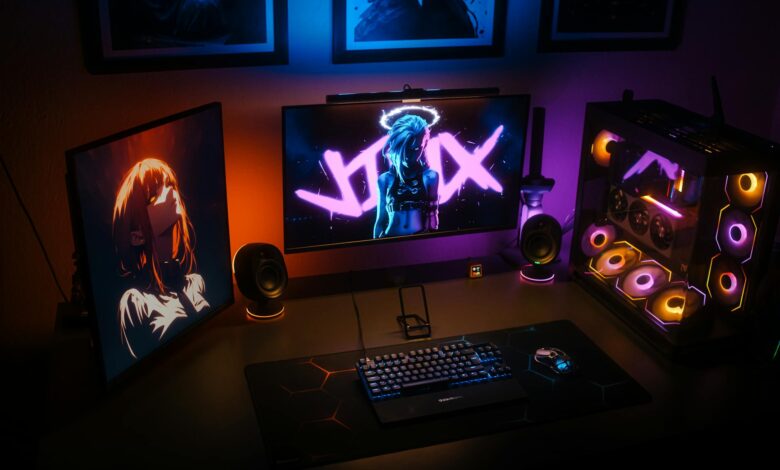
Gaming at 1440p resolution with ultra-high refresh rates demands displays that can handle the intensity without compromising visual fidelity. The jump to 240Hz at this resolution creates a sweet spot where competitive gamers get the responsiveness they need while content creators maintain sharp, detailed visuals for streaming and recording.
The challenge lies in finding monitors that deliver true 240Hz performance at 1440p without the screen tearing, input lag, or color accuracy issues that plague cheaper alternatives. Modern gaming setups with RTX 4080 or RTX 4090 cards can push these frame rates in competitive titles, making the investment in premium display technology worthwhile for serious players.
1. ASUS ROG Swift PG27AQN
ASUS built this 27-inch display around their Fast IPS panel technology, achieving 240Hz refresh rates with a 1ms response time that eliminates ghosting in fast-paced shooters. The NVIDIA G-SYNC Ultimate certification ensures variable refresh rate synchronization works flawlessly across the entire 1-240Hz range, preventing the stuttering that can occur with adaptive sync technologies.
The monitor includes ASUS’s ELMB (Extreme Low Motion Blur) technology, which uses backlight strobing to reduce motion blur during rapid movements. This feature works independently of G-SYNC, allowing players to choose between tear-free gaming or maximum motion clarity depending on the game type. The 450-nit peak brightness and 1000:1 contrast ratio maintain image quality even during extended gaming sessions.
Color accuracy reaches 99% sRGB coverage with factory calibration that produces Delta E values under 2, making this monitor suitable for both gaming and creative work. The USB-C port with 90W power delivery can drive gaming laptops while the built-in USB hub eliminates cable clutter on gaming desks.
2. Samsung Odyssey G7 C27G75T
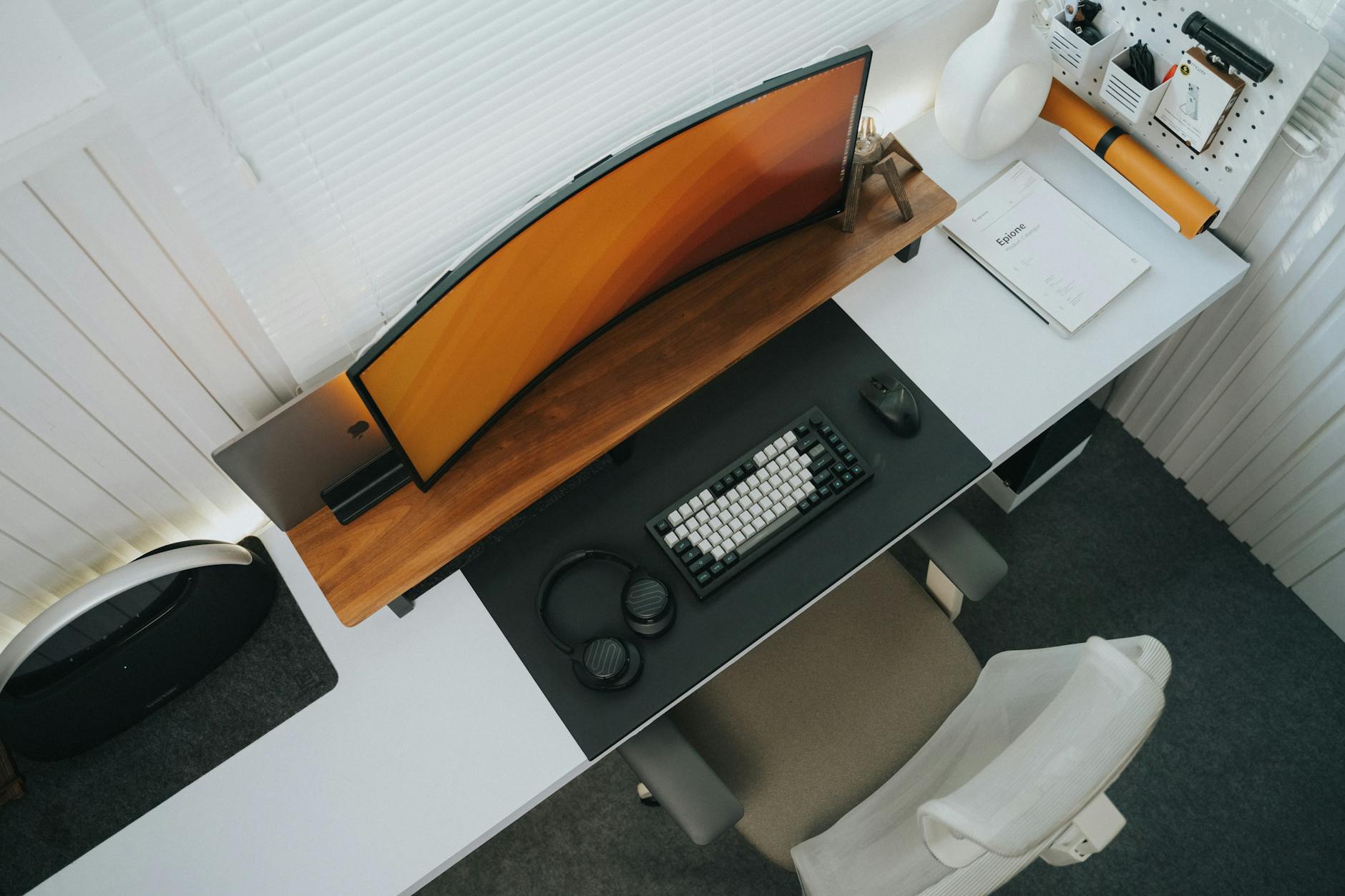
Samsung’s curved VA panel delivers deeper blacks and higher contrast ratios than IPS alternatives while maintaining the 240Hz refresh rate that competitive players demand. The 1000R curvature matches the natural curve of human vision, reducing eye strain during marathon gaming sessions and creating better peripheral awareness in racing games and flight simulators.
The Quantum Dot technology expands the color gamut to 125% sRGB, producing more vibrant colors than standard monitors without oversaturation. Samsung’s local dimming zones work with the VA panel’s natural contrast to achieve true HDR600 certification, unlike many gaming monitors that merely support HDR input without proper brightness or contrast performance.
FreeSync Premium Pro certification ensures compatibility with both AMD and NVIDIA graphics cards through NVIDIA’s G-SYNC Compatible program. The 1ms response time applies across all refresh rates, preventing the response time penalties that some VA panels exhibit at lower frame rates.
3. LG 27GP950-B UltraGear
LG’s Nano IPS technology combines quantum dot-like color enhancement with the fast response times that IPS panels provide at high refresh rates. The 240Hz performance maintains consistency across the entire refresh rate range without the brightness flickering that affects some competing displays during variable refresh rate operation.
This monitor includes HDMI 2.1 ports that support full 4K 120Hz from gaming consoles, making it versatile for mixed PC and console setups. The DisplayPort 1.4 connection handles 1440p 240Hz with DSC (Display Stream Compression) that operates transparently without introducing artifacts or additional latency.
The spherical tilt adjustment and height-adjustable stand accommodate different viewing angles while the VESA mount compatibility works with most monitor arms. LG’s OnScreen Control software allows monitor settings adjustment through Windows rather than navigating physical buttons during gameplay.
4. Dell Alienware AW2723DF
Dell designed this display specifically for esports with features that prioritize competitive gaming over multimedia performance. The Fast IPS panel achieves 240Hz with a genuine 1ms GtG response time that doesn’t require overdrive settings that introduce coronas or inverse ghosting artifacts.
The G-SYNC Ultimate certification includes variable overdrive that automatically adjusts response time compensation based on the current refresh rate. This prevents the overshoot artifacts that occur when static overdrive settings encounter frame rate fluctuations during gameplay transitions.
Alienware’s customizable RGB lighting zones synchronize with system lighting through their Command Center software, though the lighting can be completely disabled for distraction-free competitive gaming. The anti-glare coating reduces reflections without the grainy texture that makes text reading uncomfortable on heavily coated displays.
5. ViewSonic Elite XG272-2K-OLED
ViewSonic’s OLED panel eliminates the backlight entirely, achieving perfect blacks and infinite contrast ratios that transform gaming visuals in dark scenes. The organic pixels respond fast enough to deliver true 240Hz performance with essentially zero motion blur, making tracking targets in competitive shooters effortless.

The per-pixel lighting control creates HDR performance that exceeds what LCD panels can achieve, with peak brightness reaching 450 nits in small areas while maintaining deep blacks in adjacent pixels. Games with dynamic lighting effects like ray-traced reflections and shadows show dramatic improvement over traditional display technologies.
OLED burn-in protection includes pixel shifting, logo detection, and automatic brightness limiting during static image display. The three-year warranty covers burn-in defects, addressing the primary concern that prevents some gamers from adopting OLED technology. The 0.03ms response time eliminates input lag concerns that matter most in competitive gaming scenarios.
The shift toward 1440p 240Hz displays reflects growing GPU capabilities and the competitive gaming community’s demand for higher frame rates without sacrificing visual quality. These monitors represent the current peak of gaming display technology, where refresh rate, response time, and image quality converge at price points that serious gamers can justify. The question becomes whether manufacturers can maintain this performance level while reducing costs for mainstream adoption.
Frequently Asked Questions
Do I need a high-end GPU for 1440p 240Hz gaming?
Yes, RTX 4080/4090 or RX 7800 XT/7900 XTX are recommended to reach 240fps in competitive games at 1440p resolution.
What’s the difference between IPS and VA panels for high refresh gaming?
IPS offers better viewing angles and color accuracy, while VA provides deeper blacks and higher contrast but may have slower response times.