Two OLED Monitors, One Decision
The 27-inch OLED monitor market has gotten genuinely competitive, and nowhere is that clearer than in the matchup between the Corsair Xeneon 27QHD240 and the LG 27GR95QE. Both panels target the same audience – PC gamers who want fast refresh rates, rich color reproduction, and the near-perfect blacks that OLED delivers. Both hit the market at similar price points. Both use QHD resolution at 2560×1440. On paper, they look almost identical.
They are not.
After extended testing across a range of game genres, desktop work, and media playback, the differences between these two monitors come down to more than spec sheets. Panel response behavior, HDR tone mapping, burn-in protection implementation, and build quality all play into which monitor actually works better for a given setup. Here is what hands-on time with both actually reveals.
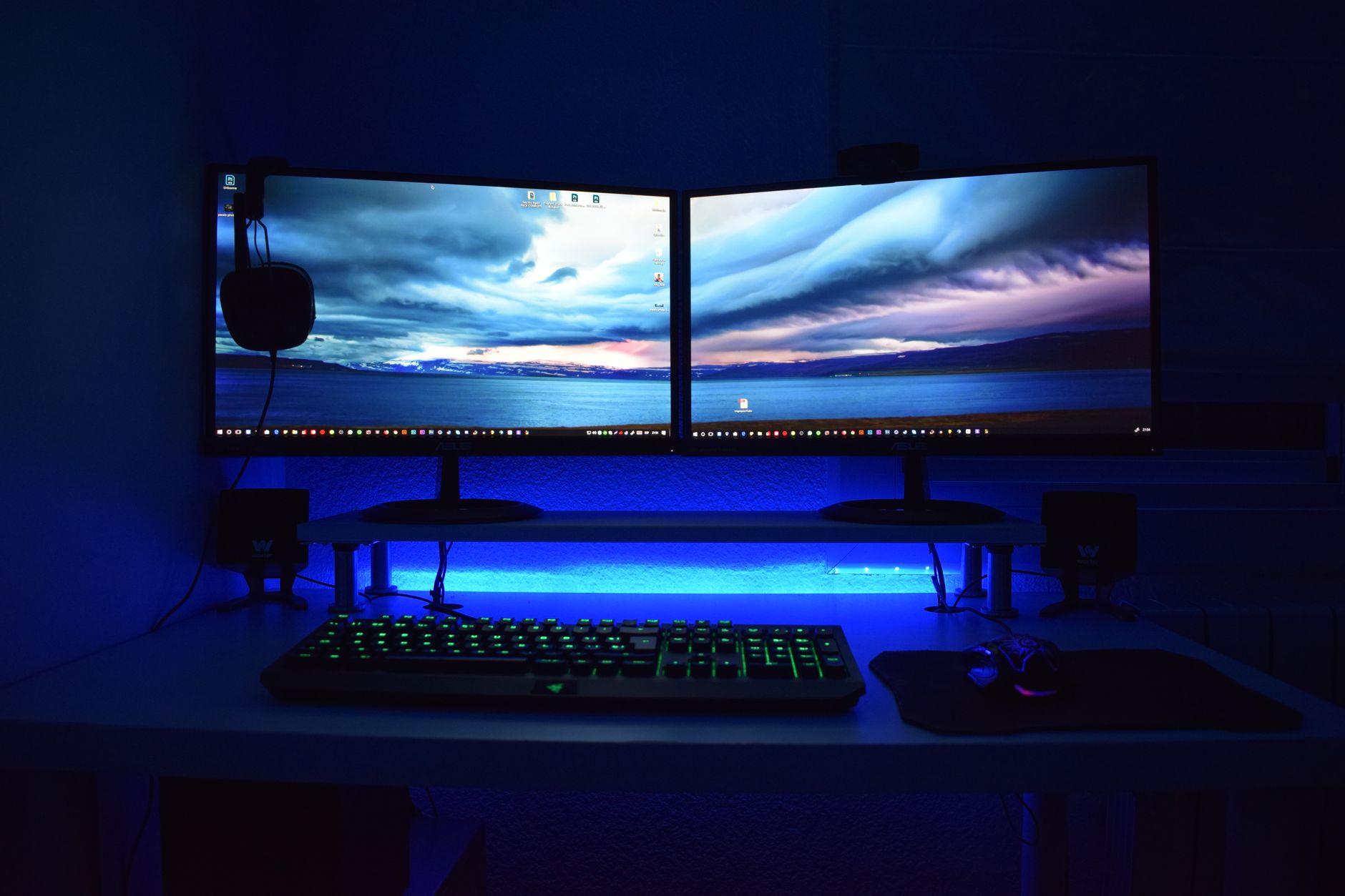
Display Performance: Color, Contrast, and Response
The LG 27GR95QE uses LG’s own WOLED panel, which adds a white subpixel to the traditional RGB layout. This affects color saturation at peak brightness in ways that become noticeable in HDR content – whites are extremely clean and bright, but highly saturated colors like deep reds and vivid greens can look slightly washed out compared to a true RGB OLED at the same brightness level. The Corsair Xeneon, which uses a Samsung QD-OLED panel, does not have this issue. Quantum dot technology layered over the OLED backplane pushes saturation significantly higher, particularly in the red and green spectrum, producing colors that look punchy and vivid even at high brightness settings.
Peak brightness tells a similar story. The LG hits around 1000 nits in small window HDR highlights, which is respectable for an OLED panel. The Corsair’s QD-OLED panel reaches comparable peak figures but holds them more consistently across slightly larger highlight areas without the same roll-off in tone mapping. For games with dramatic lighting – think the neon environments in Cyberpunk 2077 or fire effects in Dark Souls III – the Xeneon renders those moments with more visual punch. That said, the LG’s WOLED panel handles near-white scenes with slightly less risk of the color fringing that QD-OLED panels can sometimes show around fine text at the edges of bright-on-dark contrast transitions.
Response times are where both monitors genuinely shine – and where they are closest to each other. At 240Hz, input lag on both panels measures well under 5ms in practice, and neither monitor shows visible ghosting in fast movement during competitive shooters like Counter-Strike 2 or Apex Legends. Variable refresh rate support works well on both; the LG carries both G-Sync Compatible and FreeSync Premium certifications, while the Corsair supports both as well. Neither panel has a meaningful edge in raw motion handling – at 240Hz with OLED response times, both are effectively as fast as current display technology allows for gaming use.
Build Quality, Features, and the Burn-In Question
The Corsair Xeneon 27QHD240 is a heavier, more substantial monitor physically. The stand offers full ergonomic adjustment including height, tilt, and swivel, and the build feels premium in a way that justifies the desk space it occupies. The LG 27GR95QE, by contrast, has a lighter chassis with a more minimal stand – height and tilt are supported, but swivel adjustment is absent, which matters more than it sounds if your desk layout changes or you share the setup with others. The LG’s aesthetic is cleaner and more understated, while the Corsair leans into a slightly more aggressive gaming design language with visible branding and a thicker base.
Burn-in protection approaches differ meaningfully between the two. LG’s implementation includes automatic pixel shifting and screen dimming that kicks in without user input, which some users find disruptive during long static-heavy sessions – productivity work, map screens in strategy games, HUD-heavy titles like Destiny 2 where the interface stays fixed for extended periods. Corsair’s Xeneon handles this more conservatively, with protection measures that are less aggressive in practice, though that does place more responsibility on the user to manage screen saver settings and avoid truly static content for extended periods.
The Corsair also includes a USB hub and better cable management routing through the stand arm, small practical details that matter over months of daily use. The LG keeps its rear connectivity simple. Both monitors support the same core input options – DisplayPort 1.4 and HDMI 2.1 – so neither has an advantage for connecting a current-generation GPU or console.
Which Monitor Actually Wins
For pure gaming color performance and visual impact, the Corsair Xeneon 27QHD240 edges ahead because QD-OLED’s saturation advantage is visible in real use, not just calibration charts. But the LG 27GR95QE costs noticeably less at most retailers, has a near-identical motion performance profile, and produces cleaner text rendering for anyone splitting monitor time between gaming and work. If the Corsair’s price premium is the deciding factor, the LG is not a compromise – it is a different set of trade-offs, and for a significant portion of buyers those trade-offs land in the LG’s favor.

The one thing neither monitor fully solves is long-term OLED confidence for buyers still anxious about burn-in – and that anxiety is not entirely irrational when a monitor regularly displays the same game HUD or desktop taskbar for eight or more hours a day. Both manufacturers have addressed this with firmware protections, but neither has the multi-year track record of a traditional IPS or VA panel. You are buying into performance that is objectively better right now, knowing that question stays open.
Frequently Asked Questions
Which is better for gaming, the Corsair Xeneon 27QHD240 or LG 27GR95QE?
The Corsair Xeneon offers better color saturation thanks to its QD-OLED panel, making it the stronger pick for visually intense games. The LG 27GR95QE delivers nearly identical motion performance at a lower price.
Do OLED gaming monitors have burn-in issues?
Both monitors include burn-in protection measures, but long-term risk exists with static content like HUDs or desktop taskbars displayed for many hours daily. Managing screen saver settings reduces that risk significantly.