Fractal Design North 2: First Impressions and What Changed
The original Fractal Design North was a case that did something rare in the mid-tower market – it looked genuinely good sitting on a desk. The walnut wood panel front and tempered glass side panel gave it a warmth that most aluminum-and-mesh competitors ignored entirely. The North 2 keeps that design language but addresses the one consistent complaint from North owners: airflow was always a compromise. The front mesh was too restricted, the fan configuration left thermal headroom on the table, and builders running high-end GPUs ran into throttling issues under sustained load.
Fractal has redesigned the front intake panel on the North 2, opening up the mesh aperture and repositioning the fan mounting points to pull air more directly across the GPU rather than splitting it toward the CPU radiator first. The top exhaust layout has also been adjusted, with a wider vent channel that reduces recirculation inside the case. These are not cosmetic changes – they alter how heat actually moves through the chassis.
The question is whether those changes are enough to make the North 2 genuinely competitive on thermals, or whether it still trades cooling performance for aesthetics.
Airflow Performance: What the Testing Shows
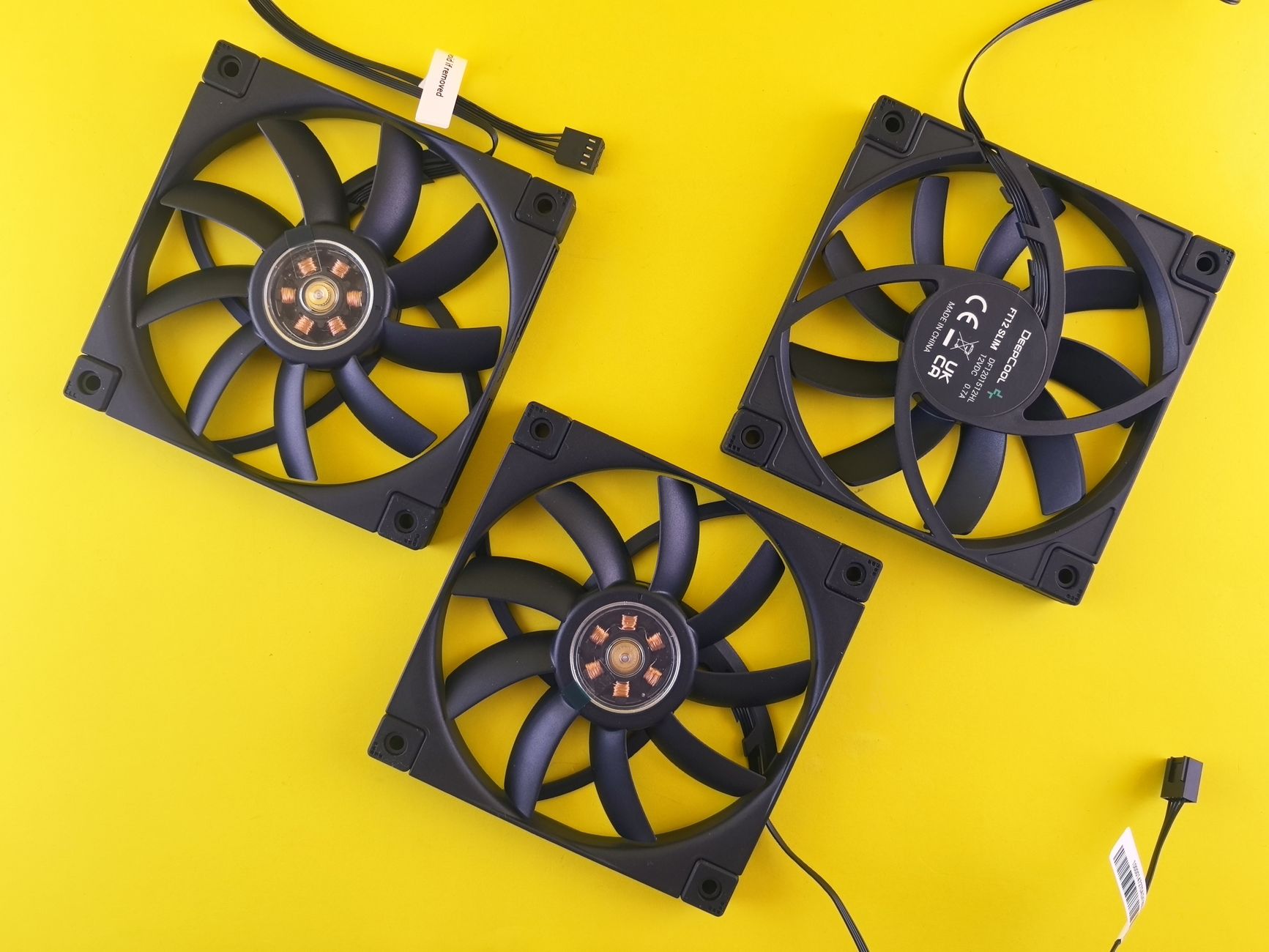
Testing was conducted with a mid-range build using an AMD Ryzen 7 7700X and an RTX 4070, chosen specifically because that GPU class generates enough heat to stress a case without the extreme thermal output that would mask differences between chassis. Ambient temperature was held at 22 degrees Celsius throughout. The North 2 shipped with three 140mm fans installed – two at the front intake and one at the rear exhaust – which is the configuration most buyers will run out of the box.
Under a 30-minute Cinebench and 3DMark combined stress loop, CPU temperatures averaged 71 degrees Celsius and GPU core temperatures settled at 78 degrees Celsius. That GPU number is notably better than what the original North produced in comparable conditions, where 83-84 degrees was typical at the same fan curve settings. The redesigned front panel is doing real work here. With the side panel removed entirely – the open-air baseline – GPU temperature dropped to 73 degrees, which puts the North 2 within 5 degrees of open-air at stock configuration. That is a reasonable result for a closed chassis with a wood-accented front panel.
Adding a third 140mm fan to the top exhaust position brought CPU temperatures down by 3 degrees under full Cinebench load, with negligible effect on GPU thermals. The GPU in this build position pulls its own air primarily from the front intake, and the top exhaust change matters more for CPU cooler performance than graphics card cooling. Builders running large air coolers like the Noctua NH-D15 G2 or Be Quiet Dark Rock Pro 5 will benefit more from that third fan than AIO users will.
Noise Levels: The Tradeoff You Actually Feel
The North 2’s thermal improvement comes with a measurable noise penalty compared to the original. Running the stock fan configuration at auto fan curves in BIOS, the case averaged 36 dBA at 50cm during the combined stress test. That is not loud by any objective standard, but it is noticeably more audible than the original North’s 33 dBA average at similar thermal loads. The original North ran quieter because it was thermally less efficient – fans didn’t need to spin as hard because the components were already running warmer, which is not a reasonable trade anyone should want.
At idle and light desktop loads, the North 2 is essentially silent. All three Fractal Dynamic X2 PWM fans drop to around 400 RPM at idle, and at that speed the case produces no perceptible noise from a normal sitting distance. The noise increase only appears when the system is under sustained load. Setting a custom fan curve that holds fans below 800 RPM until GPU temperatures exceed 70 degrees keeps the case near-silent for gaming at 1080p and 1440p where GPU core temps rarely push past that threshold. At 4K or in ray-traced titles, the fans will ramp and the 36 dBA figure becomes more relevant.
One detail worth calling out: the North 2’s side panel seal is tighter than the original. Panel rattle at higher fan speeds, which was a minor complaint on some North units, is not present on the North 2. The chassis feels more solid under load, and the wood front panel does absorb some mid-range fan noise frequencies that mesh-only fronts typically don’t. The noise profile is cleaner than the raw dBA number alone suggests.
Should You Build in the North 2?
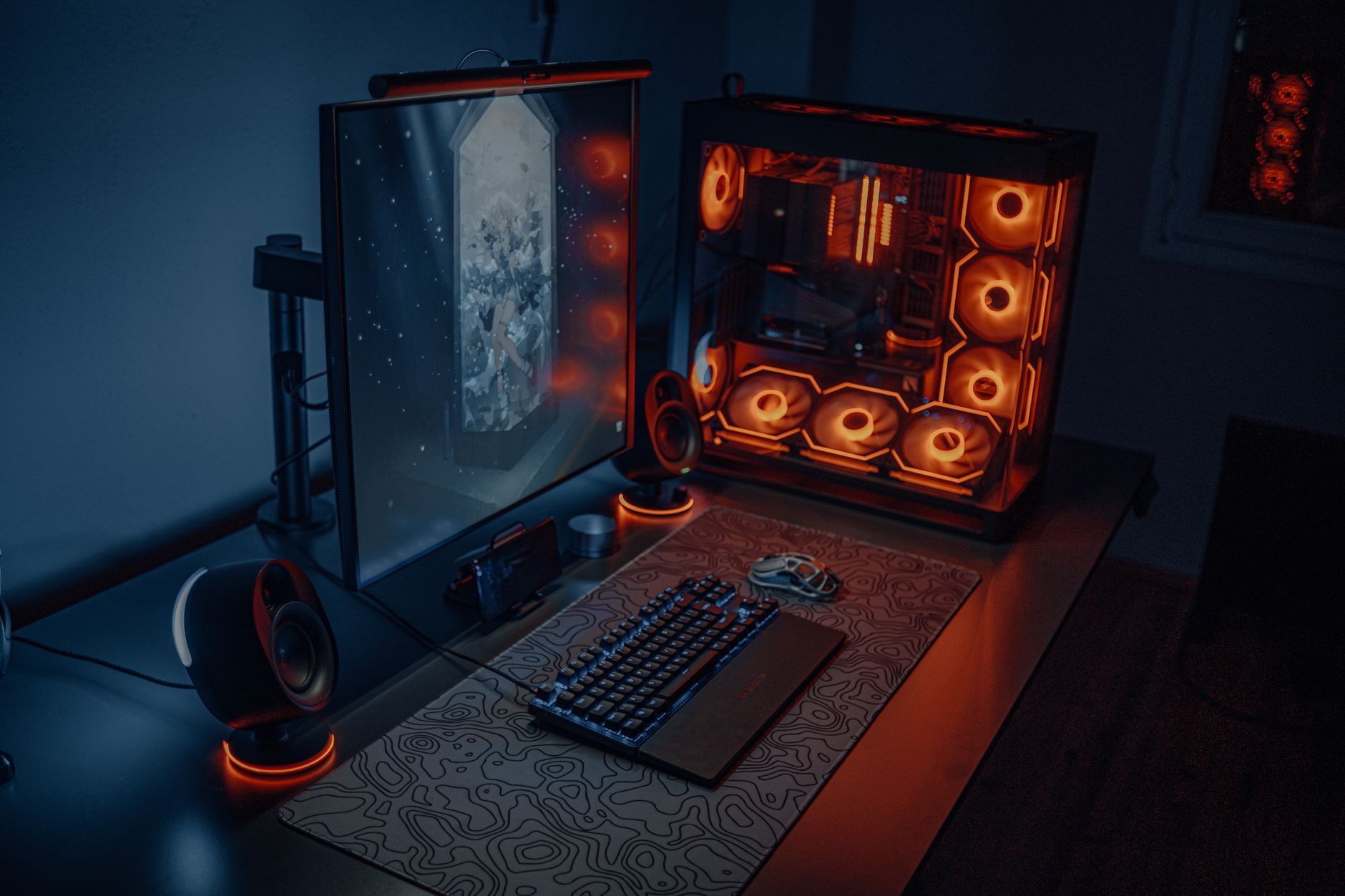
The North 2 is a better thermal performer than its predecessor, quieter at idle than most airflow-focused cases, and it still looks like something you’d actually want on your desk rather than hidden under it – but if you’re running a high-end GPU above the RTX 4080 class in a sustained workload, the front panel design still places aesthetic limits on how much air the case can move, and no fan configuration is going to fully overcome that.