Gigabyte’s Eagle Gets Loud Under Load
The RTX 5060 Ti is Nvidia’s mid-range push for the current generation, and Gigabyte’s Eagle OC variant lands as one of the more accessible factory-overclocked options on the market. Triple-fan, triple-slot, carrying Gigabyte’s Windforce cooling stack – on paper it reads like a solid thermal solution for a GPU that sits below the power-hungry flagships. The question isn’t whether it can cool the card. It’s how much noise it generates while doing so.
Cooling reviews often get buried beneath benchmark charts and frame rate comparisons, but for anyone building in a smaller case, gaming in a quiet room, or simply trying to maintain their sanity through a six-hour session, thermal and acoustic performance matter just as much as raw performance numbers. The Eagle OC deserves a focused look at exactly those two things.
The Windforce Cooling Stack Explained
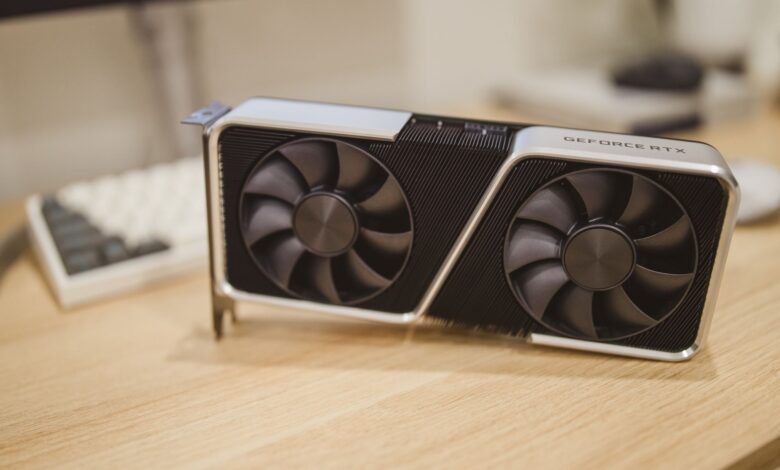
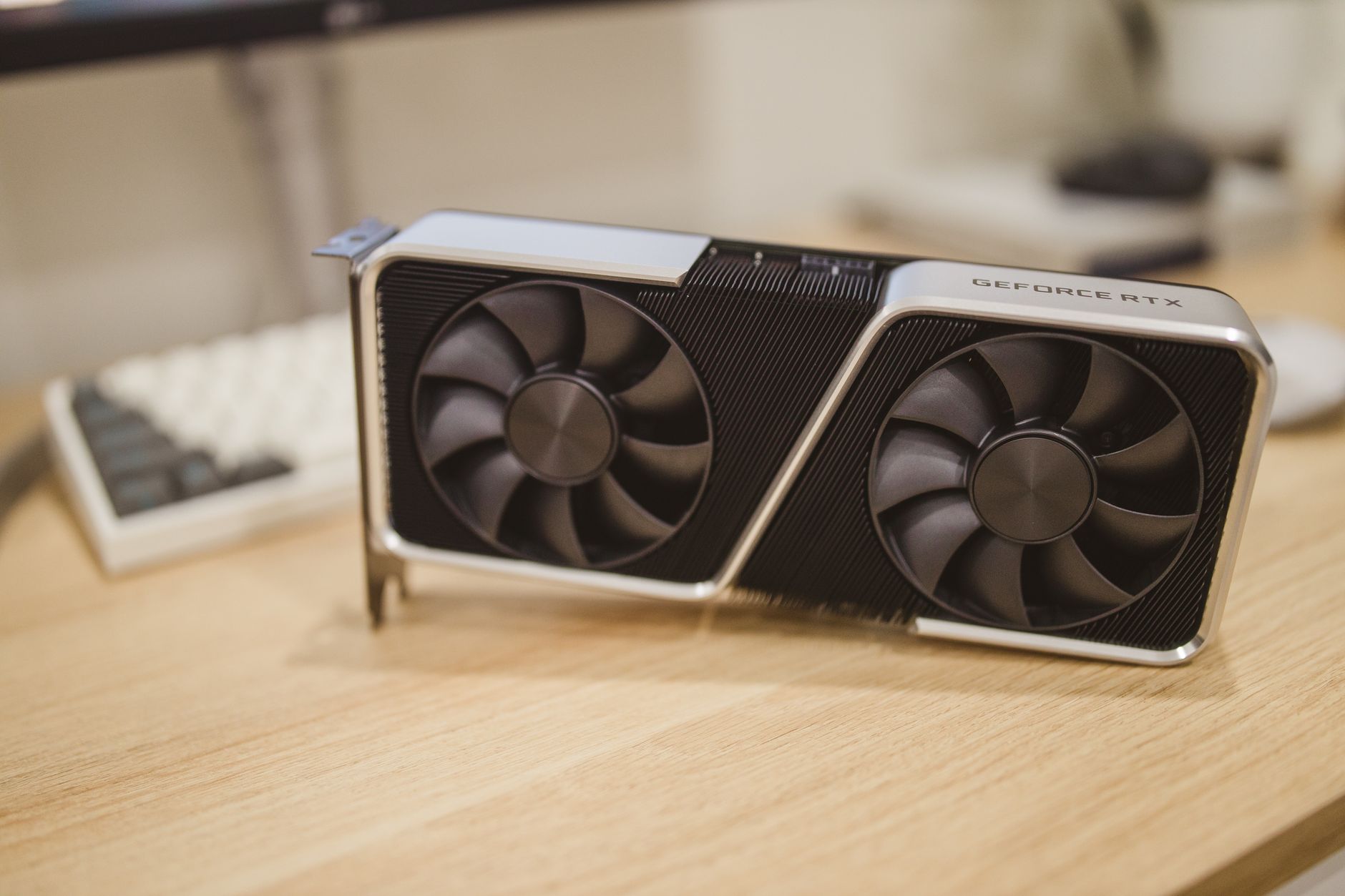
Gigabyte’s Windforce system on the Eagle OC uses three 80mm fans arranged to push air across a copper heat pipe array that makes direct contact with the GPU die. Two of the fans spin in one direction while the center fan rotates in reverse – a design Gigabyte has used across multiple generations to reduce air turbulence and smooth out the pressure differential across the heatsink fins. In theory, this reduces the chaotic airflow that causes tonal noise, the kind of high-pitched whine that cuts through ambient room sound.
The heatsink itself is reasonably substantial for a card in this tier. Four heat pipes route heat away from the core and spread it across a fin stack that extends nearly the full length of the PCB. Gigabyte also includes a semi-passive mode, where fans stop completely below roughly 60 degrees Celsius. For desktop use cases involving browsing, video playback, or light workloads, the card runs completely silent.
That semi-passive behavior is genuinely useful. Cards that spin their fans constantly, even at low RPM, produce a soft background hiss that adds up over hours. The Eagle OC avoids that entirely during idle and light use, which immediately puts it in a better position than coolers that default to a fixed minimum fan speed. Under zero-RPM operation, temperatures hover in the mid-to-upper 50s Celsius in a typical mid-tower with reasonable airflow – acceptable, and well within safe operating range.

Temperature Results Under Gaming Load
Running sustained gaming workloads – the kind that push GPU utilization to 95-99 percent for extended periods – the RTX 5060 Ti inside the Eagle OC stabilizes in the 72 to 78 degree Celsius range, depending on ambient temperature and case airflow. That thermal ceiling is comfortable. Nvidia’s thermal limits for Ada Lovelace and Blackwell-architecture cards are set considerably higher, so the GPU never approaches throttle territory under normal gaming conditions.
Where things get more specific is hotspot temperature. The on-die hotspot sensor, which tracks the highest-temperature region of the GPU, regularly reads 10 to 15 degrees above the reported core temperature. During extended stress testing, hotspot readings in the mid-to-upper 80s Celsius are normal and not cause for concern – this is consistent behavior across RTX 5000-series cards regardless of cooler. Gigabyte’s solution doesn’t make the hotspot problem worse, but it doesn’t substantially improve it compared to reference-level coolers either.
VRAM temperatures are another point worth tracking, particularly given that Nvidia’s mid-range cards have faced scrutiny over memory thermals in recent months. The Eagle OC’s heatsink covers the rear of the board with a metal backplate that provides some passive heat dissipation for VRAM on the back side of the PCB. Front-side memory, sitting closer to the GPU die, benefits more directly from the Windforce airflow. Under sustained load, VRAM temperatures land in a range that doesn’t trigger thermal warnings in monitoring software, though sustained 4K or maxed-out texture workloads will push those numbers higher.
Power consumption plays directly into all of this. The RTX 5060 Ti’s TDP positions it well below the RTX 5080 and 5090, meaning the Eagle OC’s cooler is never working at the edge of its capacity. A cooler rated for a much higher TDP handling a lower-power chip tends to produce more thermal headroom – and that headroom shows up in the stable temperature readings this card maintains across hour-long gaming sessions.
Noise Levels: Where the Eagle OC Has a Problem
The acoustic story is where the Eagle OC becomes more complicated. At the fan speeds required to maintain those 72-78 degree Celsius gaming temperatures, the card sits in a measurable range that many users will notice. The three fans produce a mid-pitched airflow sound rather than a high-pitched whine, which is less fatiguing over long sessions – Gigabyte’s alternating fan rotation does appear to help with tonal quality. But the volume itself, measured from a typical seated gaming position, lands in territory that will cut through ambient room noise in a quiet environment.
Compared to higher-end AIB coolers in this GPU tier – Asus’s TUF variant, for instance, or MSI’s Gaming Trio – the Eagle OC sits slightly noisier at equivalent temperatures. This isn’t a dramatic gap, and users in louder environments with mechanical keyboards, case fans, or open-concept spaces may not register any difference. But in a quiet home office setup, the distinction becomes apparent within the first thirty minutes of a gaming session. Gigabyte has historically positioned the Eagle line as a value-oriented cooler tier beneath the Aorus lineup, and the acoustic trade-off reflects that positioning honestly.
Custom fan curves through software like MSI Afterburner can pull the noise level down noticeably, at the cost of slightly higher operating temperatures – typically pushing the core into the low 80s Celsius, which remains within safe bounds. Users willing to accept 80 degrees rather than 75 can run the Eagle OC at fan speeds that are genuinely quiet. The card’s thermal headroom allows that trade-off without any gameplay consequences. That said, it shouldn’t require manual tuning to achieve acceptable acoustics from a factory-configured card at this price point, and the default fan curve Gigabyte ships with leaves noise performance on the table.