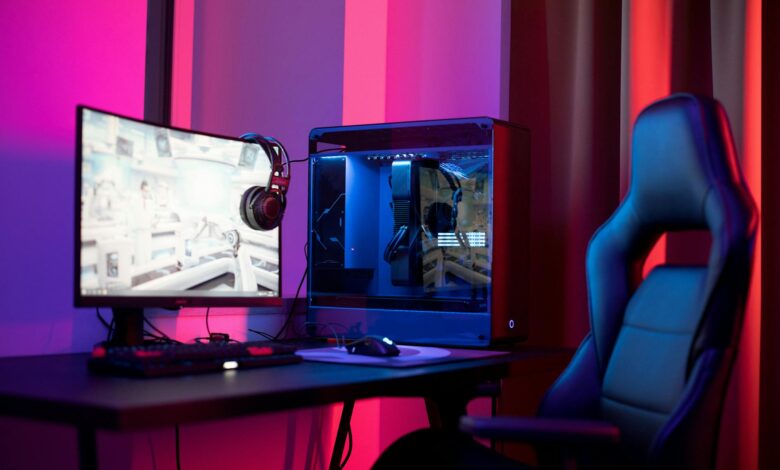
Pushing Nvidia’s Latest Mid-Tier Powerhouse Past Its Factory Settings
The RTX 5070 Ti arrives as Nvidia’s answer to enthusiasts who want close-to-flagship performance without paying flagship prices. Built on the Blackwell architecture with GB203 silicon, the card ships with 8960 CUDA cores, a 256-bit memory bus, and 16GB of GDDR7 memory running at 28 Gbps. On paper, it sits comfortably between the RTX 5070 and the RTX 5080, which makes it exactly the kind of GPU that overclocking-curious users want to stress-test – because the headroom between those two price tiers is real, and the question is how much of it you can actually unlock through manual tuning.
Stock performance on the RTX 5070 Ti is already strong. In rasterized workloads at 1440p and 4K, the card competes directly with last generation’s RTX 4080 in many titles, and in some cases edges past it with the help of DLSS 4 and Multi Frame Generation. But raw stock numbers only tell part of the story. The more interesting question is whether pushing the GPU beyond Nvidia’s factory clocks produces meaningful gains in real-world gaming scenarios, or whether the Blackwell architecture is already tuned so tightly from the factory that overclocking delivers diminishing returns.
What Stock Performance Actually Looks Like
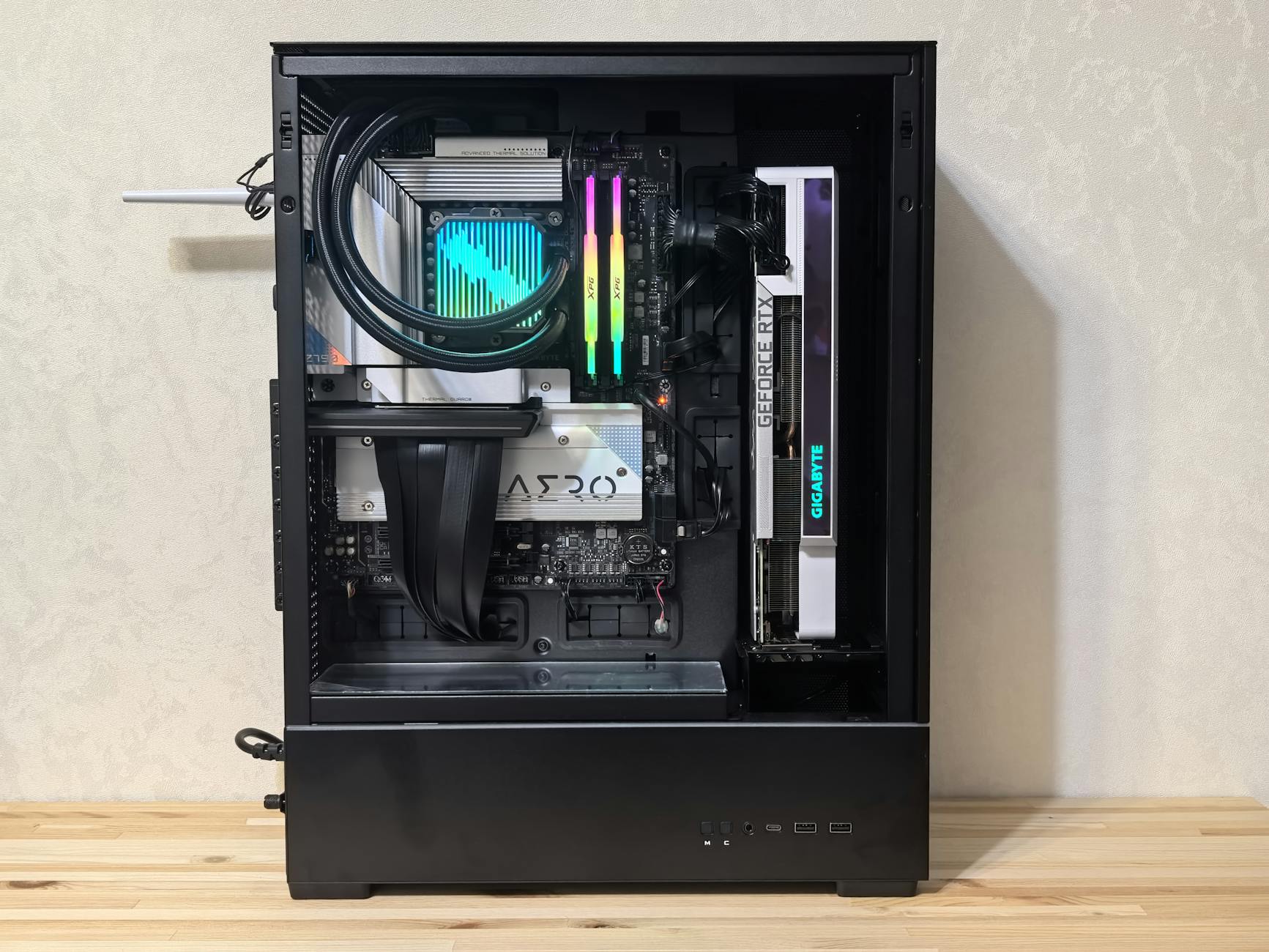
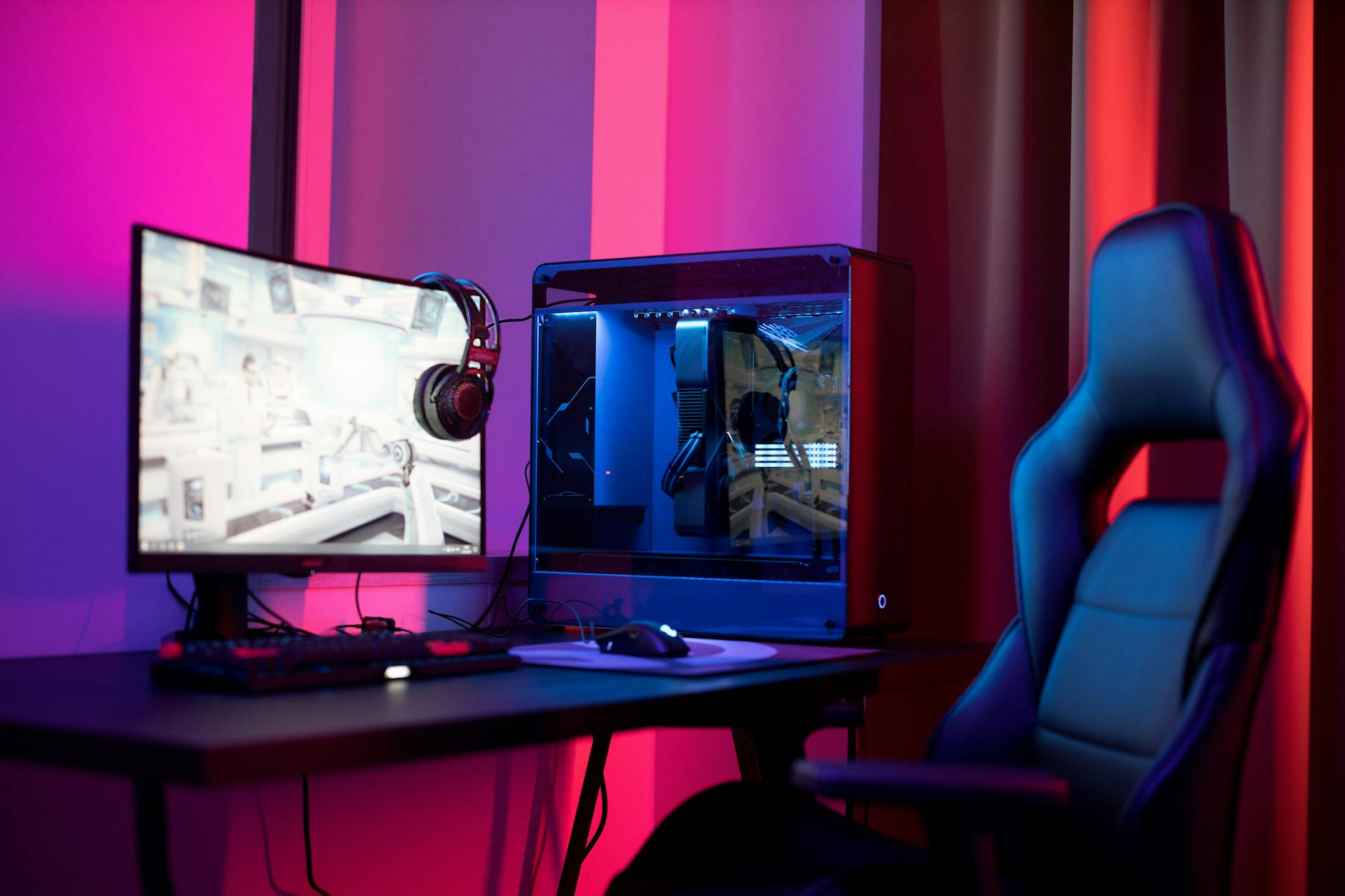
Out of the box, the RTX 5070 Ti boots with a base clock of around 2452 MHz and a boost clock officially listed at 2452 MHz as well, though in practice the card boosts considerably higher under sustained load – typically hovering between 2700 MHz and 2850 MHz depending on thermal conditions and the specific board partner model. Cards with better cooling solutions from ASUS, MSI, and Gigabyte tend to sustain those upper boost frequencies more consistently than reference-style designs, which matters more than the spec sheet number ever suggests.
In terms of gaming frame rates at stock settings, the 5070 Ti delivers roughly 90-110 fps in Cyberpunk 2077 at 4K ultra with ray tracing enabled and DLSS set to Quality mode. In more traditionally optimized titles like Call of Duty: Black Ops 6 and Fortnite at 1440p maximum settings, the card is effectively uncapped by the GPU itself – the bottleneck shifts elsewhere. For productivity workloads like DaVinci Resolve exports or Stable Diffusion image generation, the 16GB GDDR7 buffer provides meaningful breathing room that the RTX 5070’s 12GB cannot match, and that distinction carries weight for users who mix gaming and creative work on the same rig.
Overclocking Methodology and What the Hardware Allows
Testing overclocking on any modern Nvidia card starts with MSI Afterburner or Nvidia’s own GPU Boost adjustments, with power limit increases applied first before touching core or memory offsets. On the RTX 5070 Ti, most board partner models allow a power limit increase of 10-15% above default, which on its own – without any manual clock offset – typically adds 40 to 80 MHz of sustained boost clock simply by giving the GPU’s internal voltage-frequency curve more thermal and electrical budget to work with. That alone can translate to 2-4% additional frame rate in GPU-bound scenarios, which is essentially free performance if your cooling solution can handle the added wattage.
Moving past power limits into manual core offsets, the RTX 5070 Ti shows reasonable headroom at the top of its voltage-frequency curve. Applied core offsets of +100 to +150 MHz at the upper voltage steps tend to be stable across most samples, pushing sustained boost clocks into the 2950-3050 MHz range during gaming sessions. Memory overclocking on GDDR7 has historically been more conservative than GDDR6X gains, and the 5070 Ti follows that pattern – stable memory overclocks of around +500 to +750 MHz on the effective clock are achievable, adding bandwidth that helps in memory-bandwidth-sensitive titles.
Thermal behavior under overclock is where things get complicated. The RTX 5070 Ti’s default power draw sits around 285-300W depending on the board partner’s factory power target, and pushing the power limit to maximum while running a core and memory overclock can push that toward 340-360W in sustained loads. Cards with three-fan cooling designs handle this without significant thermal throttling, keeping junction temperatures under 90 degrees Celsius. Compact dual-fan designs – including some of the ITX-friendly variants from smaller partners – do start to throttle under these conditions, which caps their real-world overclock ceiling regardless of what offset numbers are dialed in.
The voltage-frequency curve itself on Blackwell is worth understanding before assuming any overclock will be stable. Nvidia’s GPU Boost 4.0 algorithm dynamically adjusts clocks based on workload, temperature, and power headroom simultaneously. This means an overclock that appears stable in a 10-minute benchmark run can produce intermittent instability in longer gaming sessions where workload patterns vary more unpredictably. Testing overclocks with extended runs of games like Microsoft Flight Simulator or Red Dead Redemption 2 – titles with highly variable GPU loads – is more representative than stress tools alone.
Real-World Gains: Overclocked vs. Stock Side by Side
Comparing a stable overclock configuration – power limit at maximum, +125 MHz core offset, +600 MHz memory offset – against stock settings across a range of titles shows gains that are real but not dramatic. In Cyberpunk 2077 at 4K with ray tracing, expect roughly 4-7% additional frame rate. In Alan Wake 2 at 1440p without ray tracing, gains fall in the 3-5% range. The memory overclock contributes most visibly in titles that are bandwidth-constrained, such as Total War: Warhammer III at high unit counts, where the additional memory throughput can push gains slightly above 5%.
What overclocking the RTX 5070 Ti does not do is fundamentally close the gap with the RTX 5080. The 5080 carries more CUDA cores, a wider memory bus, and higher bandwidth from the factory, and manual overclocking on the 5070 Ti cannot compensate for those architectural differences at the silicon level. In the most demanding workloads – 4K with full ray tracing, path-traced titles like Portal with RTX, or heavy rasterization at very high resolutions – the 5080 maintains a lead that overclocking on the lower card cannot eliminate. This matters for buyers deciding between the two: the 5070 Ti overclocked is not a 5080.
Noise, Power, and Whether the Trade-Off Makes Sense
Running the RTX 5070 Ti at maximum overclock settings does have audible consequences. Cards that are near-silent at stock settings under gaming loads – holding fan speeds at 40-50% – will push fans to 60-70% speeds to manage the additional heat from the higher power consumption. On three-fan flagship coolers from major partners, this increase remains within acceptable noise levels for most desktop setups, though it is noticeable in a quiet room. Smaller form-factor cards become meaningfully louder, and in cases without good airflow, thermal throttling will undercut the overclock gains entirely.
Power efficiency is another angle worth examining. The RTX 5070 Ti at stock is already one of the more efficient high-end cards Nvidia has produced, delivering strong per-watt performance relative to its RTX 4000 series predecessors. Overclocking pushes the card into a less efficient operating region – more power in for a smaller proportional gain in frame rate. For users running 4K gaming at high refresh rates where every frame matters, the trade-off may be worth it. For users already exceeding their target frame rate at stock, the added power draw and noise carry no practical benefit.
The RTX 5070 Ti’s overclocking ceiling ultimately lands at a place where dedicated hardware enthusiasts will find it satisfying but not extraordinary. Gains are consistent and repeatable across typical gaming scenarios, cooling hardware and chip quality permitting. Whether a particular card hits the high end of that stable overclock range or the low end comes down to silicon lottery factors that no pre-purchase research can predict – and that unpredictability is the part of overclocking in 2025 that no amount of methodology can fully account for.