Phantom Spirit Arrives With High Expectations and High Demands
Phantom Spirit, the action-RPG from developer Hollow Veil Studios, launched last week to strong reviews and immediate performance complaints. The game’s dense particle systems, volumetric fog, and aggressive ambient occlusion have PC players scrambling to find stable settings, especially at 1440p where the game seems to push even modern hardware harder than expected. Early players on Reddit and Steam forums reported frame drops into the 40s during boss encounters, even on cards that should theoretically handle the workload.
The RTX 5060 Ti sits in an interesting spot in that conversation. At its price point, it targets the widest slice of PC gaming – players who want solid 1440p performance without spending on a 5070 or higher. Whether Phantom Spirit respects that budget is a real question, and the answer depends heavily on which settings you’re willing to negotiate on.

Test Setup and Baseline Numbers
Testing was done on a system running an AMD Ryzen 7 7800X3D, 32GB DDR5-6000, and the RTX 5060 Ti 16GB in its reference configuration. Storage is a PCIe Gen 4 SSD, which matters in Phantom Spirit because the game streams environment assets aggressively and stutter on slower drives is well-documented. The game ran on driver version 576.40, the most current WHQL release at time of testing, with no per-game overrides applied.
Out of the box at 1440p with High presets and no upscaling, the RTX 5060 Ti averaged 68 frames per second across the game’s first three biomes – the ones most reviewers use as a benchmark corridor because they mix open traversal with dense foliage rendering. The Ashwood Forest section, which is the most visually demanding area in the early game, pulled that average down to around 61fps with 1% lows touching 49fps during combat. Playable, but not the locked-60 experience most players want from a card at this tier.
DLSS 4 and Frame Generation: The Real Performance Story
Hollow Veil shipped Phantom Spirit with full DLSS 4 support including Multi Frame Generation, and that changes the picture considerably. With DLSS Quality mode enabled at 1440p, average framerates in the Ashwood Forest section jumped to 97fps, and 1% lows climbed to 74fps. That’s a stable, fluid experience that holds up during the heaviest combat sequences the early game throws at you. The visual quality trade-off at Quality mode is minor – some softness on distant foliage, but character models and UI remain sharp.
Enabling Frame Generation on top of DLSS Quality pushed displayed frames above 140fps in most areas, which makes the game feel genuinely different to play. Input latency, managed through NVIDIA Reflex which is also implemented in Phantom Spirit, stayed reasonable in testing – around 22ms, which is acceptable for an action-RPG where precise frame timing matters less than in a shooter. The 16GB VRAM on the 5060 Ti turns out to be meaningful here. At Ultra texture settings with DLSS active, VRAM usage peaked at around 11.4GB, meaning cards with 8GB would face serious texture streaming problems in this title.
For players interested in how the RTX 5060 Ti stacks up against AMD’s current offerings in titles like this, the Intel Arc B580 vs RTX 5060 Ti comparison covers the competitive mid-range picture in detail. In Phantom Spirit specifically, the 5060 Ti’s DLSS 4 access gives it a clear workflow advantage over any GPU relying on FSR 3 alone, because Hollow Veil’s FSR 3 implementation is noticeably softer at equivalent quality settings – especially visible on the game’s particle-heavy spell effects.
One performance issue worth flagging is shader compilation stutter on first run. Phantom Spirit pre-compiles shaders during its initial load screen, which takes about four minutes on the test system, but residual stutter still appears when entering new biomes for the first time. This is a game-side issue rather than a GPU issue, and Hollow Veil has acknowledged it in their patch notes. It does not affect ongoing performance once an area has been fully loaded at least once.
4K: The Honest Assessment
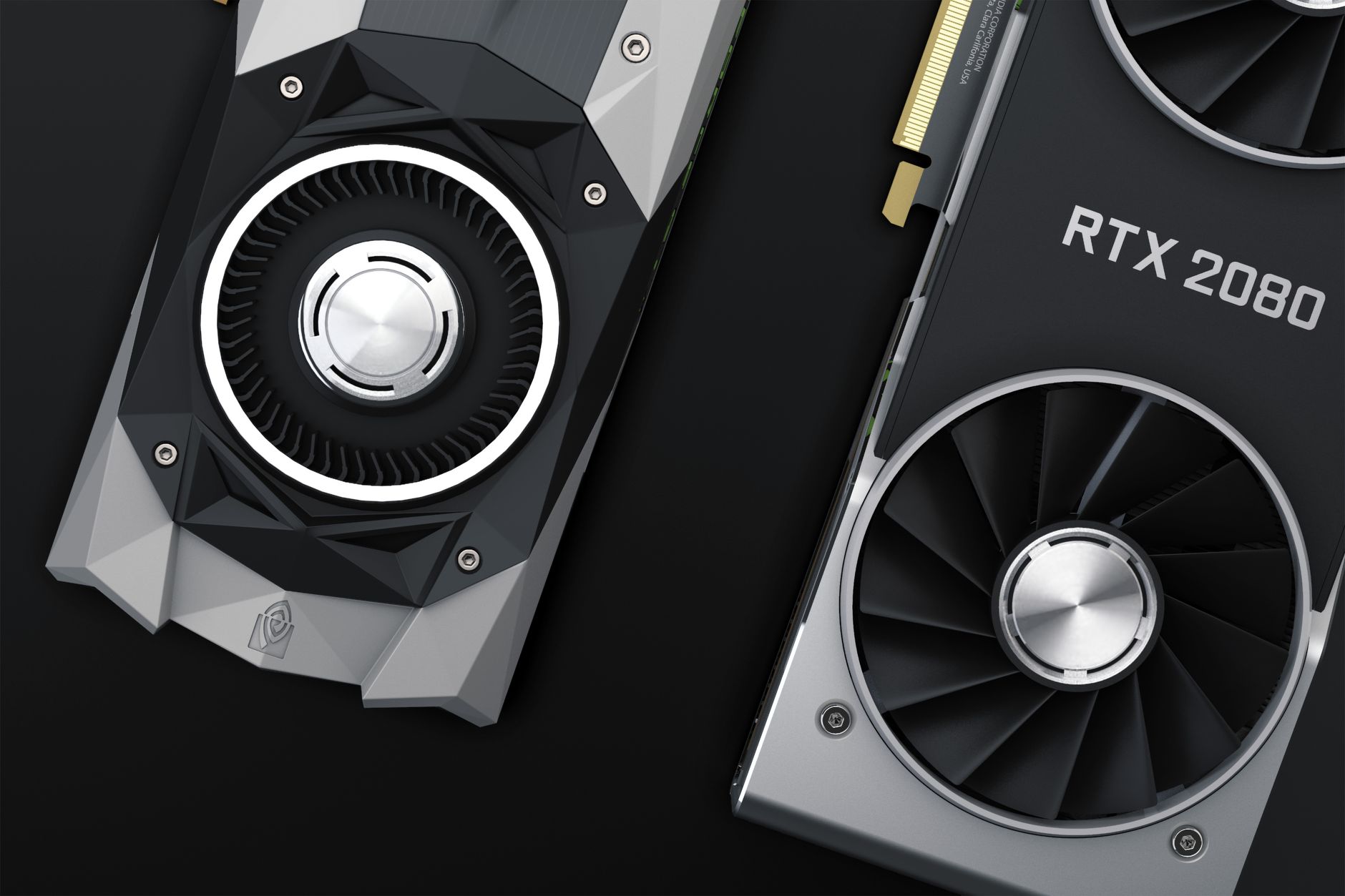
At native 4K with Ultra settings and no upscaling, the RTX 5060 Ti averaged 38fps in the Ashwood Forest sequence. That number is not surprising for a card at this tier, and native 4K without upscaling is not what this GPU is designed for. With DLSS Quality at 4K, average performance climbed to 61fps, which is where the card becomes a legitimate 4K option for players who prioritize image quality in a story-driven game and can tolerate occasional dips during the most demanding encounters.
DLSS Performance mode at 4K hit 84fps average with 1% lows around 64fps. At that point, image quality starts to show the strain – not enough to ruin the experience, but enough that some players will prefer the smoother 1440p presentation. The 5060 Ti is most comfortable as a 1440p card in Phantom Spirit, and at that resolution it delivers a genuinely good experience once DLSS 4 is in the picture.
Thermal Performance and Power Draw
The RTX 5060 Ti ran at a steady 71 degrees Celsius under sustained load during the two-hour test session, with the GPU boost clock sitting between 2,850MHz and 2,920MHz consistently. Power draw averaged 165W during gameplay, peaking at 178W during the most particle-dense sequences. Those numbers mean a quality 550W PSU is sufficient, which keeps the upgrade path accessible for players on mid-range system builds.
Fan noise on the Founders Edition card was audible but not intrusive – a steady mid-range hum rather than the aggressive high-pitched whine some Ampere-era cards produced under heavy load. Phantom Spirit’s benchmark tool, accessible from the main menu, produced numbers within 2-3% of real gameplay results across all tested scenes, which is a more accurate built-in benchmark than most titles ship with and a genuine help for dialing in settings before starting a session.
The card’s thermal headroom also left space for a modest overclock. Pushing the boost offset by 100MHz and increasing power limit to 105% added roughly 4fps on average at 1440p native, which won’t change the calculus for players leaning on DLSS anyway but matters for those who prefer native rendering. Phantom Spirit at 1440p High native with that overclock applied averaged 72fps, keeping the card above 60fps in most traversal sequences – though the boss arena in the game’s fourth area, which Hollow Veil has already flagged for optimization in an upcoming patch, still dropped to 54fps at its worst.
That specific boss encounter is the only moment in the tested content where the 5060 Ti noticeably struggles without upscaling assistance, and Hollow Veil’s patch timeline suggests a fix within two weeks of launch. Whether that optimization closes the gap fully or just narrows it is the question the next driver cycle will answer.